
Using a Commercially Available USB Flash Drive – What You Can Do
You can do the following using a commercially available USB flash drive.
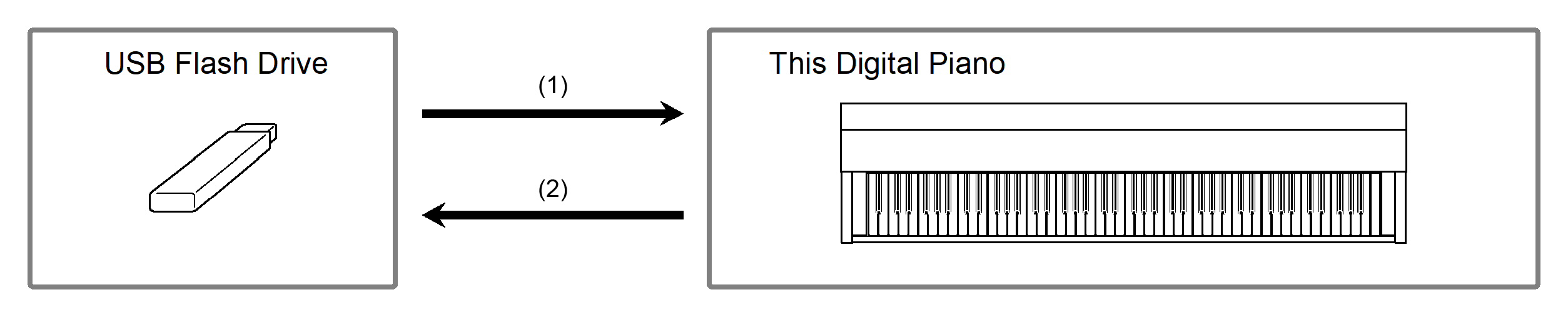
-
Using a file on a USB Flash Drive with this Digital Piano
-
Direct playback of audio files from a USB flash drive
For more information, see “Playing Audio Data (WAV, MP3)”.
-
Direct playback of MIDI files on a USB flash drive
For more information, see “Playing MIDI Data”.
-
Load compatible files from a USB flash drive into the Digital Piano
For details, see “Loading a MIDI File from a USB Flash Drive into the Digital Piano”, “Loading Audio Files from a USB Flash Drive onto the Digital Piano in Batches”, and “Loading a User Scene File Saved on a USB Flash Drive onto this Digital Piano”.
-
Deleting USB Flash Drive Files
For details, see “Deleting MIDI or Audio Files from a USB Flash Drive” and “Delete user scene files on a USB flash drive”.
-
-
Save performances or data stored on the Digital Piano to a USB flash drive
-
Record Audio Recorder songs (WAV) directly to a USB flash drive
For more information, see “Recording an Audio Recorder Song (WAV)”.
-
Saving data from the Digital Piano to a USB flash drive
For details, see “Saving MIDI Recorder Songs to a USB Flash Drive”, “Save a Batch of Audio Files from the Internal Memory to a USB Flash Drive”, and “Saving User Scenes to a USB Flash Drive”.
-