
MIDI Recorder and Audio Recorder Features
The Digital Piano has two recording options: a MIDI Recorder and an Audio Recorder. Depending on the type of data you want to record or play back, you will need to switch the [RePlayer/Recorder] setting between <MIDI Recorder>, <Audio Recorder (USB Drv.)>, or <Audio Recorder (Internal)>.
Recording Features
MIDI Recorder
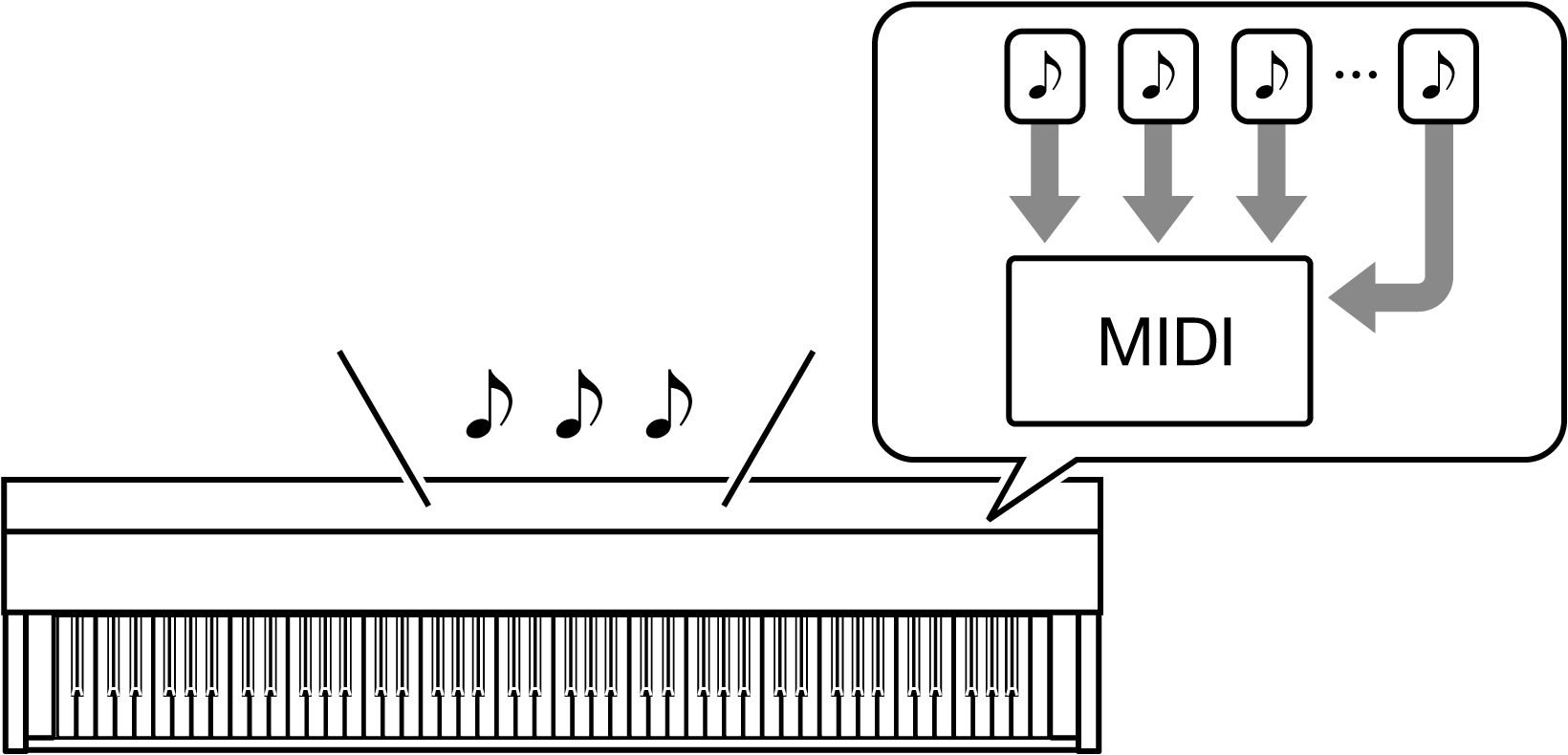
Performances are converted to MIDI data and recorded to two tracks (data domain where performances are recorded) in the internal memory.
-
Keyboard performance information (keys pressed and released, touch strength, etc.) is recorded as MIDI data.
-
MIDI data has the benefit of being extremely small in size compared to audio data, and it can be edited later, e.g., on a computer.
-
One song can be recorded. When a new recording is made, the previous recording is erased.
-
The maximum number of notes that can be recorded in one song is approximately 30,000 notes as a total for both tracks.
-
MIDI
MIDI is an abbreviation for Musical Instrument Digital Interface. It is a unified standard that allows performance information (keys pressed and released, touch strength, etc.) to be exchanged between electronic musical instruments or between electronic musical instruments and computer equipment, regardless of manufacturer. The performance information exchanged is called MIDI data.
You can also:
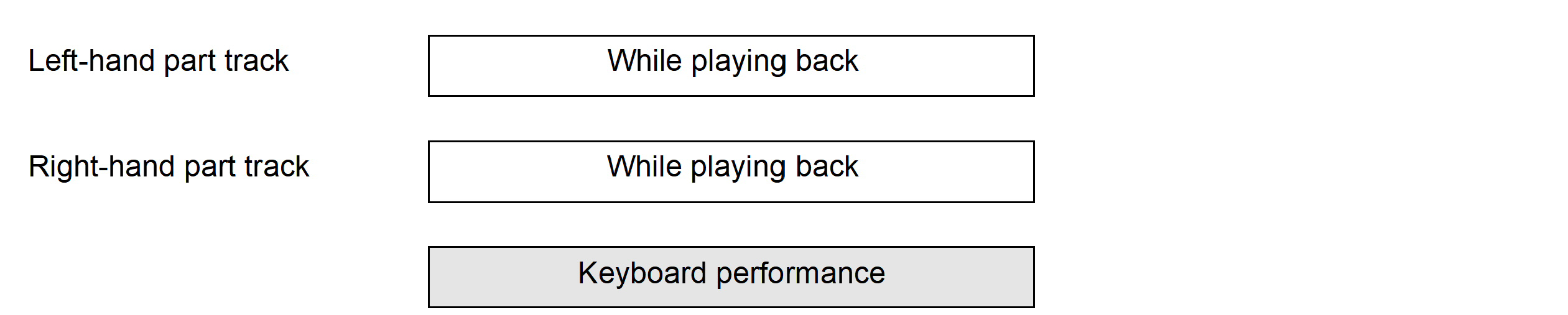
Record to the right-hand part track while playing the left-hand part track

Audio Recorder
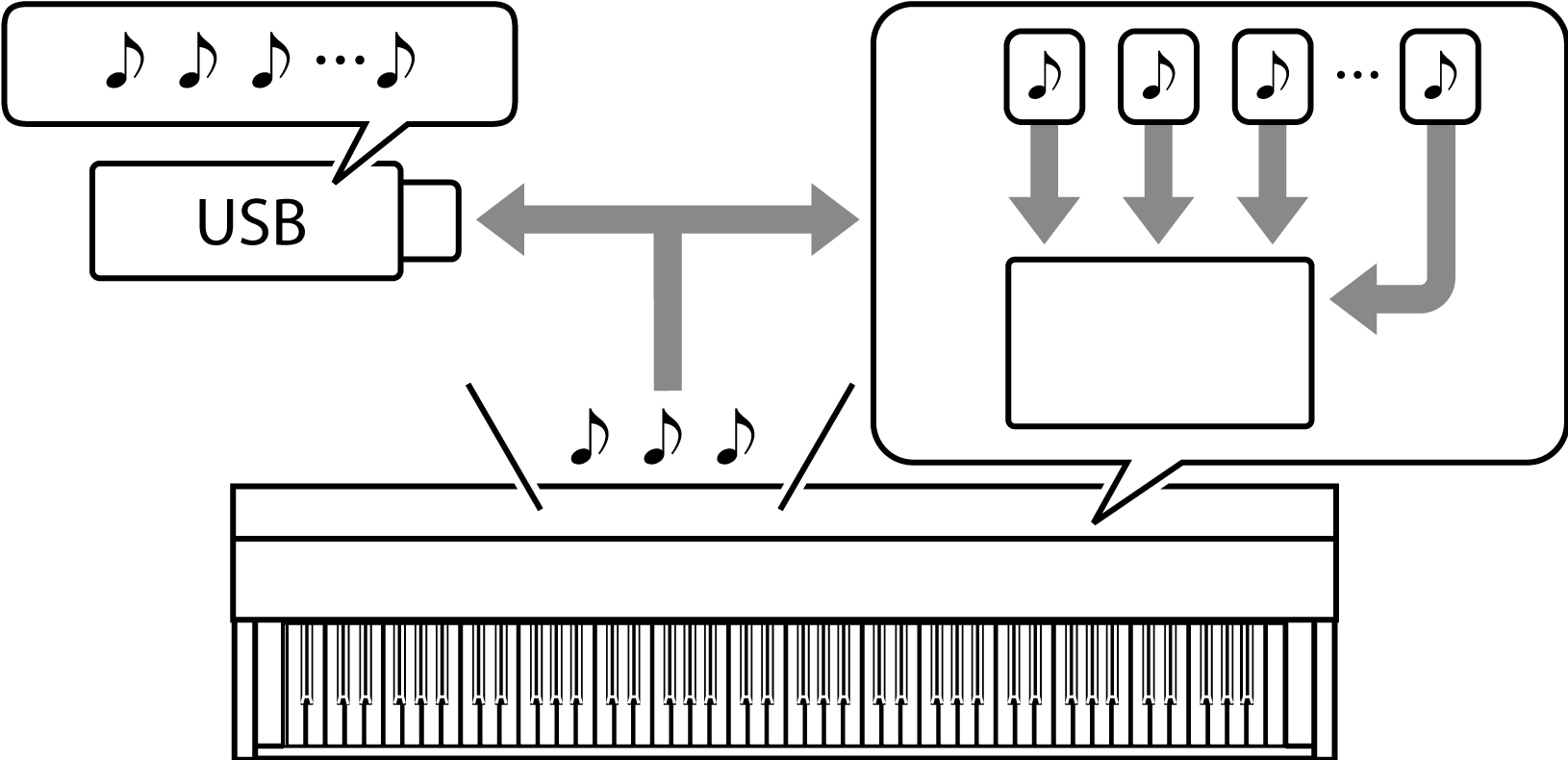
Record your performance as audio data to the internal memory or a USB flash drive.
-
The sound itself is recorded as audio data, similar to recording on a portable music player or tape recorder.
-
Audio data files are extremely large in size compared to MIDI data. However, they have the advantage of being easy to listen to on a computer or portable music player.
-
The internal memory can record up to approximately 18 minutes and up to 99 files (the total of all files must not exceed 18 minutes).
-
Up to 25 minutes and up to 99 files can be recorded on a USB Flash Drive.
-
Audio Data
Audio data recorded with this Digital Piano is saved in WAV file format (linear PCM, 16 bit, 44.1 kHz, stereo).
You can also:
Record a performance while playing back a song recorded using the MIDI Recorder

Playback Features
MIDI Recorder
Plays the left-hand part track and the right-hand part track (both or either).
-
The MIDI Recorder automatically plays the internal sound source of this Digital Piano according to the performance information recorded as MIDI data.
You can also:
Play the keyboard along with playback of the left-hand part track and the right-hand part track
Change the Tempo of a Recording
You can, for example, record at a slower tempo and play back at a faster tempo.
-
The tempo set for the left-hand part track is applied to the right-hand part track.
Audio Recorder
Play audio data from internal memory or USB flash drive.
-
The Audio Recorder plays back the actual sound waveform, which is recorded as audio data.
You can also:
Perform on the keyboard while playing audio data
