
Using the Pedals
There are three pedals: Damper, Soft, and Sostenuto. You can enjoy expressive performances that feel closer to that of a grand piano using the pedals.
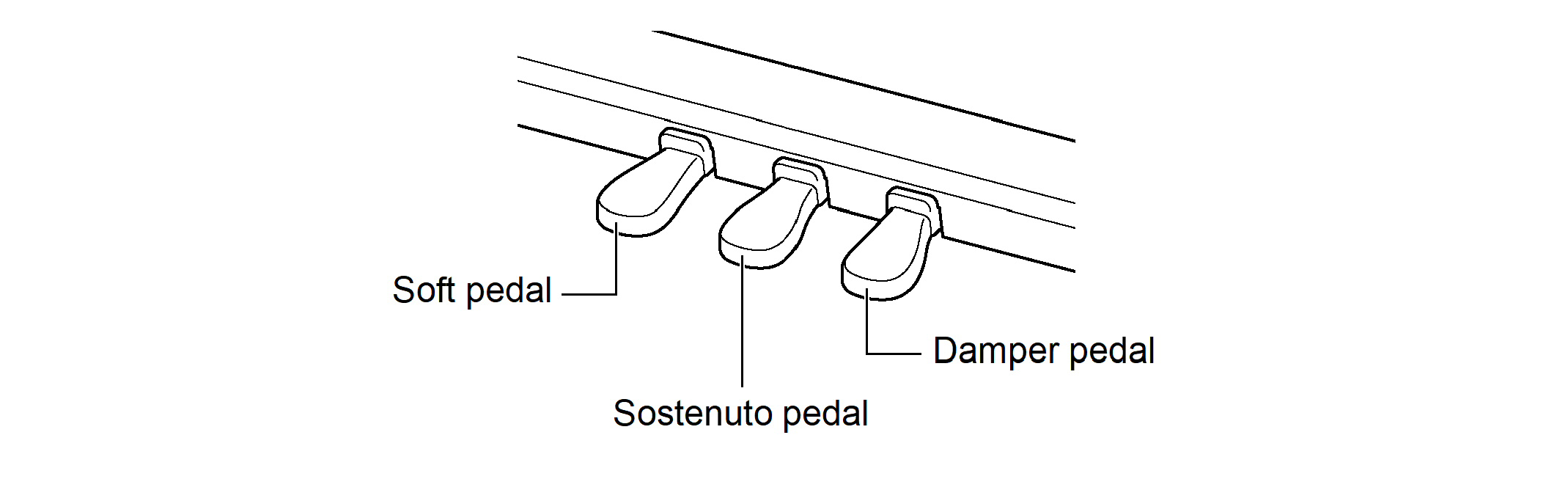
Damper Pedal
Pressing the damper pedal while playing will cause the notes you play to be sustained.
When a grand piano tone is selected, you can also create a resonance effect (Damper Resonance) similar to when using a damper pedal on an acoustic grand piano. The effect of the pedal varies continuously with the depth at which it is pressed down.
Soft pedal
Pressing this pedal while playing suppresses notes played on the keyboard after the pedal was pressed, and makes them sound softer. The effect of the pedal varies continuously with the depth to which it is pressed down.
Sostenuto Pedal
Only the notes of the keys that are depressed when this pedal is pressed are sustained, even if the keyboard keys are released, until the pedal is released.
Adjusting the Position of Where the Half Pedal is Applied (Half Pedal Position)
-
While holding down the “FUNCTION” button, press the D6 or E}6 keyboard key.
Using the +/– Keys to Raise or Lower the Setting Value by 1 (operation type B)

-
Setting value: –2 (shallow) to 0 (standard) to +2 (deep)
-
Default value: 0
|
Keyboard |
Setting |
|
D6 |
Makes the half pedal shallower by one step (–) |
|
E}6 |
Increases the half-pedal starting position by one step (+) |
|
D6 + E}6 |
Returns the half-pedal starting position to standard (0) |