
Turning the Power On/Off
Turning the Power On
-
Press the “P(Power)” button to turn the Digital Piano on.
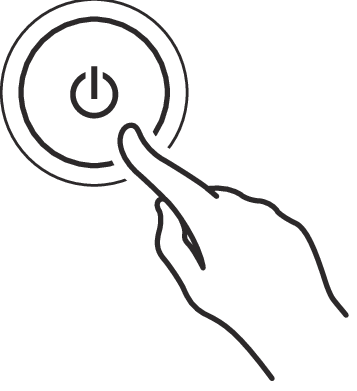
-
When the power is turned on, each touch button will blink while the Digital Piano is starting up. When all touch buttons are lit up, the Digital Piano is ready for use.
-
The power may not come on after pressing the “P(Power)” lightly, however, this is not a malfunction. If this happens, firmly press the “P(Power)” button again.
-
A pop may be heard when turning the power on and off, but this is not a malfunction.
-
If the Digital Piano is turned on without the Wireless MIDI & audio adaptor attached, the outer edge of the “P(Power)” button will flash blue to indicate that the Wireless MIDI & audio adaptor is not attached.
-
-
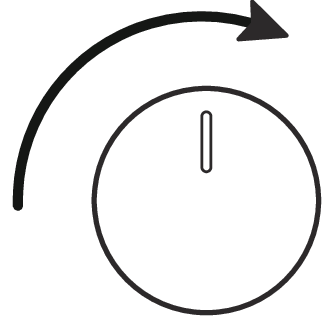
Once the power is turned on, use the volume knob to adjust the volume.
Auto Power Off Function
After approximately 20 minutes of inactivity, the power automatically turns off to prevent unnecessary power consumption. To prevent the power turning off between performances at concerts, etc., set the [Auto Power Off Function] to <Off>.
For more information, see “Auto Power Off”.
Power On Alert
After approximately 6 minutes without any operation, the touch buttons and Visual Information Bar will automatically switch to indicate that the power is still on. When an operation, such as touching a button or pressing a key, is performed, the Digital Piano will return to its normal state (all buttons lit up). You can switch the [Power On Alert] to operate or not.
For details, refer to “Power On Alert”.
Turning the Power Off
-
Press and hold the “P(Power)” button for about 2 seconds.
Saving Settings when the Power is Turned Off (Auto Resume)
When the Digital Piano is turned off, various settings such as tone numbers are reset. If [Auto Resume] is set to <On>, most settings will be saved even when the power is turned off.
For more information, see “Saving the Digital Piano Settings (Auto Resume)”.