
Changing the Volume Made by the Strength of Pressure Placed on a Key (Touch Response)
The [Touch Response] function changes the volume according to the strength (speed) with which a player presses a key. The [Touch Response] function enables the volume and sound quality to change according to the strength (speed) with which a player presses a key, just like an acoustic piano, enriching the expression of performances.
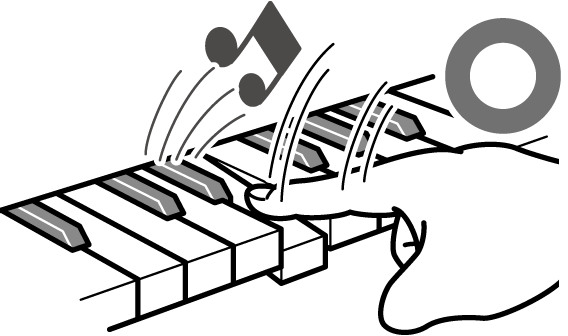
|
Press quickly to produce a loud sound. |
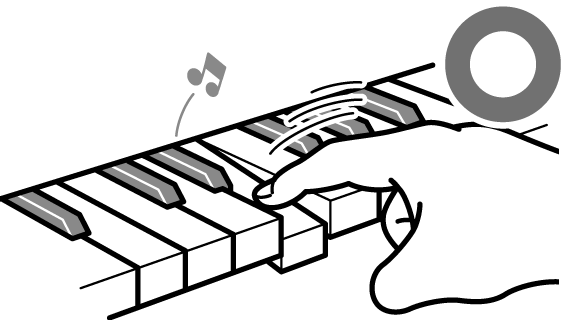
|
Press slowly to produce a quiet sound. |
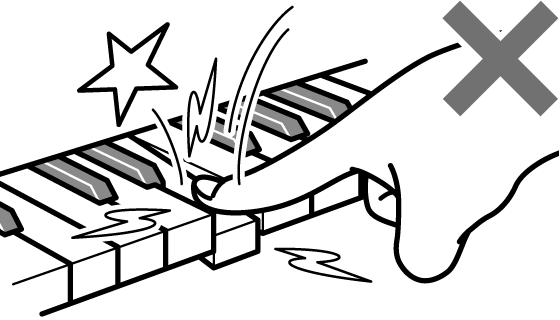
|
Do not press too vigorously. |
Changing the Sensitivity of Touch Response
-
While holding down the “GRAND PIANO” button, press one of the E}1 to A}1 keys.
Selecting a Setting Value Directly (operation type A)

-
Default value: 3
|
Key |
Setting Value |
Setting Details |
|
E}1 |
Off |
Cancels Touch Response. The volume remains constant even when key pressing speed changes. |
|
E1 |
1 (Light) |
This setting makes it easier to produce loud sounds, and the touch feels lighter than “Normal”. |
|
F1 |
2 (Medium light) |
|
|
F{1 |
3 (Normal) |
Standard setting. |
|
G1 |
4 (Medium heavy) |
This setting makes it difficult to produce loud sounds, and the touch feels heavier than “Normal”. |
|
A}1 |
5 (Heavy) |