
What you can do with Gʼz EYE
Installing the Gʼz EYE app on your smartphone and then establishing a connection with your camera enables the functions described below.
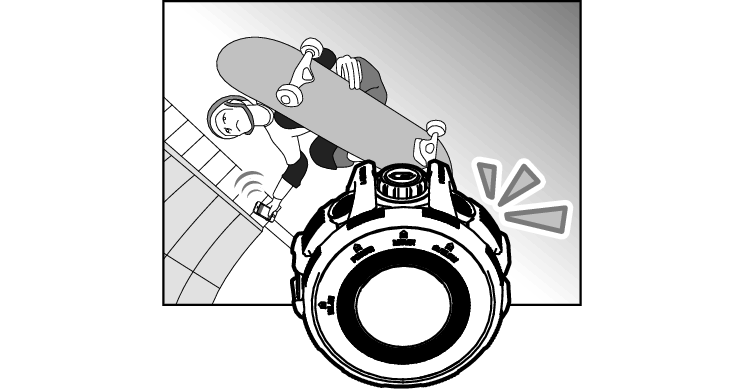
Shoot with the App
Remotely control and shoot with the camera using a smartphone.
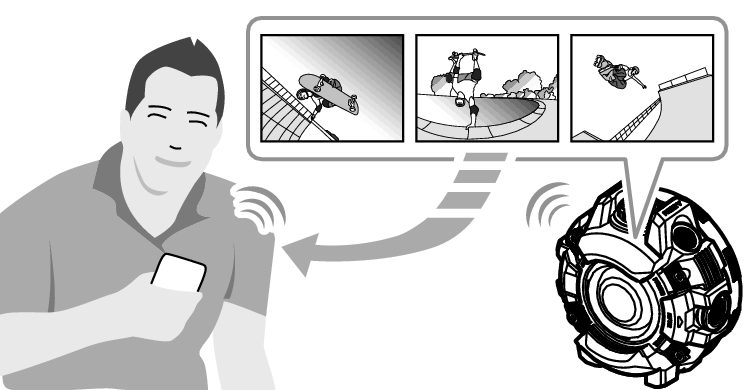
View Images with the App
View snapshots and movies stored in camera memory, and copy them to a smartphone.
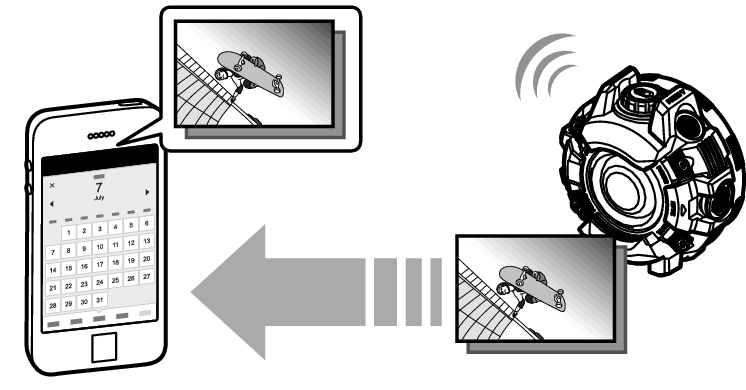
Auto Send Images to a Smartphone
Configure settings that cause images shot with a camera that is registered on the Gʼz EYE app to send images shot with the camera to the smartphone automatically.
Shoot with the Camera or an Optional Controller
After configuring camera settings with the Gʼz EYE app, you can shoot images with the camera, or an optional Controller With LCD or Remote Controller.
Use the Scene App
Use the Gʼz EYE app to start up the Scene app.
The Scene app is an image management app that lets you display images at high speed and share albums with friends.
 Top of page