
Checking the Connection Status
You can use the Gʼz EYE app top screen to check the current status of the connection with the camera. The button at the bottom of the screen is red while there is connection between the camera and smartphone.
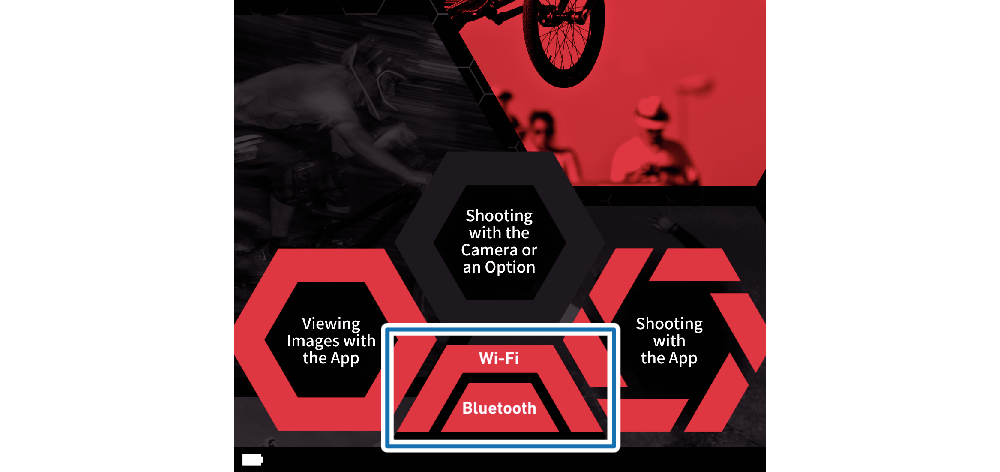
When the camera is already registered on the Gʼz EYE app
|
Button |
Status |
|---|---|
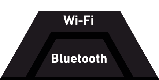 |
No Bluetooth wireless technology connection or wireless LAN connection with the camera |
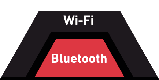 |
Connected with the camera by Bluetooth wireless technology only |
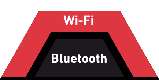 |
Connected with the camera by wireless LAN only |
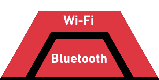 |
Connected with the camera by Bluetooth wireless technology and wireless LAN |
When the camera is not registered on the Gʼz EYE app
|
Button |
Status |
|---|---|
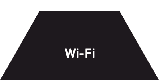 |
No wireless LAN connection with the camera |
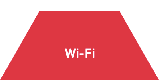 |
Connected with the camera by wireless LAN |
 Top of page