Sunrise and Sunset Times
You can use the procedures in this section to check the sunrise and sunset times for a specified date (year, month, day) and location.

Looking Up Today’s Sunrise and Sunset Times
-
Enter the Sunrise/Sunset Mode.
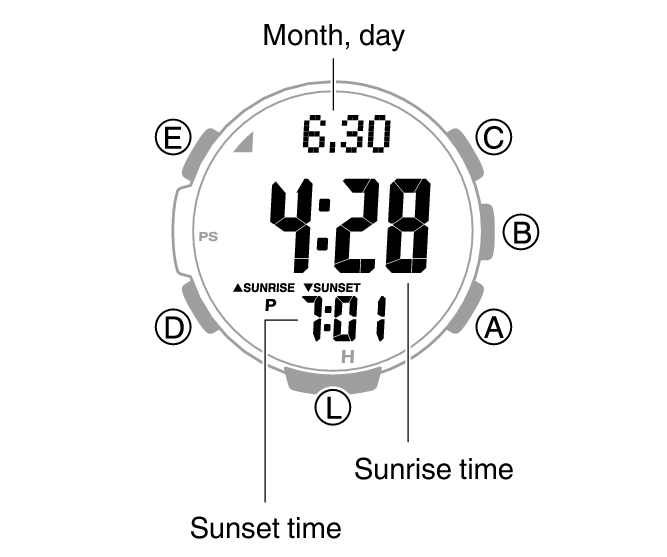
This displays the current date’s sunrise and sunset times for your Home City.
Looking Up Sunrise and Sunset Times by Specifying a Day
-
Enter the Sunrise/Sunset Mode.
-
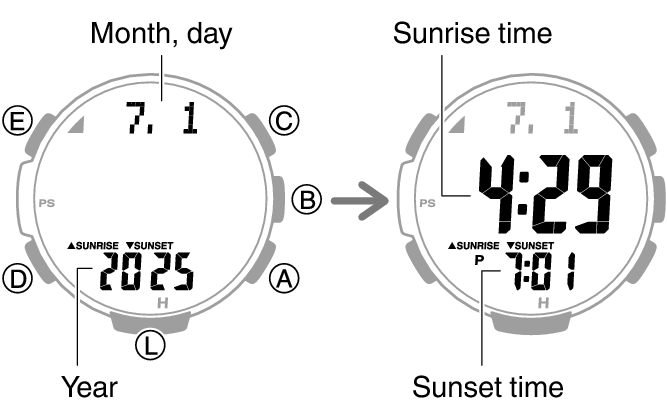
Use (A) and (C) to select the day you want.
This displays the sunrise and sunset times for the day you specified.
Holding down (A) or (C) scrolls through settings at high speed.
Looking Up Sunrise and Sunset Times by Specifying a Location
-
Enter the Timekeeping Mode.
-
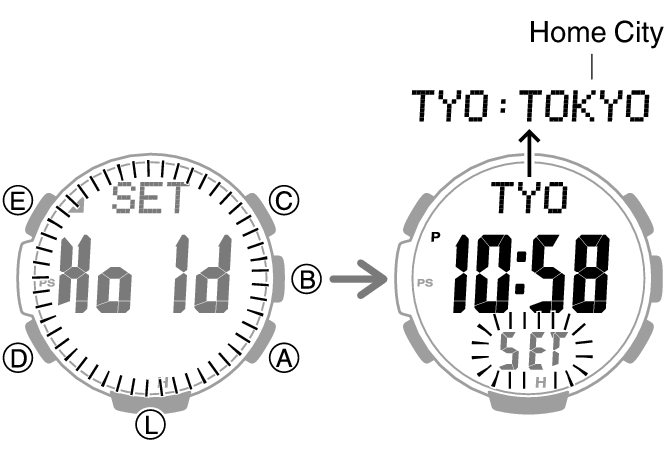
Hold down (E) for at least two seconds. Release the button when the name of the currently selected Home City appears on the display.
-
Use (A) and (C) to select the city name of the location whose sunrise/sunset times you want to look up.
-
Press (E).
-
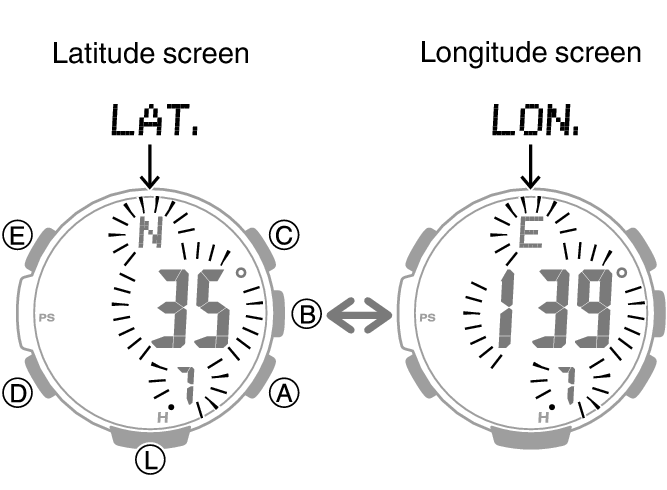
Press (D) to toggle between the latitude and longitude setting screens.
-
Use (A) and (C) to specify an angle.
-
Press (E) to return to the Timekeeping Mode.
-
Press (D).
Holding down (A) or (C) scrolls through settings at high speed.
If you don’t need to specify a latitude and longitude, press (E) twice and advance to step 8.
This displays the latitude or longitude setting screen.
Setting ranges are shown below.
Latitude: 65.0°S (65.0 degrees south latitude) to 0.0°N to 65.0°N (65.0 degrees north latitude)
Longitude: 179.9°W (179.9 degrees west longitude) to 0.0°E to 180.0°E (180.0 degrees east longitude)
You can change the setting in 0.1° increments.
Holding down (A) or (C) scrolls through settings at high speed.
This displays the sunrise/sunset times for the location you specified.
Important!
If you specify a city that is not your Home City as the location when checking sunrise and sunset times, be sure to change back to your Home City setting after you are finished. If you don’t, the watch will not display the correct current time.
Note
While the setting is being configured, the watch will exit the setting operation automatically after about two or three minutes of non-operation.