Other Settings
This section explains other watch settings you can configure.
Enabling the Button Operation Tone
Use the procedure below to enable or disable the tone that sounds when you press a button.
-
Enter the Timekeeping Mode.
-
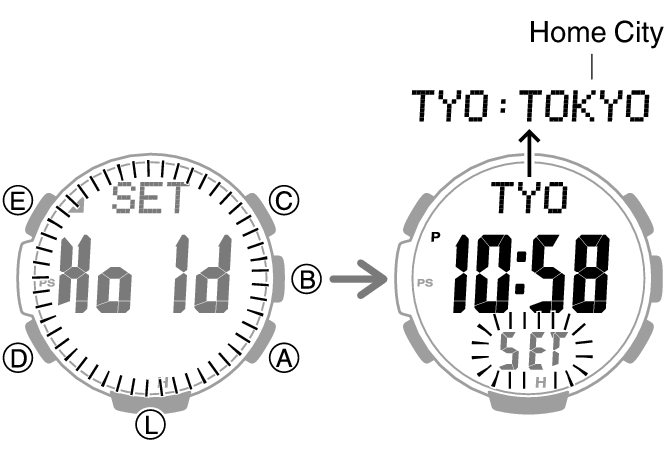
Hold down (E) for at least two seconds. Release the button when the name of the currently selected Home City appears on the display.
-
Press (D) nine times.
-
Press (A) to select [key♪] or [MUTE].
-
Press (E) twice to complete the setting operation.
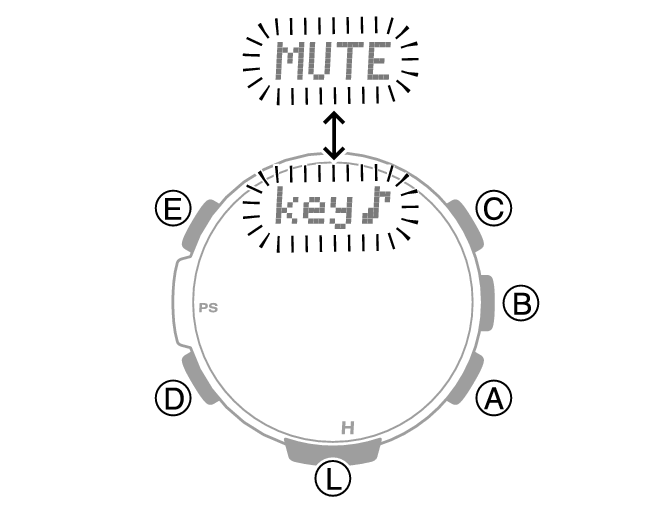
This causes [key♪] or [MUTE] to flash on the display.
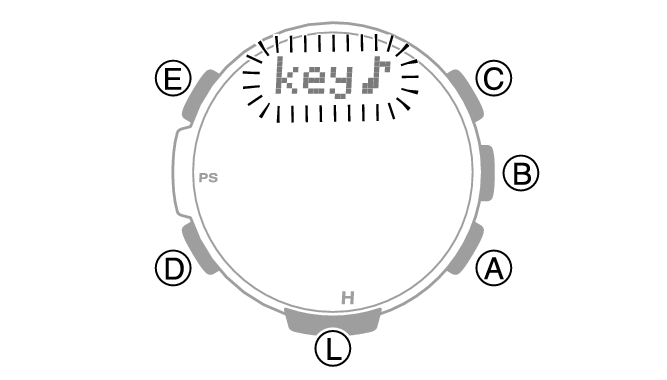
[key♪]: Operation tone enabled.
[MUTE]: Operation tone disabled.
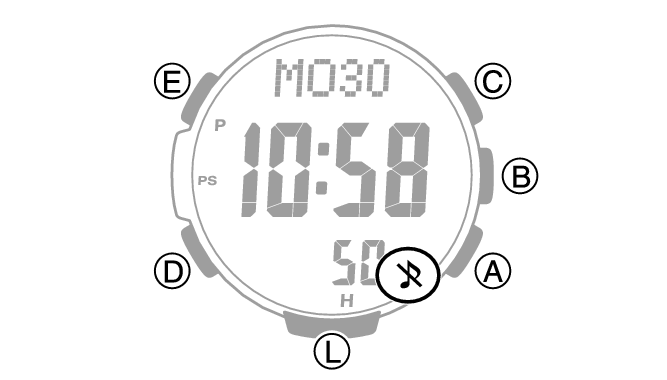
[ ] is displayed while the operation tone is muted.
Note
While the setting is being configured, the watch will exit the setting operation automatically after about two or three minutes of non-operation.
Note that alarm and timer tones will still sound even while the operation tone is muted.
Configuring Power Saving Function Settings
-
Enter the Timekeeping Mode.
-
Hold down (E) for at least two seconds. Release the button when the name of the currently selected Home City appears on the display.
-
Press (D) 11 times.
-
Press (A) to toggle between on and off.
-
Press (E) twice to complete the setting operation.
This displays [POWER SAVING].
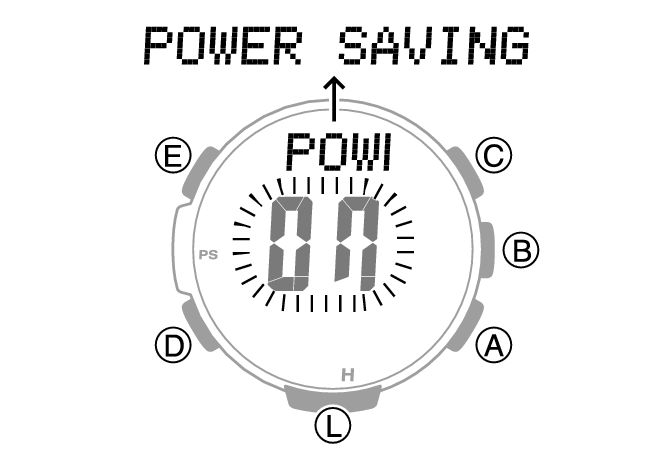
[On]: Power Saving enabled.
[OFF]: Power Saving disabled.
Note
While the setting is being configured, the watch will exit the setting operation automatically after about two or three minutes of non-operation.
For details about Power Saving, refer to the information below.