Time Correction
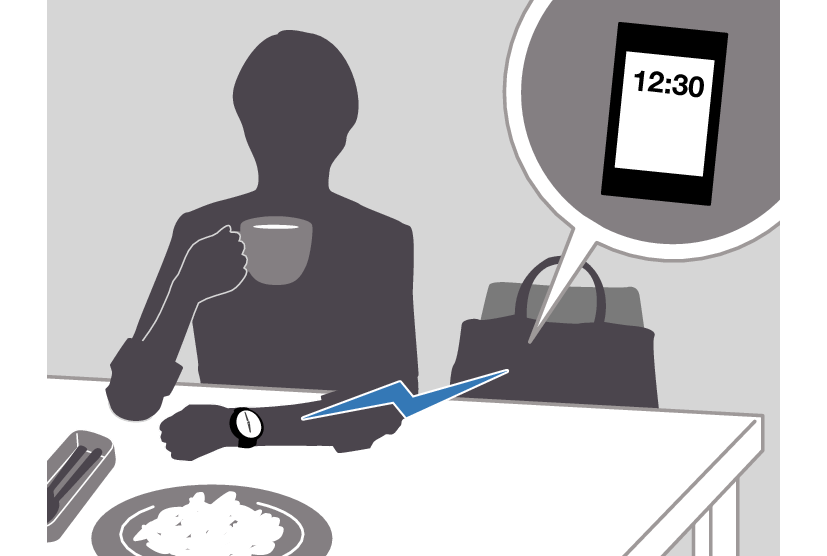
Your watch can connect with a phone to obtain information that it uses to correct its date and time setting.
Important!
When you are on an aircraft or in any other location where radio signals area may cause problems, enable the watch’s Airplane Mode to disable connection with your phone.
Referring to the information below, configure the time setting in accordance with the method that suits your own lifestyle.
Do you use a phone?
If your phone cannot connect with the watch
You can correct time settings by performing operations on the watch.
Using Watch Operations to Correct the Time Setting
If your watch cannot connect with a phone for some reason, you can use watch operations to adjust date and time settings.
Setting the Time/Date
-
Enter the Timekeeping Mode.
-
Hold down (A) for at least two seconds.
-
Use (C) to display the setting you want to change.
-
Configure the date and time settings.
-
Repeat steps 3 and 4 to select time and date settings.
-
Press (A) twice to complete the setting operation.
Release the button when [SET] stops flashing.
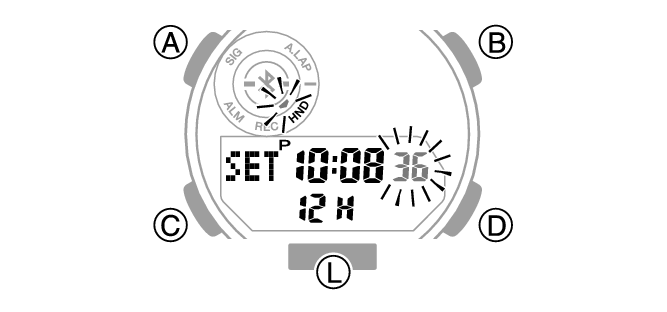
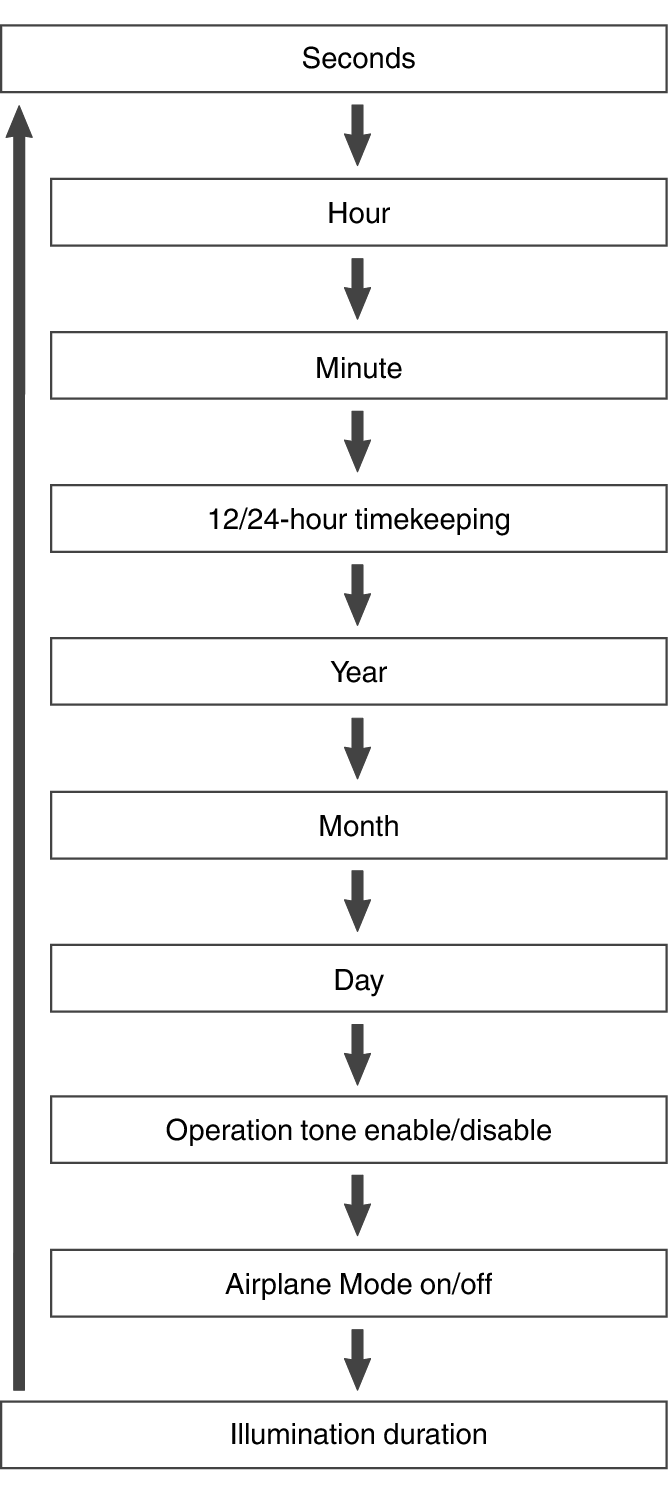
Each press of (C) cycles through settings in the sequence shown below.
While the seconds are flashing, pressing (D) will reset them to 00. 1 is added to the minutes when the current seconds count is between 30 and 59 seconds.
To configure settings other than the seconds, use (B) and (D).
Switching between 12-hour and 24-hour Timekeeping
You can specify either 12-hour format or 24-hour format for the time display.
-
Enter the Timekeeping Mode.
-
Hold down (A) for at least two seconds.
-
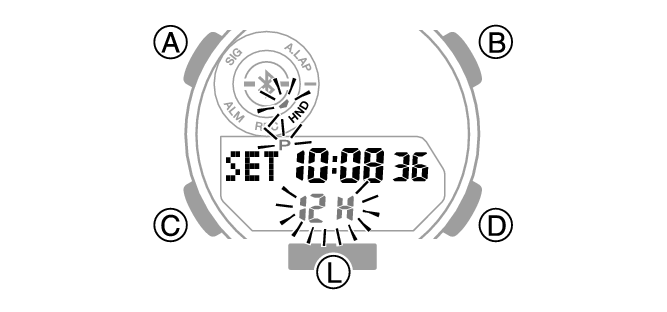
Press (C) three times so [12H] or [24H] is flashing on the display.
-
Press (D) to select [12H] (12-hour timekeeping) or [24H] (24-hour timekeeping).
-
Press (A) twice to complete the setting operation.
Release the button when [SET] stops flashing.
Note
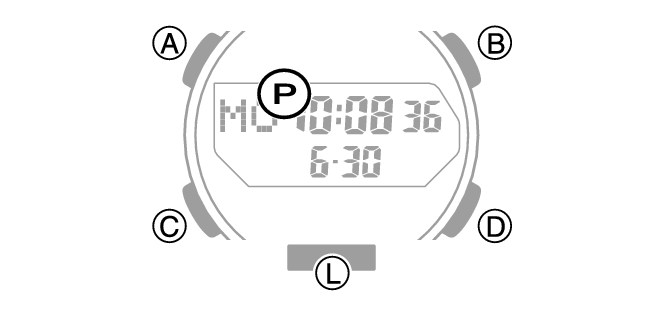
While 12-hour timekeeping is selected, [P] will be displayed for p.m. times.
While the setting is being configured, the watch will exit the setting operation automatically after about two or three minutes of non-operation.
Using the Watch in a Medical Facility or Aircraft
When you are in a hospital, on an aircraft, or in any other location where radio signals may cause problems, you can perform the procedure below to disconnect the watch from your phone so they can’t communicate with each other (Airplane Mode). Use the same procedure when you want to disable the Airplane Mode.
-
Enter the Timekeeping Mode.
-
Hold down (A) for at least two seconds.
-
Press (C) eight times.
-
Press (D) to change the Airplane Mode setting.
-
Press (A) twice to complete the setting operation.
Release the button when [SET] stops flashing.
This displays the Airplane Mode icon.
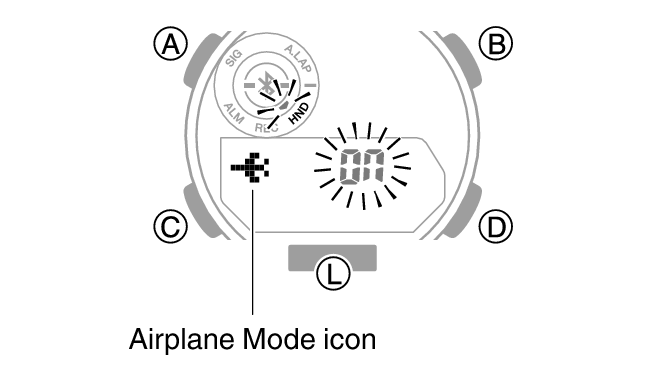
[On]: Airplane Mode enabled.
[OFF]: Airplane Mode disabled.
Note
While the setting is being configured, the watch will exit the setting operation automatically after about two or three minutes of non-operation.