
Viewing Data Records
You can use the operation below to view split times and lap times.
-
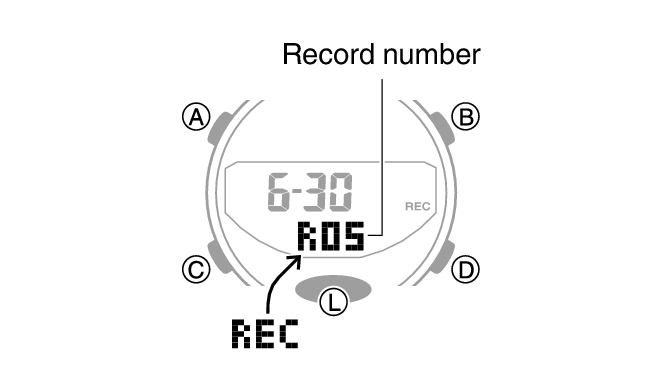
1.Enter the Recall Mode.
-
- This causes the record number of the latest measurement to appear.
-
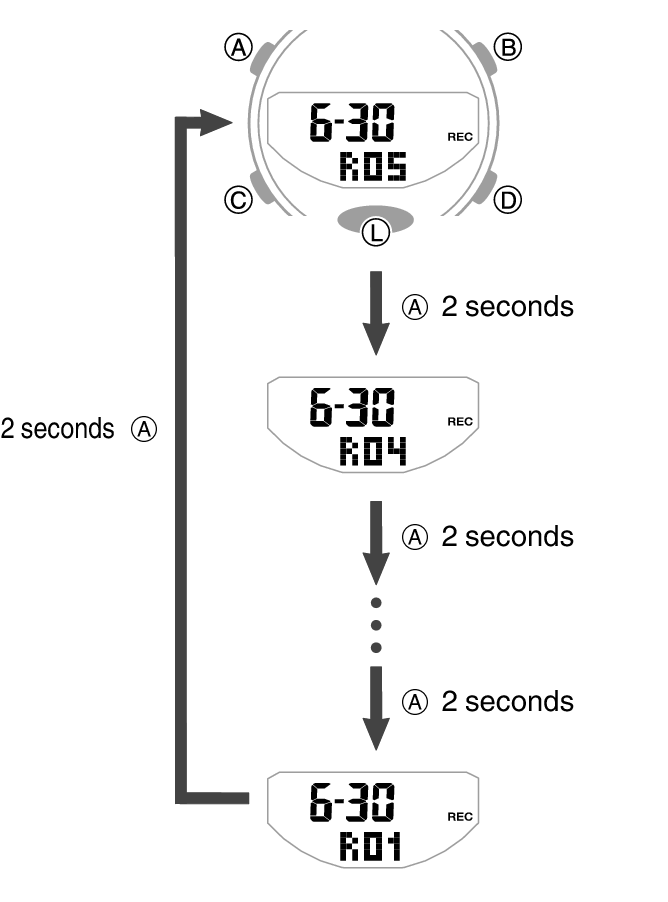
2.Hold down (A) for about two seconds to cycle through record numbers.
-
- Each time you hold down (A), the next older record number appears.
-
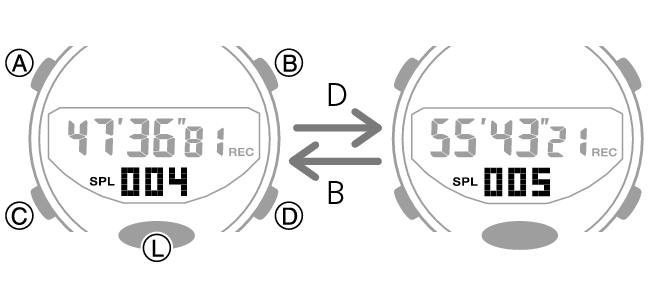
3.Use (D) and (B) to display the measurement value you want.
-
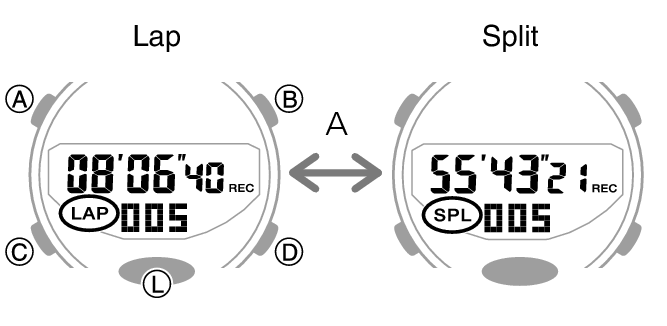
- Press (A) to toggle the measurement value display between lap time and split time.
 Top of page