Alarm
The watch beeps when an alarm time is reached. You can set up to five different alarms. The hourly time signal causes the watch to beep every hour on the hour.
An alarm will not sound if the battery is low.

Using CASIO WATCHES to Configure Alarm Settings
If the watch is paired with a phone, you can also use the CASIO WATCHES phone app to set alarms.
Configuring Alarm Settings
-
Enter the Alarm Mode.
-
Press (D) to scroll through alarm numbers ([AL1] to [AL5]) until the alarm you want to configure is displayed.
-
Hold down (A) for at least two seconds. Release the button when the hours digits start to flash.
-
Use (B) and (D) to change the hour setting.
-
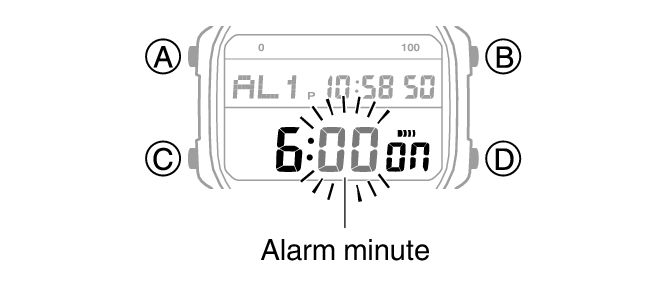
Press (C).
-
Use (B) and (D) to set the minute setting.
-
Press (A) to exit the setting screen.
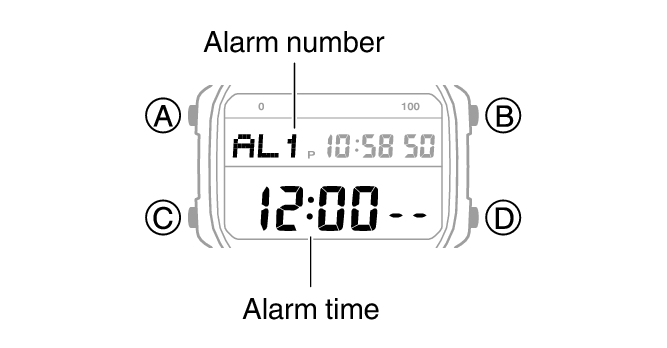
While the setting is being configured, the watch will exit the setting operation automatically after about two or three minutes of non-operation.
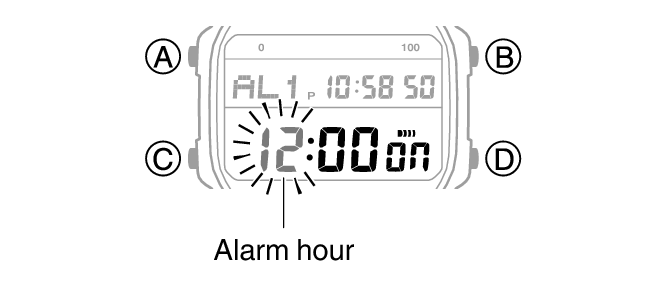
Holding down (B) or (D) scrolls through settings at high speed.
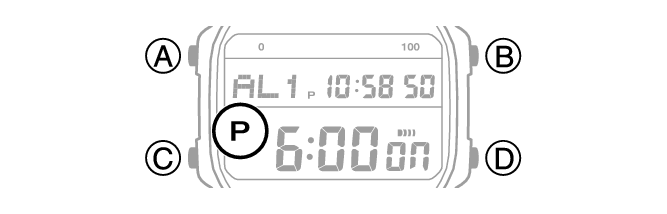
If you are using 12-hour timekeeping, [P] indicates p.m.
This causes the minutes digits to flash.
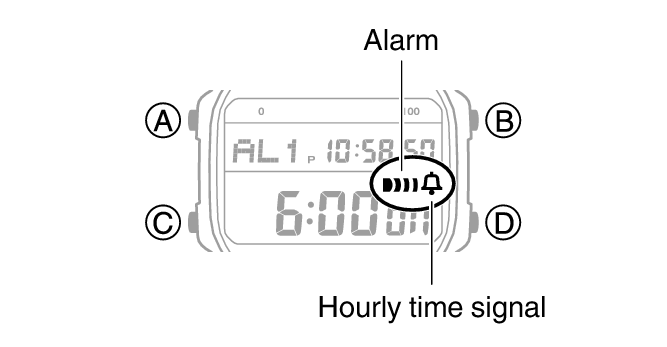
 (alarm) is shown on the display while an alarm is turned on.
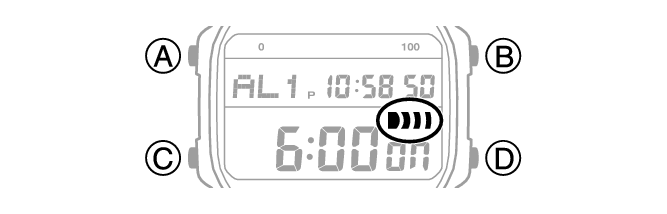
Note
A beeper sounds for 10 seconds when an alarm time is reached.
The watch automatically returns from the Alarm Mode to the Timekeeping Mode if you do not perform any operation for about two or three minutes.
Testing the alarm
In the Alarm Mode, hold down (D) to sound the alarm.
To stop the alarm
Pressing any button while the beeper is sounding stops it.
Enabling the Hourly Time Signal
-
Enter the Alarm Mode.
-
Use (D) to display the hourly time signal screen ([SIG]).
-
Press (A) to toggle the hourly time signal between enabled and disabled.
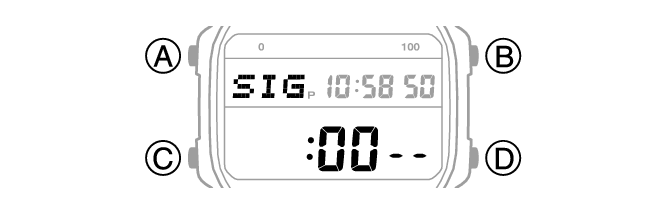
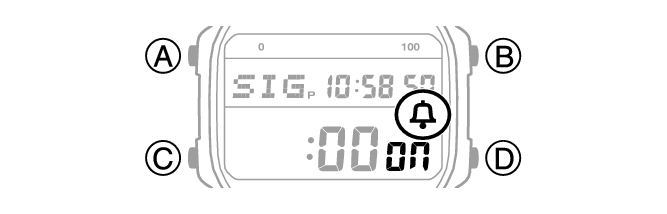
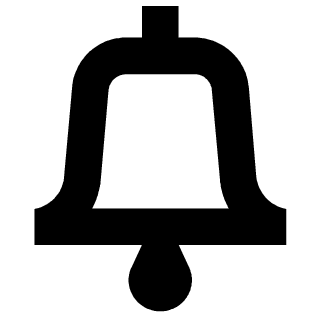 (hourly time signal) is shown on the display while the hourly time signal is turned on.
Turning Off an Alarm or the Hourly Time Signal
To stop an alarm or the hourly time signal from sounding, perform the steps below to turn it off.
To have an alarm or hourly time signal sound again, turn it back on.
Note
Indicators are displayed while any of the alarms or the hourly time signal is turned on.
The applicable indicators are not displayed while all of the alarms are turned off and/or the hourly time signal is turned off.
-
Enter the Alarm Mode.
-
Use (D) to scroll through the alarm ([AL1] to [AL5]) and hourly time signal ([SIG]) screens until the one you want to turn off is displayed.
-
Press (A) to turn off the displayed alarm or the hourly time signal.
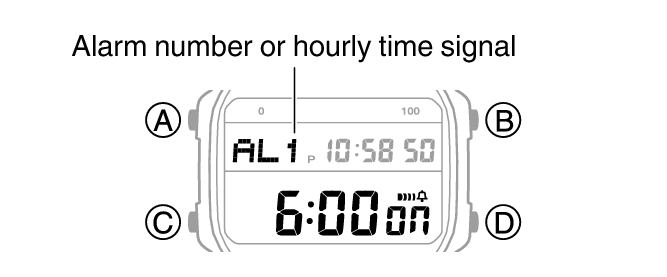
Each press of (A) toggles between on and off.
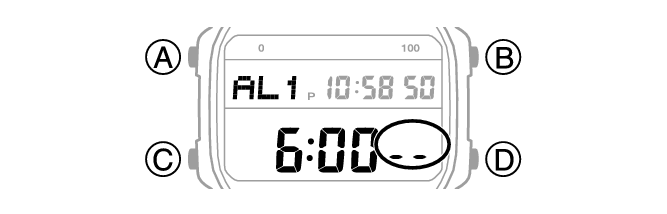
Turning off an alarm causes (alarm) to disappear from the display. Turning off the hourly time signal causes (hourly time signal) to disappear.
Note
If (alarm) is still displayed after you turn off an alarm, it means that at least one of the other alarms is still turned on. To turn off all of the alarms, repeat steps 2 and 3 until the (alarm) indicator is no longer displayed.