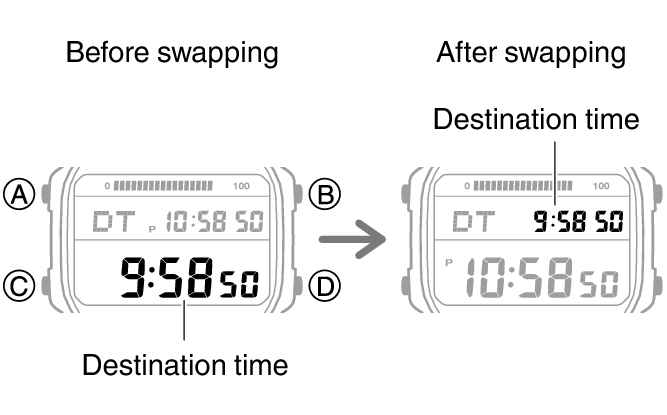
Dual Time
Dual Time lets you look up the current time in various time zones around the globe.

Using CASIO WATCHES to Configure World Time City Settings
If the watch is paired with a phone, you can also use the CASIO WATCHES phone app to set the World Time city.
Note
World Time cities that can be selected only by using the CASIO WATCHES phone app cannot be selected using watch operations.
Configuring Dual Time Settings
Dual Time lets you set the current time in another time zone in addition to your current location time.
-
Enter the Dual Time Mode.
-
Hold down (A) for at least two seconds. Release the button when the hour setting starts to flash.
-
Use (B) and (D) to change the hour setting.
-
Press (C).
-
Use (B) and (D) to set the minute setting.
-
Press (A) to complete the setting operation.
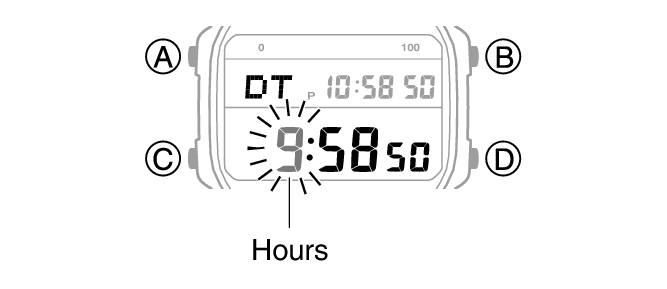
This causes the minutes digits to flash.
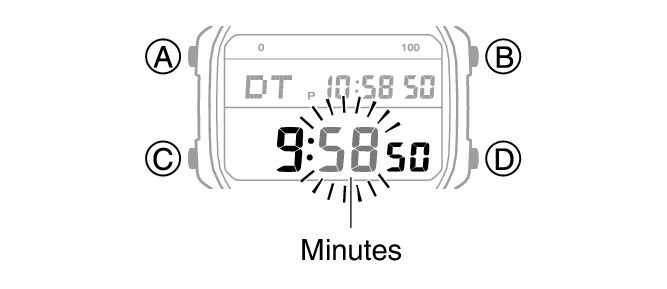
You can change the setting in 15-minute increments.
Swapping the Home City Time and Dual Time
-
Enter the Dual Time Mode.
-
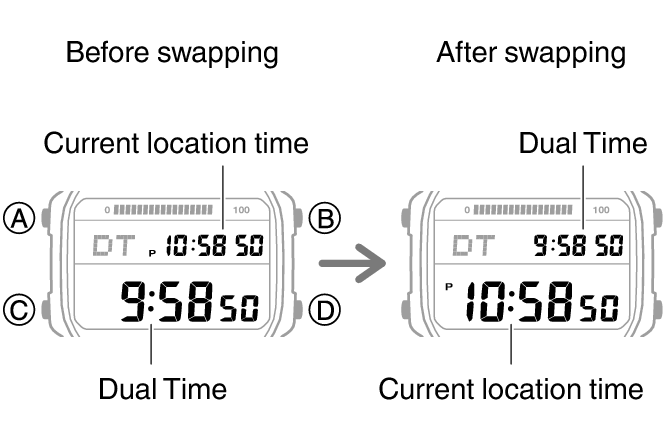
Hold down (D) for at least two seconds.
This swaps the Home City time and Dual Time.
Note
This function comes in handy when you need to move to another time zone. For details about how to use it, go to the section below.
Moving to Another Time Zone
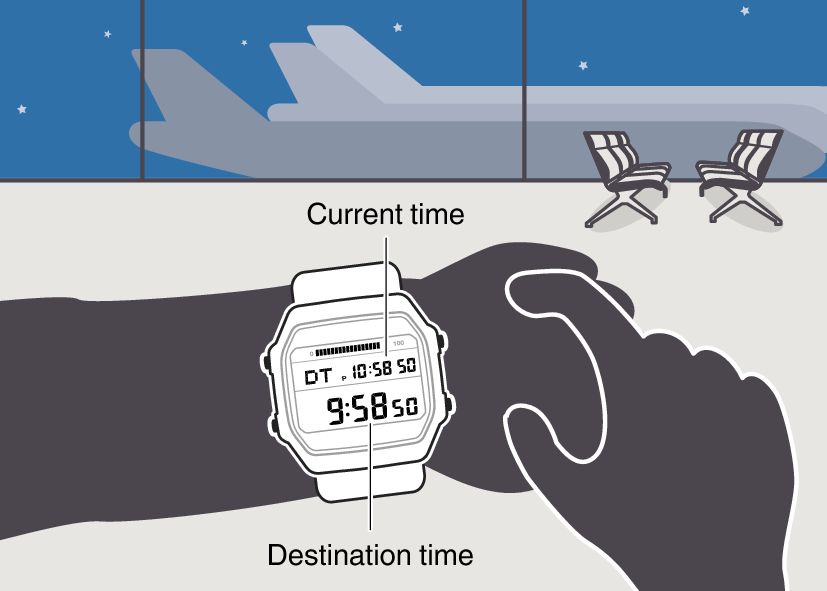
Use the procedure below to easily change day and time settings of the watch to a destination location.
Before Boarding
-
Configure the World Time (Dual Time) to the current time at your destination.
-
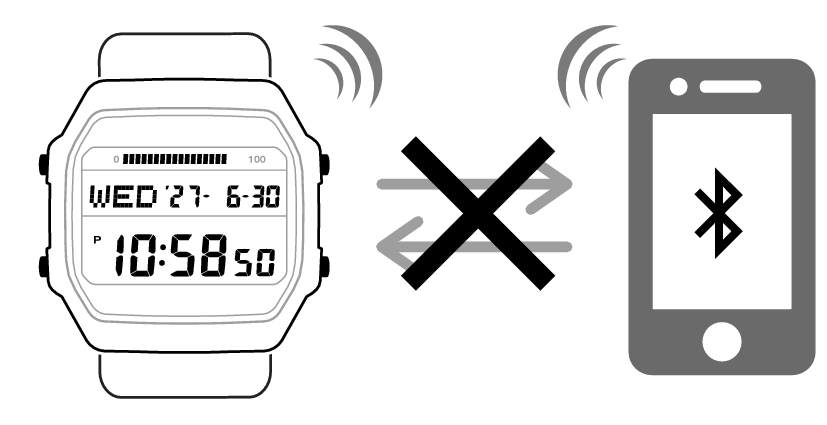
Disable auto time correction.
After Arriving
-
Swap the origin time zone time with the destination time zone time.
-
Enable auto time correction.
-
Correct the time setting.