Time Correction
Your watch can connect with a phone to obtain information that it uses to correct its date and time setting.
Important!
When you are on an aircraft or in any other location where radio signals may cause problems, enable the watch’s Airplane Mode to disable connection with your phone.
Referring to the information below, configure the time setting in accordance with the method that suits your own lifestyle.
Do you use a phone?
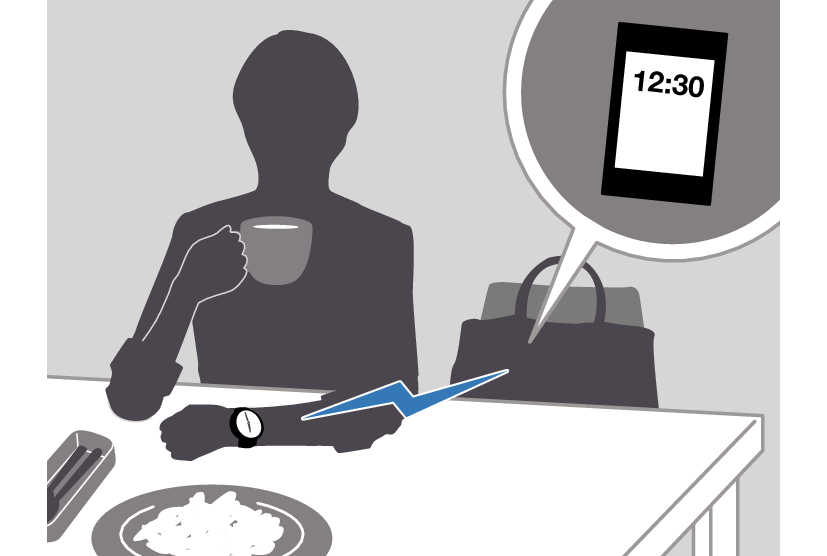
If your phone cannot connect with the watch
You can correct time settings by performing operations on the watch.
Using Watch Operations to Adjust the Time Setting
If your watch cannot connect with your phone for some reason, you can use watch operations to adjust date and time settings.
Setting the Time/Date
-
Hold down (C) for at least one second to enter the Timekeeping Mode.
-
Hold down (A) for at least two seconds.
-
Keep pressing (C) until the setting you want to change is flashing.
-
Configure the date and time settings.
-
Repeat steps 3 and 4 to select time and date settings.
-
Press (A) to complete the setting operation.
This causes the current step reminder setting ([ON] or [OFF]) to flash on the display.
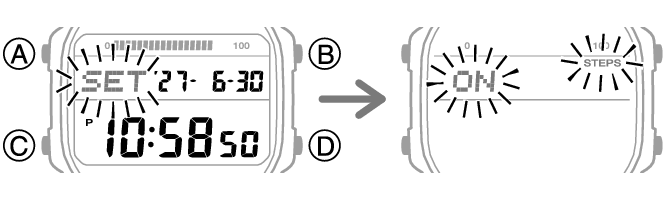
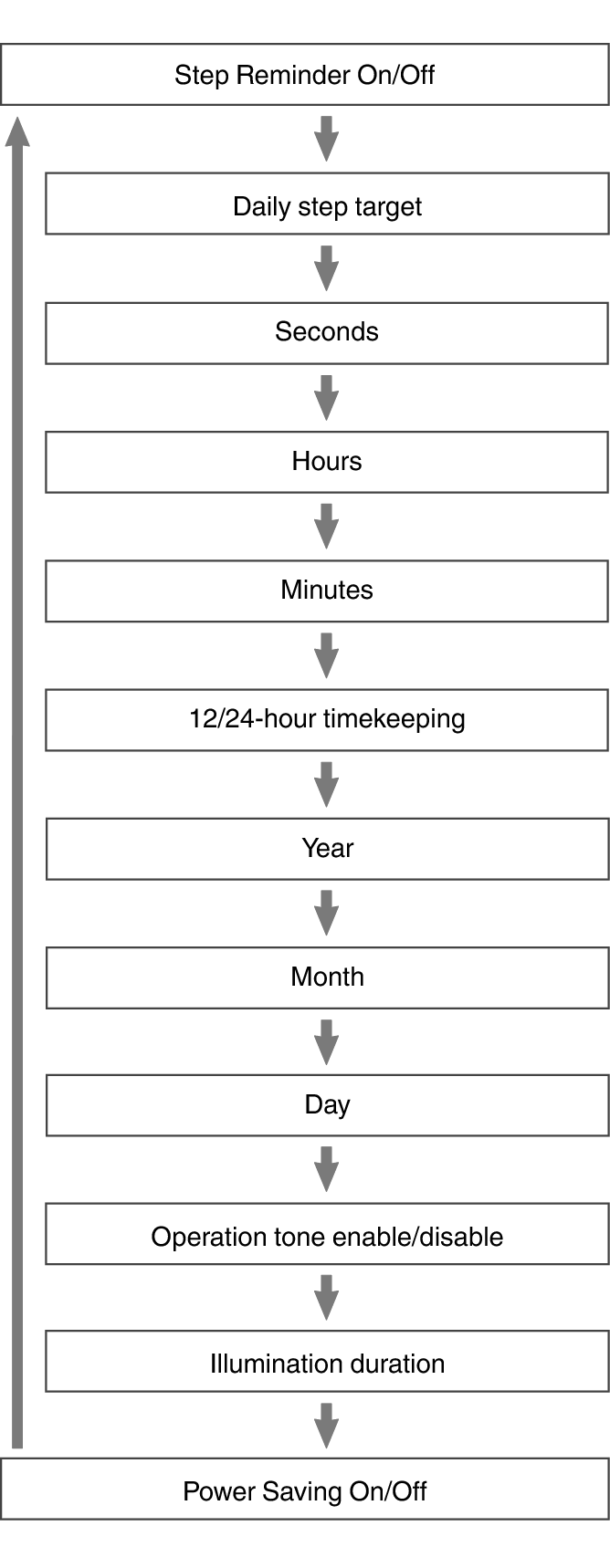
Each press of (C) moves the flashing to the next setting in the sequence shown below.
To reset the seconds to 00: Press (D). 1 is added to the minutes when the current count is between 30 and 59 seconds.
For all the other settings, use (B) and (D) to change the flashing setting.
Holding down (B) or (D) scrolls through settings at high speed.
Note
While the setting is being configured, the watch will exit the setting operation automatically after about two or three minutes of non-operation.
Switching between 12-hour and 24-hour Timekeeping
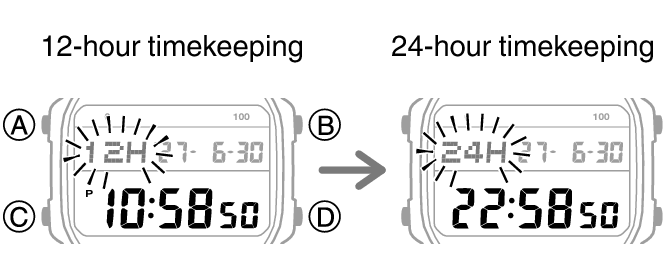
You can specify either 12-hour format or 24-hour format for the time display.
-
Hold down (C) for at least one second to enter the Timekeeping Mode.
-
Hold down (A) for at least two seconds.
-
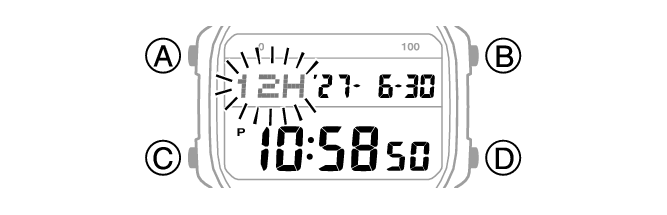
Press (C) five times.
-
Press (D) to toggle the setting between [12H] (12-hour timekeeping) and [24H] (24-hour timekeeping).
-
Press (A) to complete the setting operation.
This causes the current step reminder setting ([ON] or [OFF]) to flash on the display.
This causes [12H] or [24H] to flash on the display.
Note
While the setting is being configured, the watch will exit the setting operation automatically after about two or three minutes of non-operation.