Other Settings
This section explains other watch settings you can configure.
Enabling the Button Operation Tone
Use the procedure below to enable or disable the tone that sounds when you press a button.
-
Enter the Timekeeping Mode.
-
Hold down (A) for at least two seconds.
-
Press (C) nine times.
-
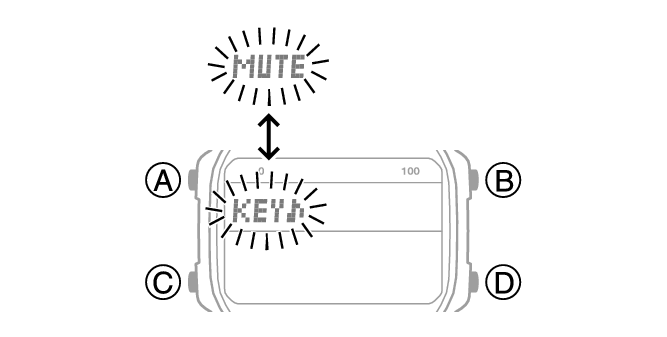
Press (D) to select [KEY♪] or [MUTE].
-
Press (A) to complete the setting operation.
This causes the current step reminder setting ([ON] or [OFF]) to flash on the display.
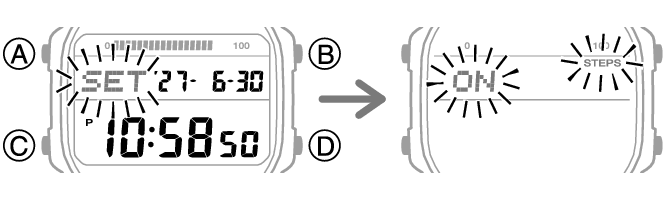
This causes [KEY♪] or [MUTE] to flash on the display.
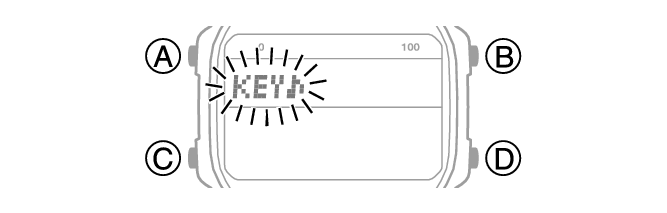
[KEY♪]: Operation tone enabled.
[MUTE]: Operation tone muted.
Note
While the setting is being configured, the watch will exit the setting operation automatically after about two or three minutes of non-operation.
Note that alarm and timer tones still sound even while the operation tone is muted.
Configuring Power Saving Function Settings
-
Enter the Timekeeping Mode.
-
Hold down (A) for at least two seconds.
-
Press (C) 11 times.
-
Press (D) to toggle between on and off.
-
Press (A) to complete the setting operation.
This causes the current step reminder setting ([ON] or [OFF]) to flash on the display.
This causes [PSOF] or [PSON] to flash on the display.
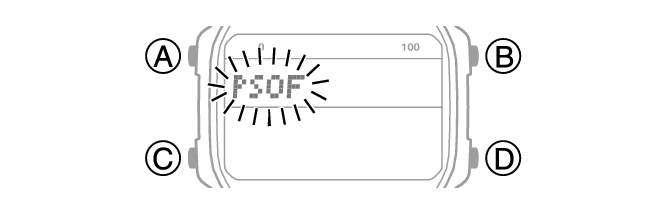
[PSON]: Power Saving enabled.
[PSOF]: Power Saving disabled.
Note
While the setting is being configured, the watch will exit the setting operation automatically after about two or three minutes of non-operation.
For details about Power Saving, refer to the information below.
Resetting Watch Settings
This section explains how to return the watch settings below to their initial factory defaults.
Watch Settings
Step Count
Stopwatch
Timer
Alarm
-
Enter the Timekeeping Mode.
-
Hold down (A) for at least two seconds.
-
Press (C) twice.
-
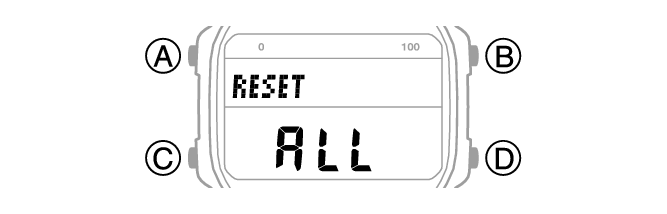
Hold down (B) for at least five seconds. Release when [ALL] stops flashing.
This causes the current step reminder setting ([ON] or [OFF]) to flash on the display.
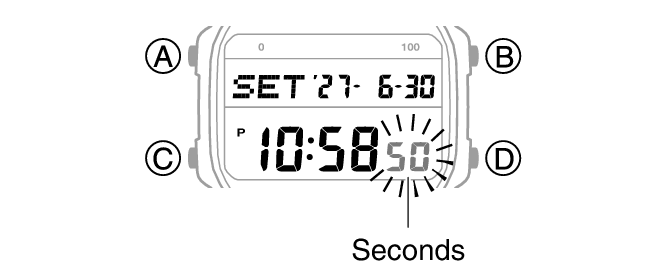
This causes the seconds to flash.
Note
While the setting is being configured, the watch will exit the setting operation automatically after about two or three minutes of non-operation.
Resetting the watch also deletes information for pairing the watch with a phone, and unpair them.