Mode Overview
Your watch has a Watch Mode and Activity Mode, and a Control Mode.
You can access the functions in each mode to perform measurements, view measurement results, and configure settings.
Watch Mode
You can use the Watch Mode to access basic watch functions, body recovery support functions, and other functions and use them during your daily life.
To enter the Watch Mode from another mode, hold down (D) for at least one second.
If activity measurement is in progress, you can switch to the Watch Mode by resetting the measurement and then holding down (D) for at least one second.
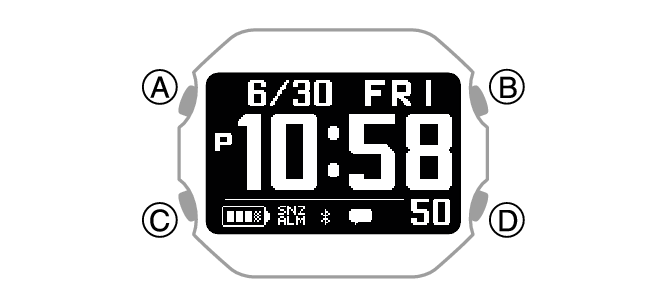
Use (C) to select a function within a mode.
Current Time Screen
Shows the current date and time.

Notification Checking Function
This function lets you check calls, mail, SNS notifications, and other information that comes in on your phone.

Heart Rate Measurement

Blood Oxygen Level

Breathing Exercise (Breathing Exercise)
Powered by Polar
This mode supports stress reduction by guidance that promotes breathing at a slow and stable rhythm.

Stopwatch

Timer
The timer counts down from a start time specified by you. The watch performs a sound and/or vibration operation when the end of the countdown is reached.

World Time
This function shows the current time in 38 cities around the globe and UTC (Coordinated Universal Time) time.

Almanac (sunrise and sunset times, Moon age)
Use this function to check sunrise and sunset times, and the Moon age.

Cardio Load Status (Cardio Load Status)
Powered by Polar
Use this function to keep track of your training status.

Life Log
Use this function to check Life Log data, such as your step count and calories burned.

Nightly Recharge™
Powered by Polar
Use this function to check your recovery status during sleep.

Activity Log

Activity Mode
In the Activity Mode, you can measure data for a selected training type or activity, and view the measurement results.
To enter the Activity Mode, press (A) while the current time screen is displayed.
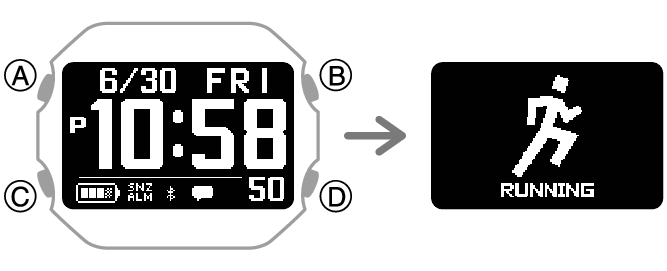
Use (C) to select a function within a mode.
For information about activities, see the information below.
Control Mode
In the Control Mode, you can control various watch settings and communication with your phone.
To enter the Control Mode, hold down (C) for at least two seconds while the current time screen is displayed.
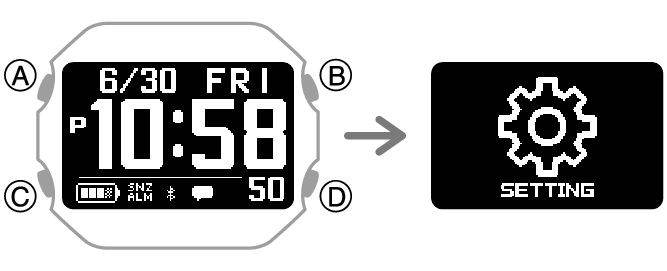
Use (C) to select a function within a mode.
SETTING
Use this function to configure watch settings.

While the [SETTING] screen is displayed, pressing (A) displays the setting menu.
For details about the settings, see the operating instructions for each function.
Connect
You can use this function to reconnect manually with the phone that is paired with the watch.

Phone Finder
You can use phone finder to trigger a sound on the phone that is paired with the watch to help you find it.

Time Adjustment
This function lets you acquire time data from the phone paired with the watch and adjust the watch’s time setting with the press of a watch button.

Airplane Mode