World Time
World Time lets you look up the current time in any one of 48 cities around the globe, and UTC (Coordinated Universal Time).

Checking World Time
-
Enter the World Time Mode.
This displays your currently selected World Time City and the current time there.
Pressing (A) causes the city code and city name to scroll on the display again.
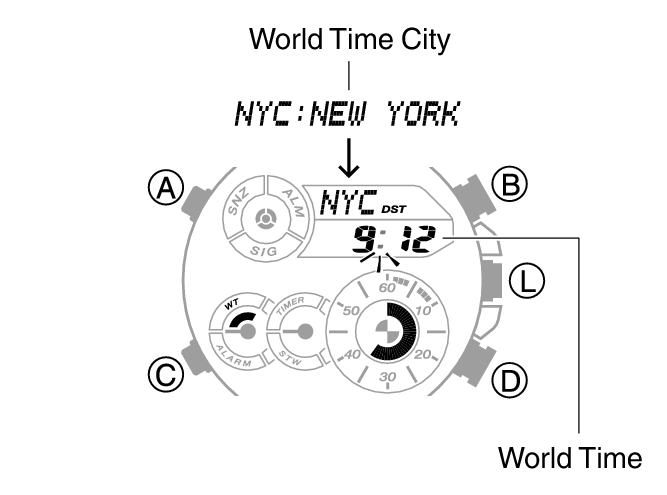
World Time City Setting
Use the procedure in this section to select a World Time city. If you are in an area that observes summer time, you can also configure a summer time setting.
-
Enter the World Time Mode.
-
Use (D) to display the city you want.
-
To change the summer time setting, hold down (A) for at least two seconds.
Holding down (D) scrolls through settings at high speed.
To select [UTC] (Offset: 0), press (B) and (D) at the same time.
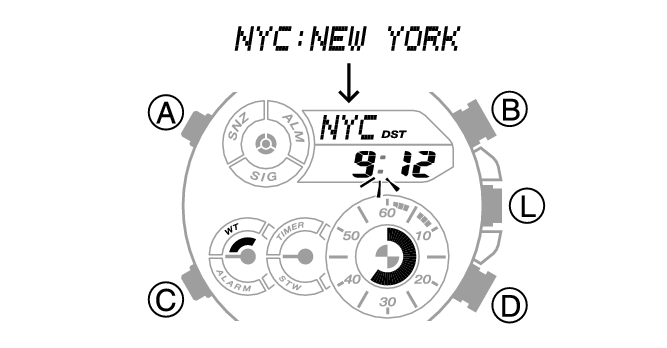
Each time you hold down (A) for at least two seconds, the setting toggles between summer time and standard time.
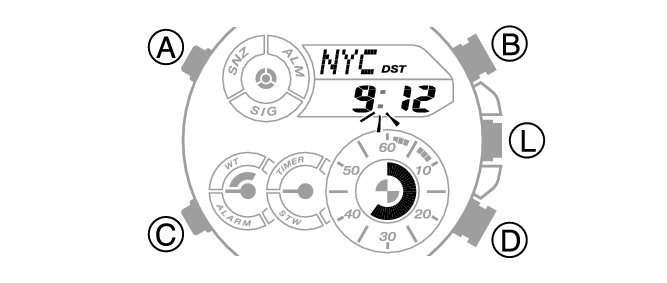
[DST] appears whenever the display current time is summer time.
Note
While the setting is being configured, the watch will exit the setting operation automatically after about two or three minutes of non-operation.
While [UTC] is selected as the city, you will not be able to change or check the summer time setting.
The summer time setting you configure is applied to the currently selected city only. It does not affect other cities.
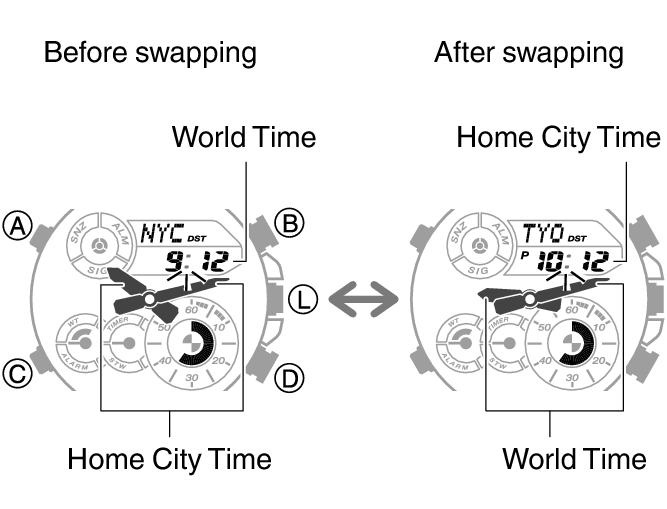
Swapping Your Home Time and World Time
In the World Time mode, hold down (B) for at least three seconds to swap your Home City time with your World Time.