Other Settings
This section explains other watch settings you can configure.
Changing the Date Display Format
You can select either month/day or day/month as the date display format.
-
Enter the Timekeeping Mode.
-
Hold down (A) for at least two seconds. Release the button when [HT] starts to flash.
-
Press (C) nine times.
-
Use (D) to select a date display format.
-
Press (A) to exit the setting screen.
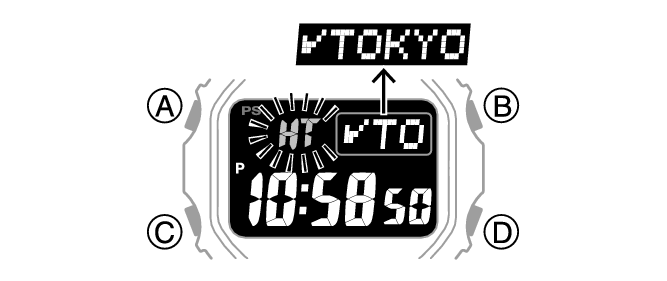
This displays a screen for selecting the date display format.
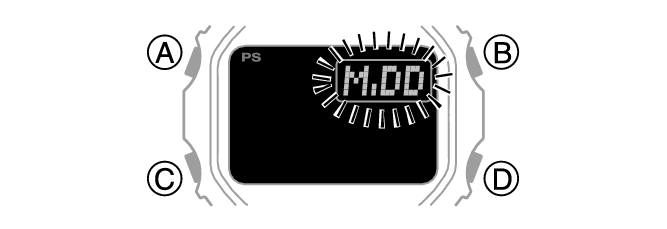
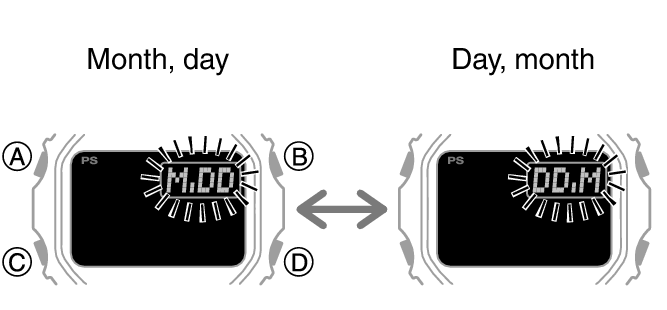
[M.DD]: Month, day
[DD.M]: Day, month
Note
While the setting is being configured, the watch will exit the setting operation automatically after about two or three minutes of non-operation.
Specifying the Day of the Week Language
You can select any one of six languages for the day of the week display in the Timekeeping Mode.
-
Enter the Timekeeping Mode.
-
Hold down (A) for at least two seconds. Release the button when [HT] starts to flash.
-
Press (C) 10 times.
-
Use (D) to select a language.
-
Press (A) to exit the setting screen.
This causes the language setting to flash.
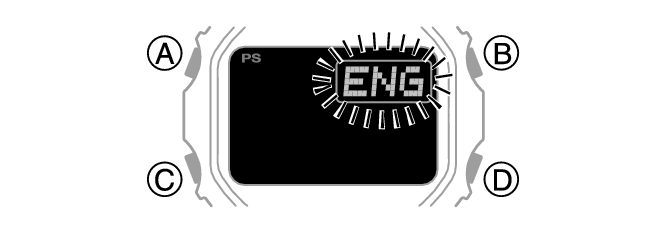
[ENG]: English
[ESP]: Spanish
[FRA]: French
[DEU]: German
[ITA]: Italian
[PyC]: Russian
Note
While the setting is being configured, the watch will exit the setting operation automatically after about two or three minutes of non-operation.
Enabling the Button Operation Tone
Use the procedure below to enable or disable the tone that sounds when you press a button.
-
Enter the Timekeeping Mode.
-
Hold down (A) for at least two seconds. Release the button when [HT] starts to flash.
-
Press (C) 11 times.
-
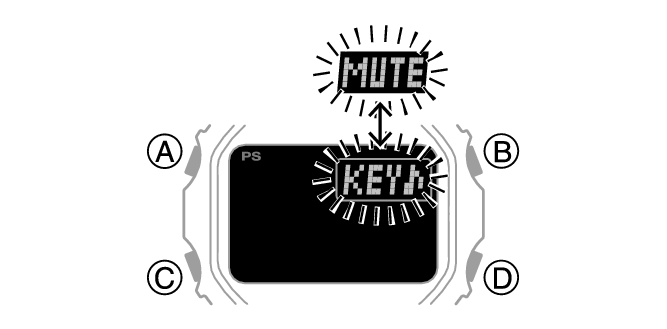
Press (D) to select [KEY♪] or [MUTE].
-
Press (A) to complete the setting operation.
This causes [KEY♪] or [MUTE] to flash on the display.
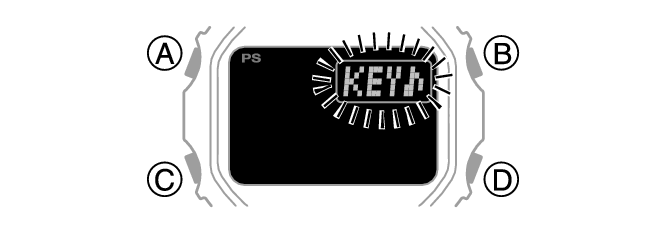
[KEY♪]: Operation tone enabled.
[MUTE]: Operation tone disabled.
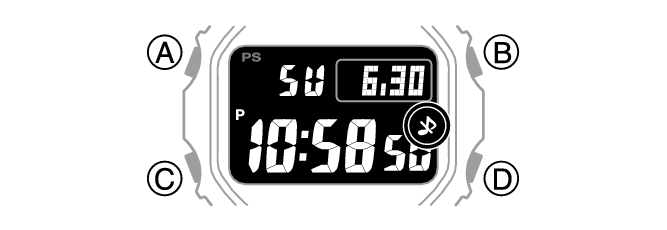
[ ] is displayed while the operation tone is muted.
Note
While the setting is being configured, the watch will exit the setting operation automatically after about two or three minutes of non-operation.
Note that alarm and timer tones still sound even while the operation tone is muted.
Configuring Power Saving Function Settings
-
Enter the Timekeeping Mode.
-
Hold down (A) for at least two seconds. Release the button when [HT] starts to flash.
-
Press (C) 14 times.
-
Press (D) to toggle between on and off.
-
Press (A) to complete the setting operation.
This causes [On] or [OFF] to flash on the display.
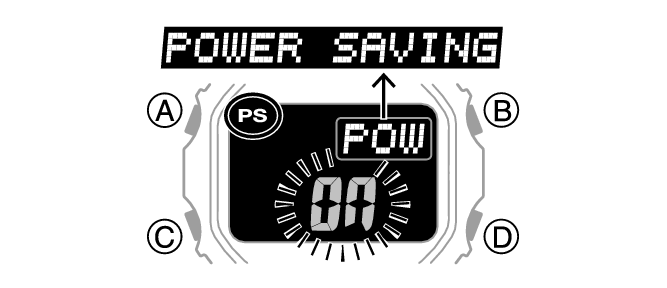
[On]: Power Saving enabled.
[OFF]: Power Saving disabled.
Note
While the setting is being configured, the watch will exit the setting operation automatically after about two or three minutes of non-operation.
For details about Power Saving, refer to the information below.