World Time
World Time lets you look up the current time in any one of 55 cities around the globe, and UTC (Coordinated Universal Time).

Using CASIO WATCHES to Configure World Time City Settings
If the watch is paired with a phone, you can also use the CASIO WATCHES phone app to set the World Time city.
Note
World Time cities that can be selected only by using the CASIO WATCHES phone app cannot be selected using watch operations.
Checking World Time
-
Enter the World Time Mode.
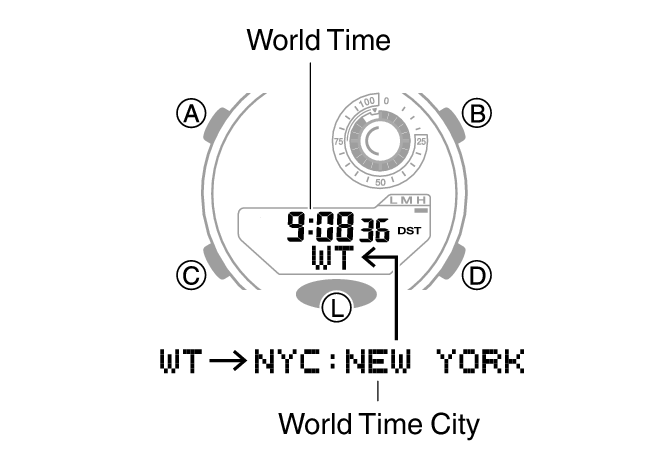
This displays your currently selected World Time City and the current time there.
You can display the World Time City while in the World Time Mode by pressing (A).
World Time City Setting
Use the procedure in this section to select a World Time city. If you are in an area that observes summer time, you can also configure a summer time setting.
Note
The initial factory default summer time setting for all cities is [AUTO]. In many cases, the [AUTO] setting lets you use the watch without switching between summer time and standard time.
-
Enter the World Time Mode.
-
Use (B) and (D) to display the city you want to specify as a World Time City.
-
To change the summer time setting, hold down (A) for at least two seconds. Release the button when the current summer time setting starts to flash.
-
Use (D) to change the summer time setting.
-
Press (A) to exit the setting screen.
Holding down (B) or (D) scrolls through settings at high speed.
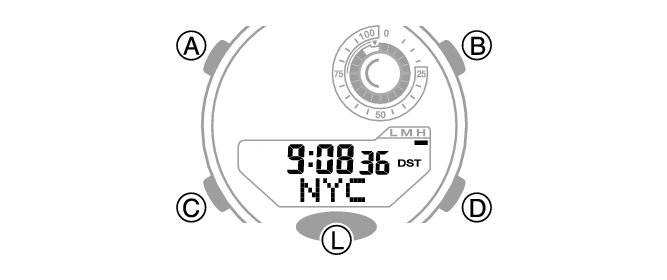
This is the setting mode. The hands automatically shift out of the way for easy viewing of the display and other indicators.
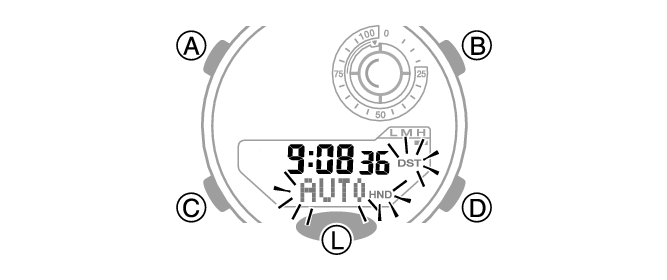
Each press of (D) cycles through settings in the sequence shown below.
[AUTO]
The watch switches between standard time and summer time automatically.
[OFF]
The watch always indicates standard time.
[ON]
The watch always indicates summer time.
Note
While the setting is being configured, the watch will exit the setting operation automatically after about two or three minutes of non-operation.
While [UTC] is selected as the city, you will not be able to change or check the summer time setting.
If you select a World Time City with the CASIO WATCHES phone app and then change to a different city with a watch operation, the CASIO WATCHES city information is deleted from the watch.
Swapping Your Home Time and World Time
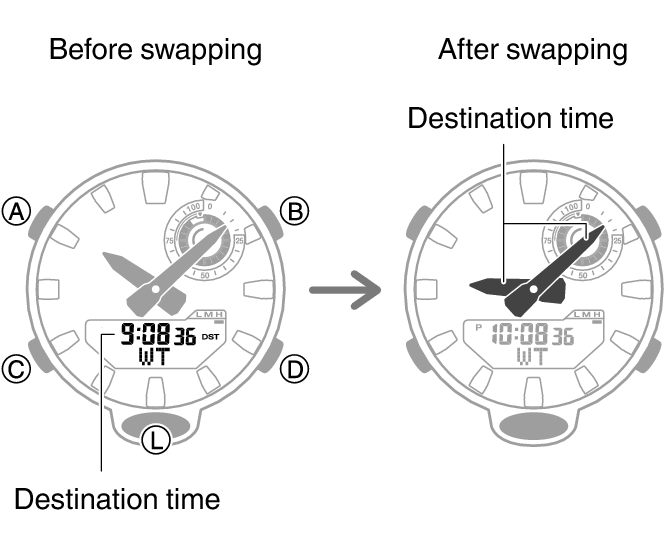
In the World Time mode, press (A) and (L) at the same time to swap your Home City time with your World Time.
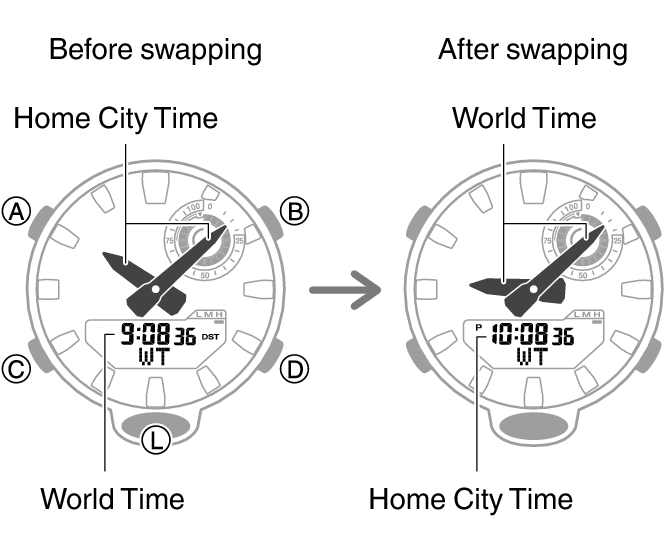
Note
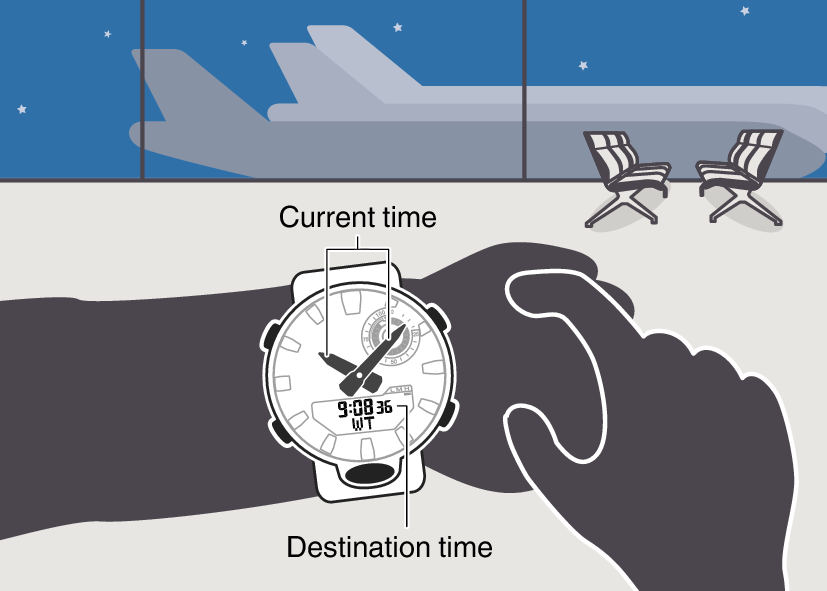
This function comes in handy when you need to move to another time zone. For details about how to use it, go to the section below.
Moving to Another Time Zone
Use the procedure below to easily change day and time settings of the watch to a destination location.
Before Boarding
-
Configure the World Time to the current time at your destination.
-
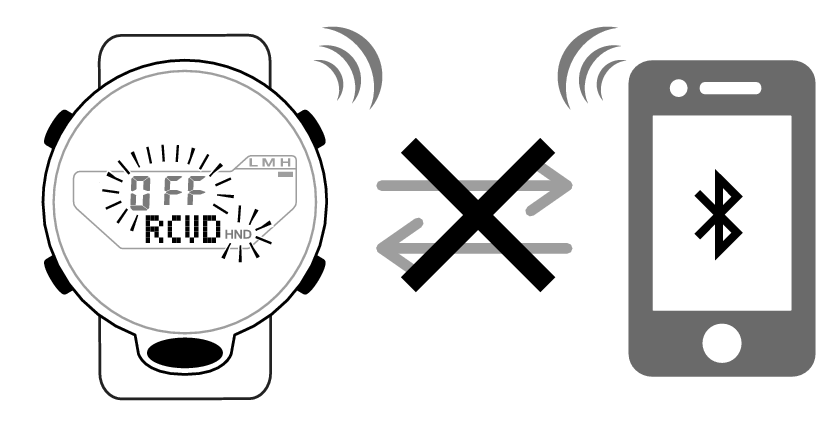
Disable auto time correction.
After Arriving
-
Swap the origin time zone time with the destination time zone time.
-
Enable auto time correction.
-
Correct the time setting.