Back
BackAlert Notification (Incoming Call, Incoming Mail, and Other Phone Events)
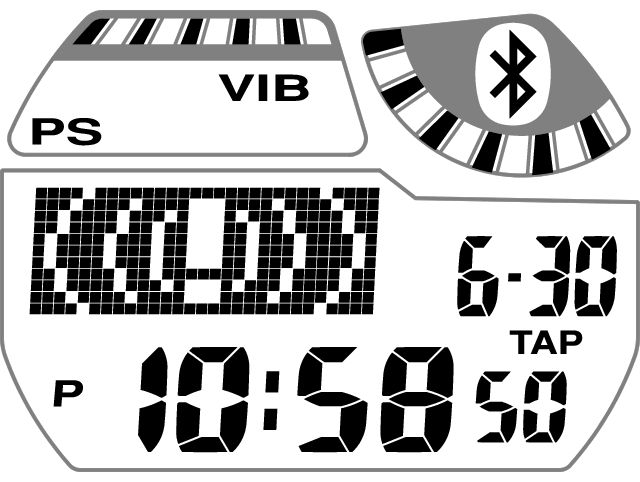
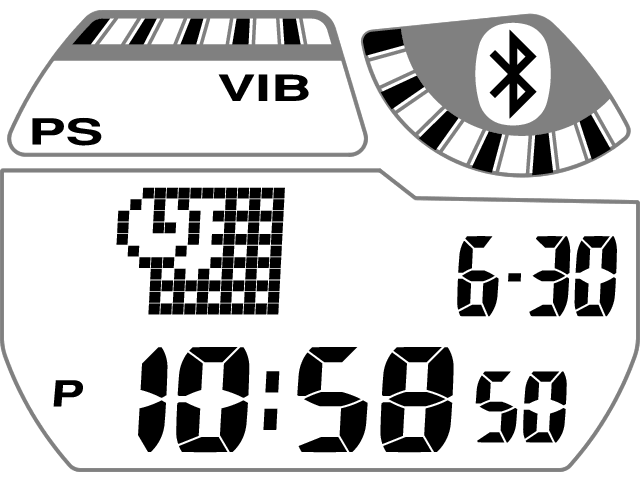
Whenever the phone notifies the watch of an incoming call, incoming mail, or some other event (like a schedule alarm), the watch will sound a tone and/or vibrate, and an indication will appear on the watch display.*
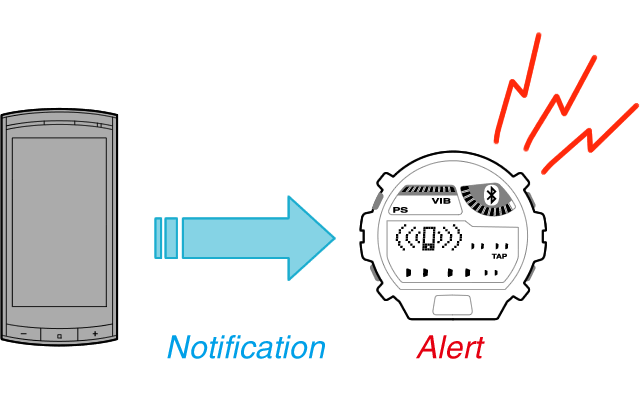
* Phone events that are alerted on the watch depend on how phone settings are configured.
Incoming Call Notification
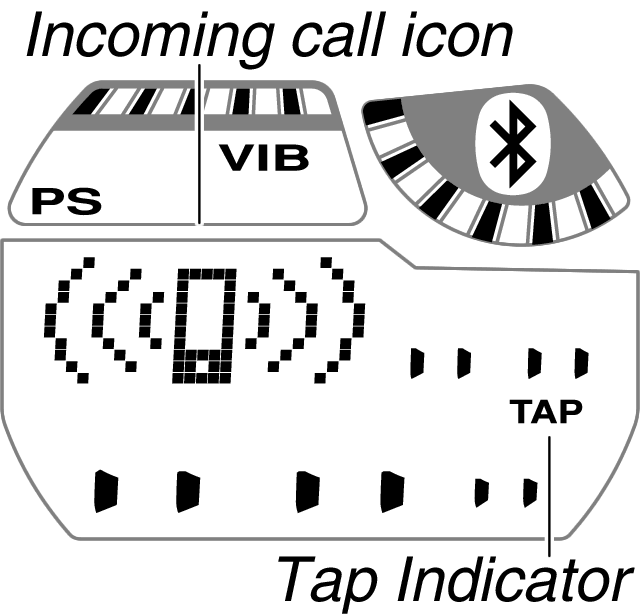
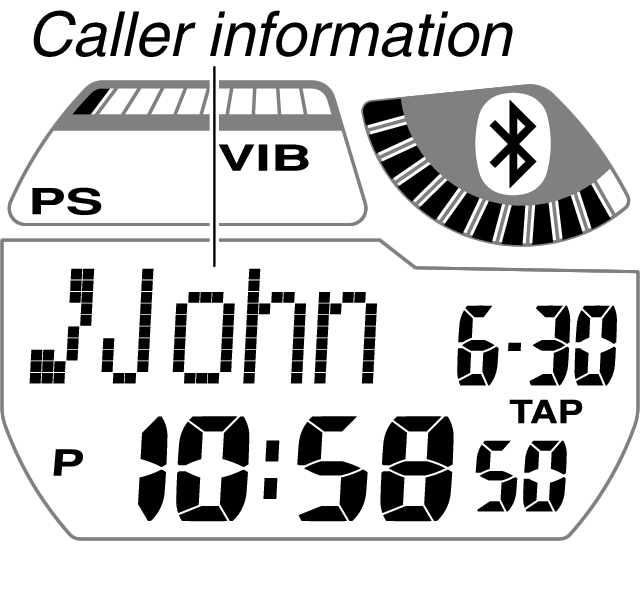
The watch will alert you when a call is received by the phone.
| Alert Method | |||
|---|---|---|---|
|
|||
| Stopping the Alert Operation | |||
Perform either of the operations described below.
|

Incoming Mail Notification
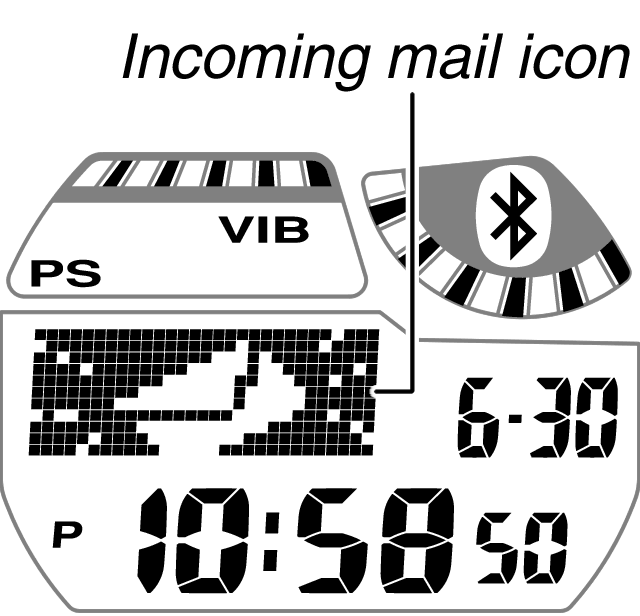
An alert operation is performed on the watch when a mail is received by the phone.
| Alert Method | |||
|---|---|---|---|
|
|||
| Stopping the Alert Operation | |||
| Press any button. This will stop all watch alert operations (tone, vibration, display). |

Other Phone Event Notification
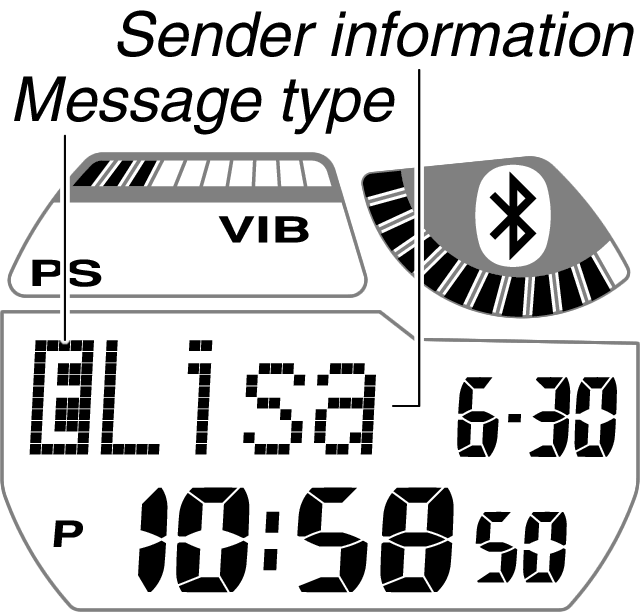
You can configure your phone to have the watch perform an alert operation whenever other phone events (such as schedule alarms) occur. The types of phone events that can be used with the watch alert operation depend on your phone make and model, and its settings.
| Alert Method | ||||||
|---|---|---|---|---|---|---|
Under initial settings, the watch will beep for two seconds and display an icon indicating the notification type. After that a message (text, symbols, etc.) about the event details will be displayed.
|
||||||
| Stopping the Alert Operation | ||||||
| Press any button. This will stop all watch alert operations (tone, vibration, display). | ||||||