
 Back
BackChecking the Connection
You can find out if the watch is connected with the phone by checking the Bluetooth icon ( ) on the watch display.
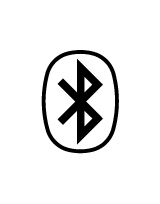
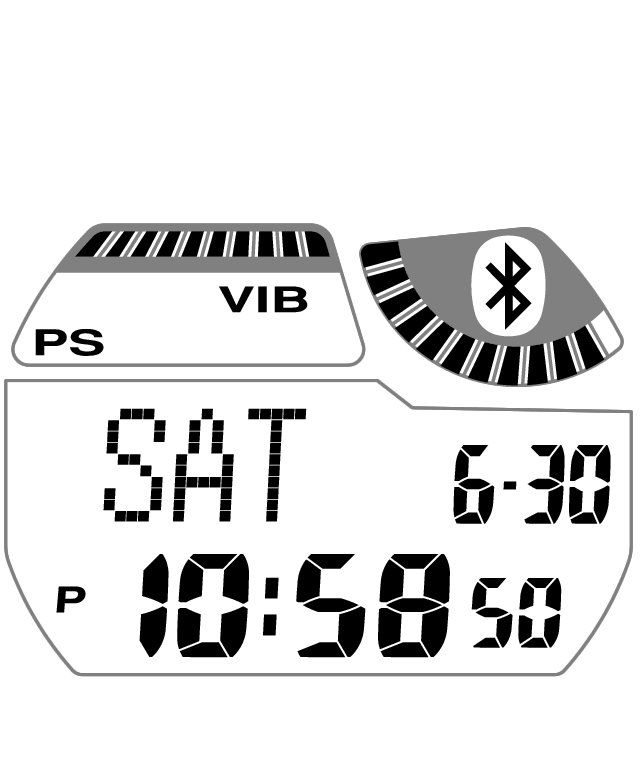
Displayed |
Connected (Mobile Link functions enabled.) |

Flashing |
The connection has been temporarily lost and the phone is searching for the watch. After a while, the icon will stop flashing (connected) or disappear from the screen (connection lost). Refer to the sections listed below. |
Not displayed |
The connection between the watch and phone has been lost. Refer to the sections described below.
Causes for loss of connection:
How to Re-connect: |
Auto Reconnection
In the cases described below, the watch and phone will re-connect automatically.
- Link Loss
-
(Example: When communication is temporarily cut when the distance between the watch and phone becomes too great.)
Auto re-connect conditions:
If the phone is moved close to the watch while the Bluetooth icon is flashing, they will re-connect within about one minute* and the icon will stop flashing.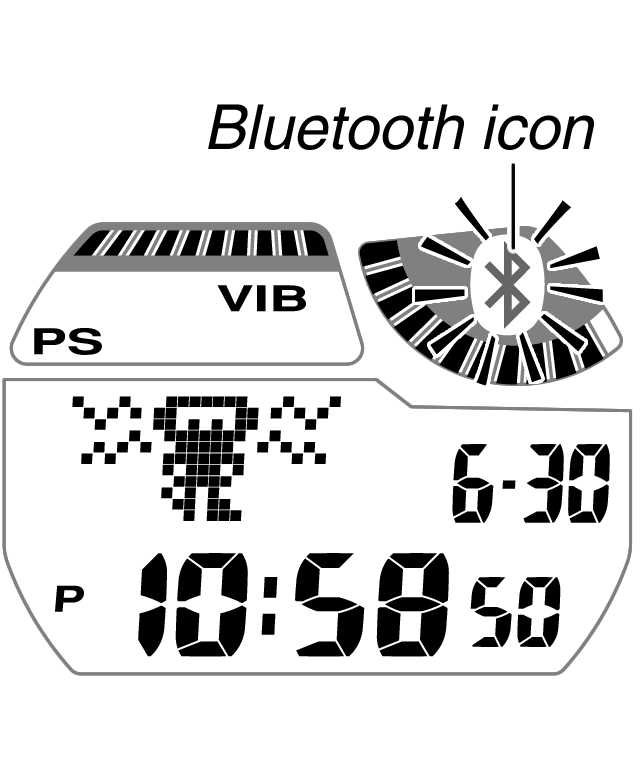

- Power Saving
-
(Example: Watch removed from the wrist and not moved for about one hour)
Auto re-connect conditions:
Putting the watch back on or otherwise moving it will cause the Bluetooth icon to start flashing. If the phone is moved close to the watch while the Bluetooth icon is flashing, they will re-connect within about one minute* and the icon will stop flashing.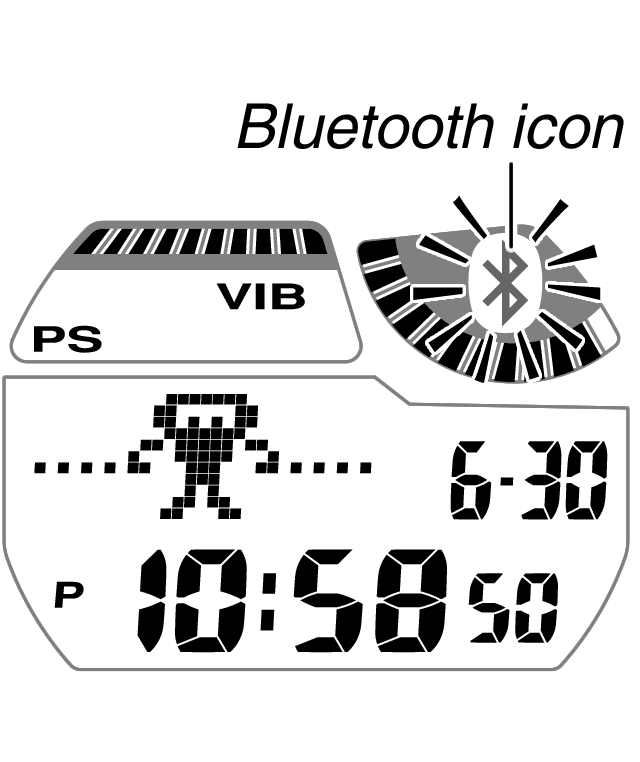

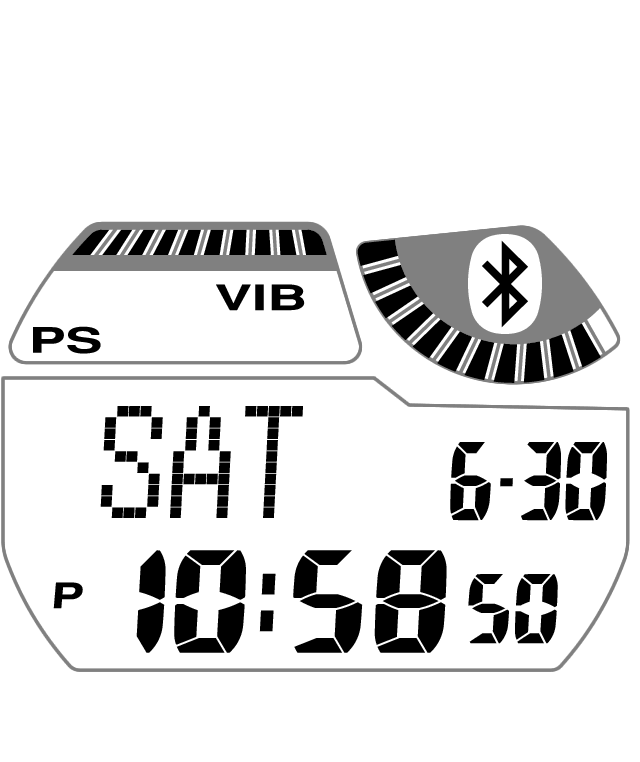
If re-connection is not performed automatically (Bluetooth icon disappears from the display), perform the operation under "To re-connect manually after a connection is cut".
To re-connect manually after a connection is cut
- 1.
- Check to make sure that your phone's Bluetooth is enabled.
- A sample re-connect operation is presented below. See the user documentation that came with your phone for details about how to re-connect with it.
On your phone's screen, tap [Settings] and then [Wireless & networks], and confirm that [Bluetooth] is enabled (its check box is selected).
If Bluetooth is disabled (check box not selected), enable it.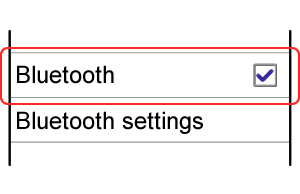
- A sample re-connect operation is presented below. See the user documentation that came with your phone for details about how to re-connect with it.
- 2.
- Move the phone close to (within one meter of) the watch.
- 3.
- In the Timekeeping Mode, hold down B for about two seconds until the screen shown on the left below appears.
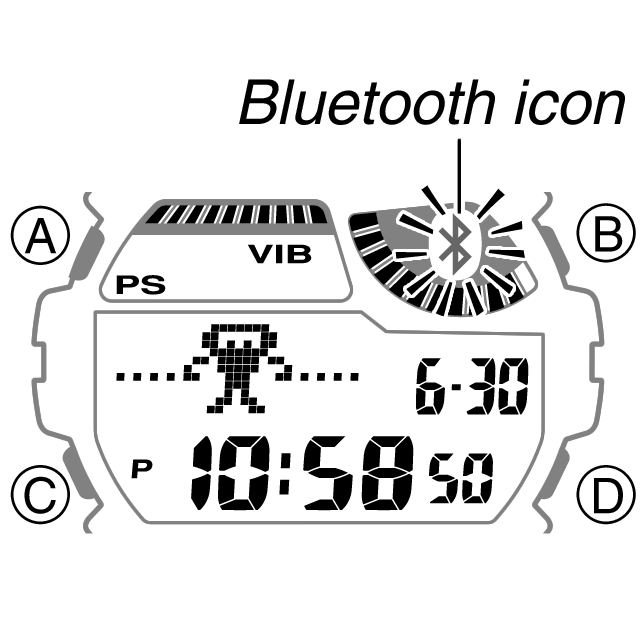

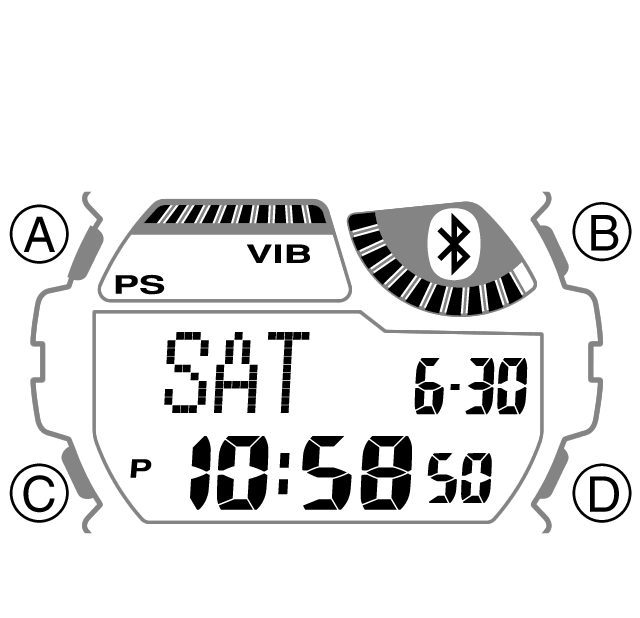
- The Bluetooth icon will flash, indicating that the phone is searching for the watch. Wait for about one minute. If the watch's Bluetooth icon stops flashing and remains displayed, it means that re-connection was successful.
- If the Bluetooth icon is no longer displayed, restart the above procedure from step 1.
- If re-connection is not successful after several tries, see "What to do if you cannot re-connect".
What to do if you cannot re-connect
Perform the procedure under "To re-pair the watch with the phone".