Time Correction
Use the procedures in this section to adjust the date and time settings.

Adjusting the Current Time Setting
Use the procedures in this section to adjust the date and time settings.
-
Enter the Timekeeping Mode.
-
Hold down (A) for at least two seconds.
-
Use (B) and (D) to set the hour and minute.
-
Press (C).
-
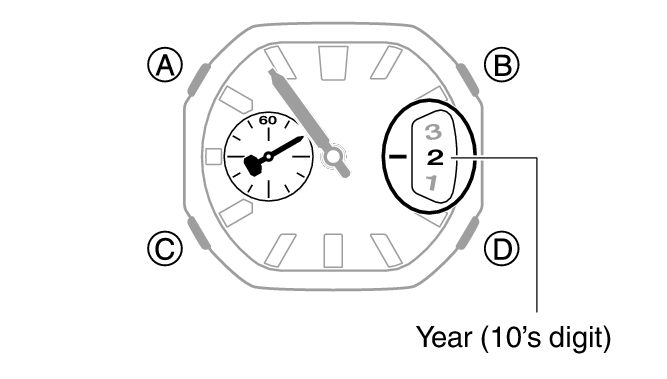
Use (B) and (D) to set the year tens digit.
-
Press (C).
-
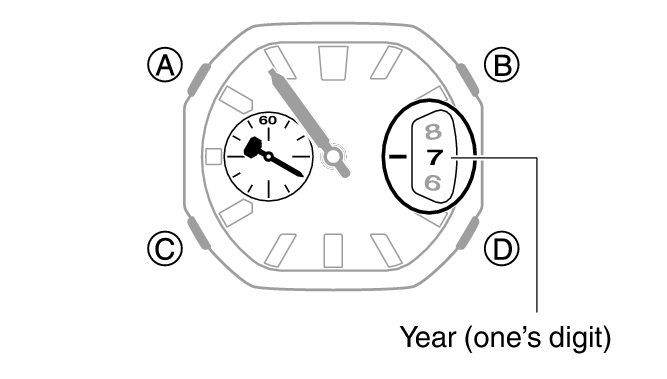
Use (B) and (D) to set the year ones digit.
-
Press (C).
-
Use (B) and (D) to set the month.
-
Press (C).
-
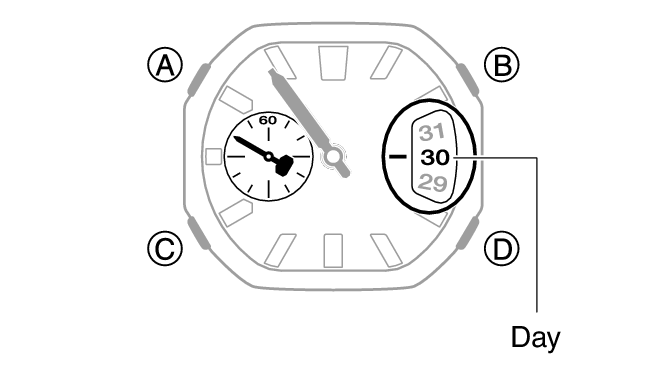
Use (B) and (D) to set the day.
-
On a time signal, press (A).
This causes the second hand to move to the 0-second position.
After you release the button, the second hand points to the 0-second position for a.m. time, or the 30-second position for p.m. time.
This enables the hour and minute setting operation.
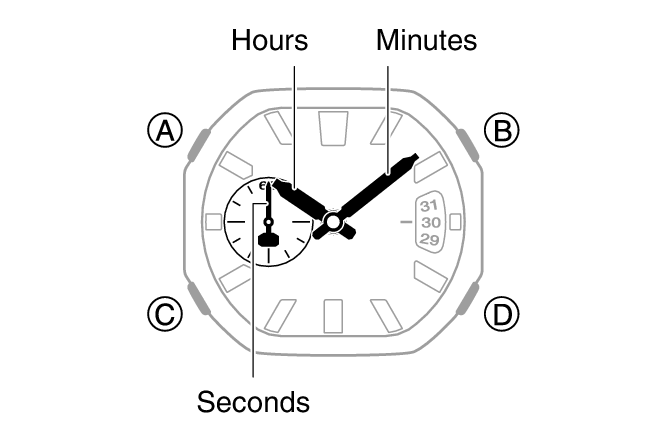
The second hand points to the 0-second position for a.m. time, or the 30-second position for p.m. time. Make sure you set the correct a.m./p.m. time.
Holding down (B) or (D) scrolls through settings at high speed.
This enables the year 10’s digit setting operation.
This enables the year one’s digit setting operation.
This enables the month setting operation.
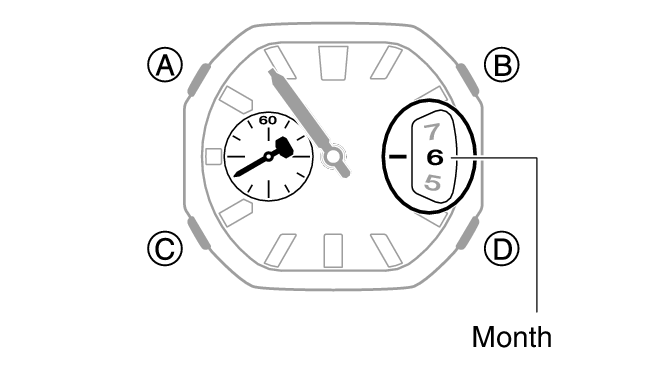
This enables the day setting operation.