Time Correction
Your watch can connect with a phone to obtain information that it uses to correct its date and time setting.
Important!
When you are on an aircraft or in any other location where radio signals may cause problems, enable the watch’s Airplane Mode to disable connection with your phone.
Referring to the information below, configure the time setting in accordance with the method that suits your own lifestyle.
Do you use a phone?
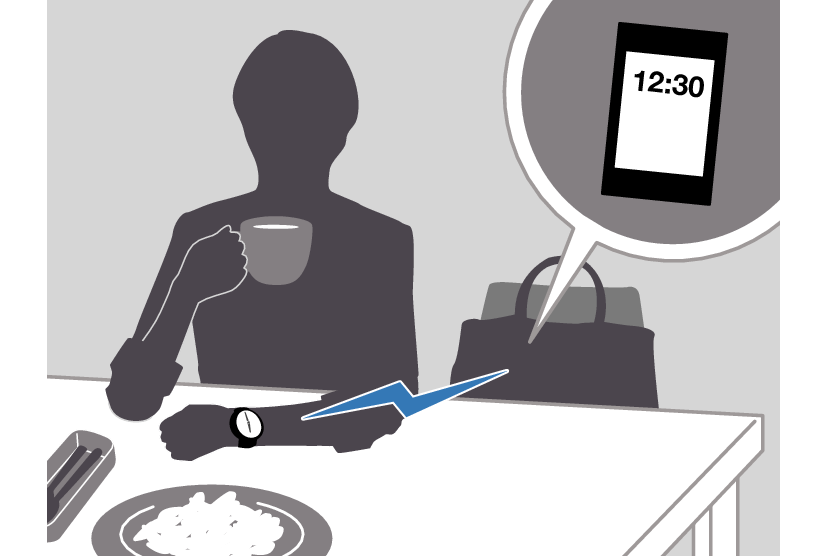
If your phone cannot connect with the watch
You can correct time settings by performing operations on the watch.
Using Watch Operations to Correct the Time Setting
While the watch is connected to a phone, it will automatically correct its day and time settings to those of the phone. If the watch is not connected to a phone, use the procedure below to adjust its day and time settings.
-
Enter the Timekeeping Mode.
-
Loosen the crown and then pull it out.
-
Rotate the crown to adjust the hour and minute settings.
-
Press (B).
-
Rotate the crown to change the year 10’s digit.
-
Press (B).
-
Rotate the crown to change the year one’s digit.
-
Press (B).
-
Rotate the crown to change the month.
-
Press (B).
-
Rotate the crown to change the day.
-
On a time signal at the top of a minute, push the crown back in and lock it.
This causes the second hand to move to 12 o’clock and enables the hour and minute setting operation.
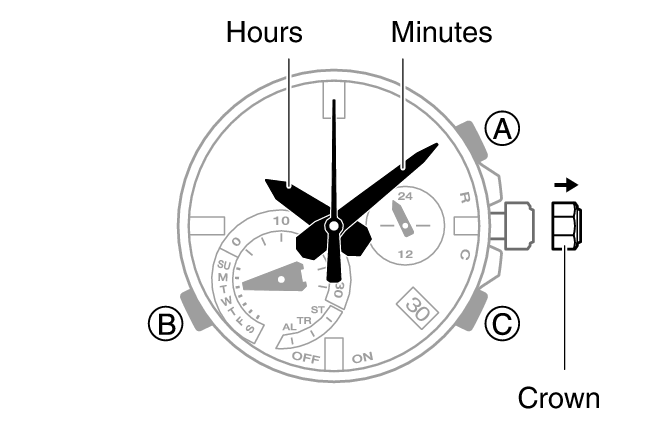
This enables the year 10’s digit setting operation.
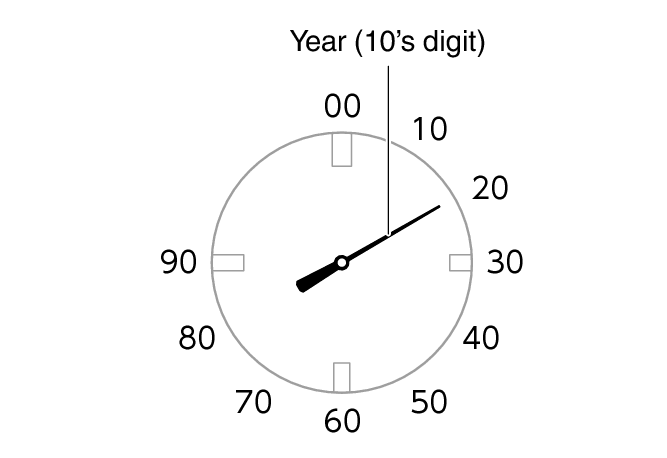
This enables the year one’s digit setting operation.
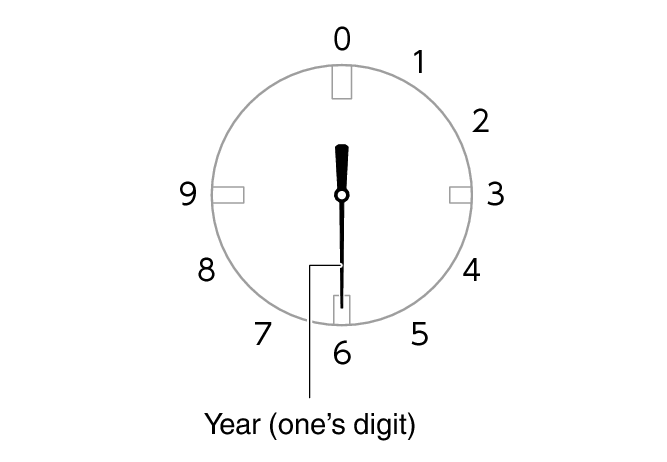
This enables the month setting operation.
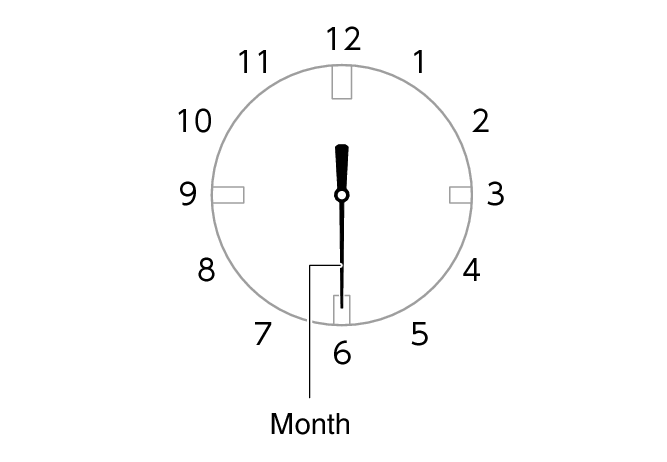
This enables the day setting operation.
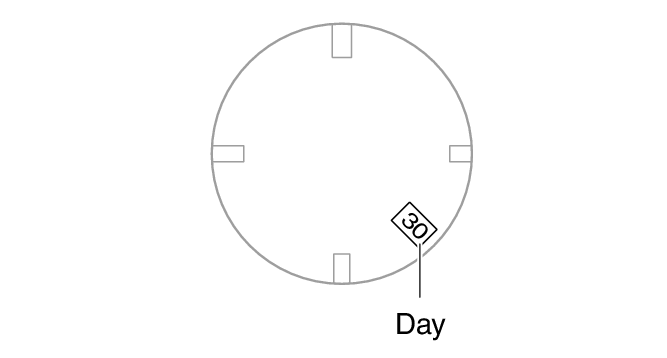
Note
The day of the week is set automatically in accordance with the year, month, and day settings.