Other Settings
This section explains other watch settings you can configure.
Specifying the Day of the Week Language
You can select any one of six languages for the day of the week display in the Timekeeping Mode.
-
Enter the Timekeeping Mode.
-
Hold down (A) for at least two seconds until the name of the currently selected Home City is displayed.
-
Press (C) nine times.
-
Use (D) to select a language.
-
Press (A) to exit the setting screen.
This is the setting mode. The hands automatically shift out of the way for easy viewing of the display and other indicators.
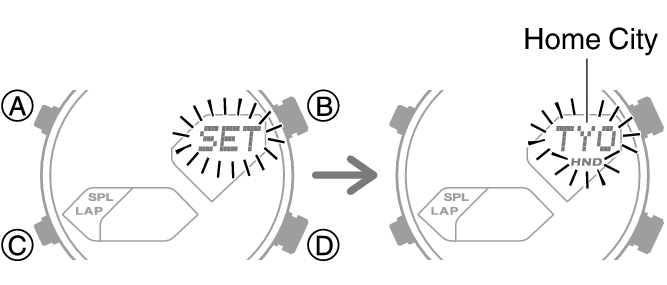
This causes the language setting to flash.
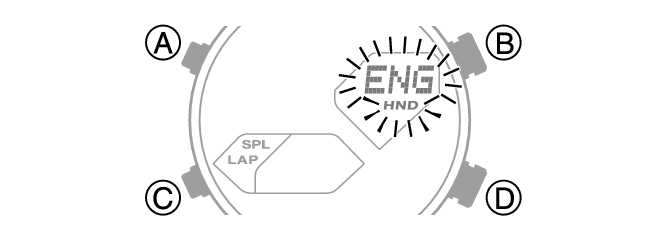
[ENG]: English
[ESP]: Spanish
[FRA]: French
[DEU]: German
[ITA]: Italian
[PyC]: Russian
Note
While the setting is being configured, the watch will exit the setting operation automatically after about two or three minutes of non-operation.
Disabling the Countdown Start Tone
You can use the procedure below to enable or disable the countdown start tone that sounds when the function hand starts a countdown operation 30 minutes before an alarm time or before the end of a timer operation.
-
Enter the Timekeeping Mode.
-
Hold down (A) for at least two seconds. Release the button when the name of the currently selected Home City appears on the display.
-
Press (C) 10 times.
-
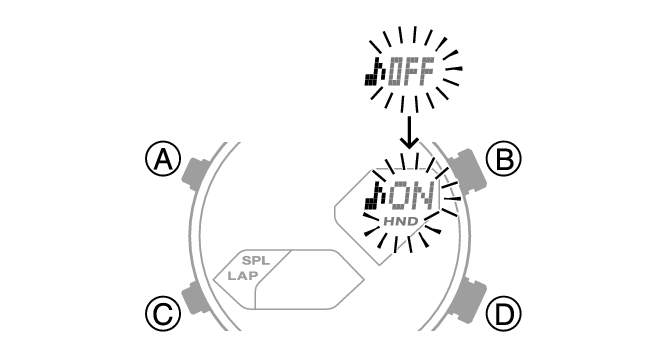
Press (D) to select [♪ON] or [♪OFF].
-
Press (A) to exit the setting screen.
This is the setting mode. The hands automatically shift out of the way for easy viewing of the display and other indicators.
This causes [PROGRESS♪] to appear. Next, [♪ON] or [♪OFF] will flash on the display.
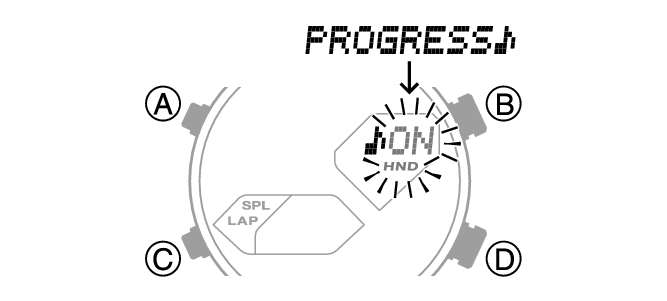
[♪ON]: Tone enabled.
[♪OFF]: Tone disabled.
Note
While the setting is being configured, the watch will exit the setting operation automatically after about two or three minutes of non-operation.
Enabling the Button Operation Tone
Use the procedure below to enable or disable the tone that sounds when you press a button.
-
Enter the Timekeeping Mode.
-
Hold down (A) for at least two seconds until the name of the currently selected Home City is displayed.
-
Press (C) 11 times.
-
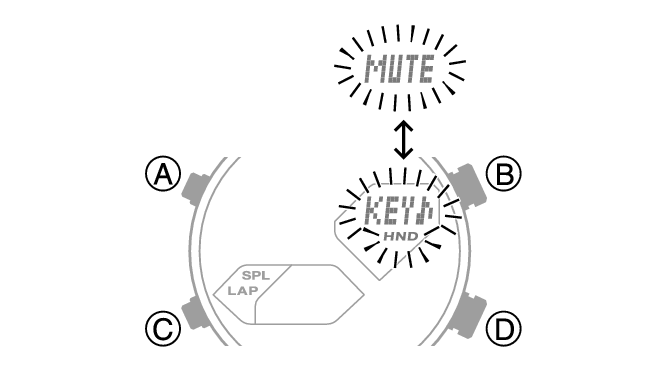
Press (D) to select [KEY♪] or [MUTE].
-
Press (A) to exit the setting screen.
This is the setting mode. The hands automatically shift out of the way for easy viewing of the display and other indicators.
This causes [KEY♪] or [MUTE] to flash on the display.
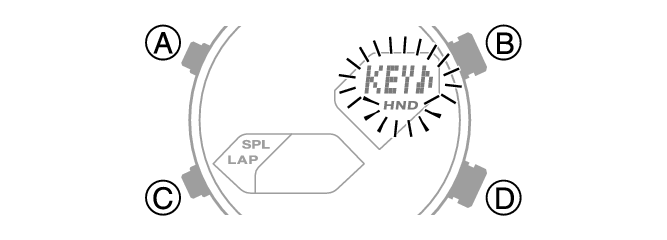
[KEY♪]: Operation tone enabled.
[MUTE]: Operation tone muted.
Note
While the setting is being configured, the watch will exit the setting operation automatically after about two or three minutes of non-operation.
Note that alarm and timer tones still sound even while the operation tone is muted.
Configuring Power Saving Function Settings
-
Enter the Timekeeping Mode.
-
Hold down (A) for at least two seconds until the name of the currently selected Home City is displayed.
-
Press (C) 14 times.
-
Press (D) to toggle between on and off.
-
Press (A) to exit the setting screen.
This is the setting mode. The hands automatically shift out of the way for easy viewing of the display and other indicators.
This displays [PSON] or [PSOF].
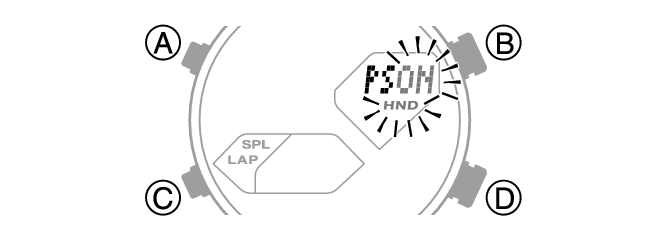
[PSON]: Power Saving enabled.
[PSOF]: Power Saving disabled.
Note
While the setting is being configured, the watch will exit the setting operation automatically after about two or three minutes of non-operation.
For details about Power Saving, refer to the information below.
Resetting Watch Settings
This section explains how to return the watch settings below to their initial factory defaults.
Watch Settings
Stopwatch
Timer
Alarm
-
Enter the Timekeeping Mode.
-
Hold down (A) for at least two seconds until the name of the currently selected Home City is displayed.
-
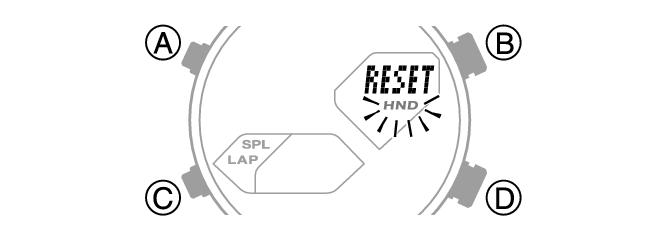
Press (C) twice.
-
Hold down (B) for at least seven seconds. This will cause the [ALL] and [RESET] indicators to alternate on the display. Release the button when only [RESET] is displayed.
-
Press (A) to exit the setting screen.
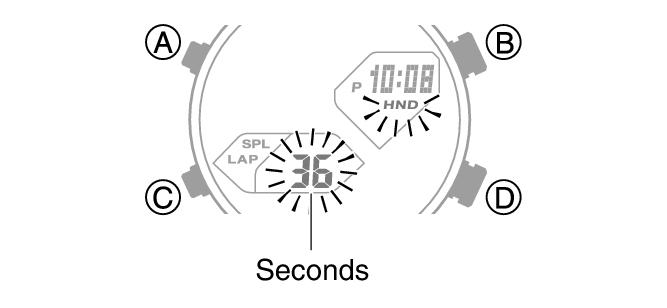
This is the setting mode. The hands automatically shift out of the way for easy viewing of the display and other indicators.
This causes the seconds to flash.
Note
While the setting is being configured, the watch will exit the setting operation automatically after about two or three minutes of non-operation.
Resetting the watch also deletes information for pairing the watch with a phone, and unpair them.