
Checking the Last Time Adjustment Method Used
-
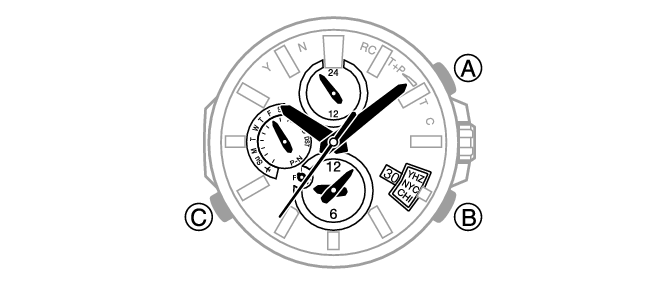
1.Enter the Timekeeping Mode.
-
-
2.Press (B).
-
The second hand will indicate the last time correction operation result. The watch hands will return to indicating the current time if you do not perform any operation for nine or ten seconds.
[Y(YES)]: Last time correction operation successful.
[N(NO)]: Last time correction operation failed.The day of the week hand indicates details about the receive (acquisition) operation.
“P”: Time information and location information (GPS signal), connection with a phone
“N”: Time information (GPS signal) or time calibration signal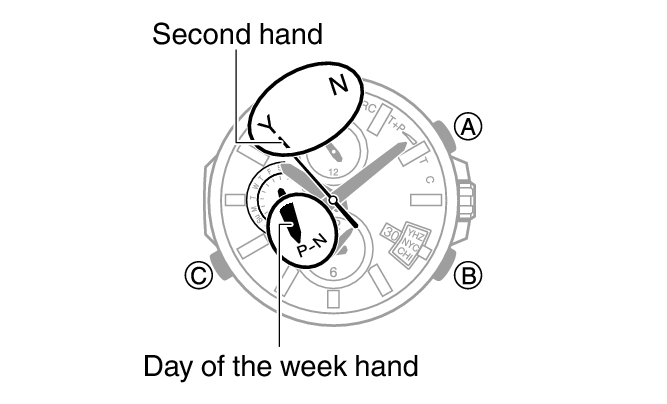
 Top of page