
Changing the World Time Setting in 15-minute Steps
If the city you want is not available on the watch, you can use the procedure below to configure World Time settings.
-
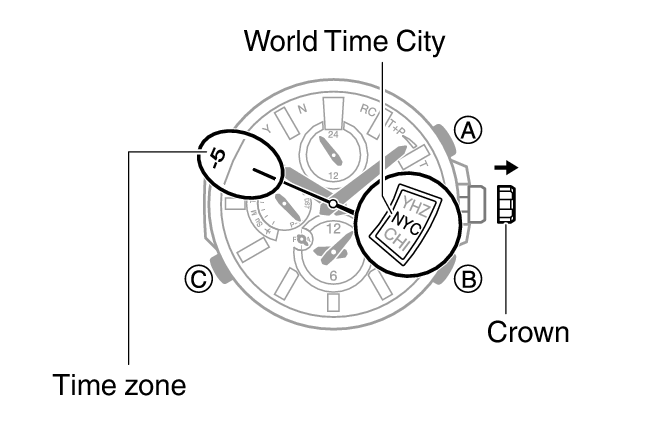
1.Pull out the crown to the first click.
-
The second hand will point to the time zone of the current World Time City.
-
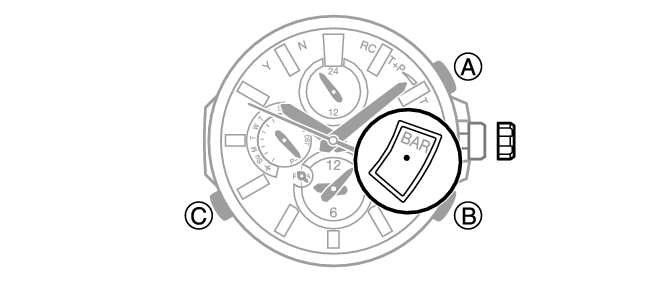
2.Hold down (C) for about one second.
-
The disk will show
 .
.
-
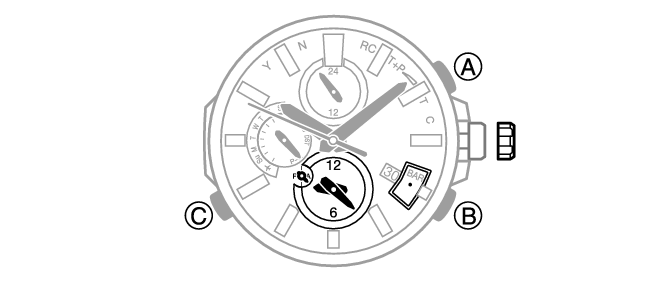
3.Rotate the crown to change the time and day settings.
-
The World Time setting change in 15-minute increments.
-
4.Push the crown back in.
 Top of page