Module No. 3564
Changing the Home City Summer Time Setting
-
 Tap the “CASIO WATCHES” icon.
 -
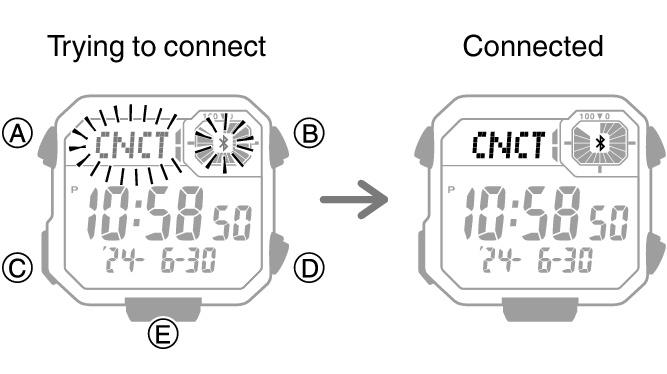
 Hold down (C) for at least three seconds. Release the button when
  and [CNCT] start to flash.
 -
Perform the operation shown on the phone screen to change your Home City summer time setting.
When a connection is established between the watch and phone, and [CNCT] stop flashing and remain on the display.
If connection fails for some reason, [ERR] will appear on the display momentarily and then the watch will return to the Timekeeping Mode.