About This Watch
This section provides an overview of the watch and introduces convenient ways it can be used.
Watch Features
Dual Time lets you keep track of a second time, such as the current time in another time zone, etc.
Measure up to 60 minutes of elapsed time in one-second units.
General Guide
Illustrations in this manual are simplified. The appearance of shapes and characters may differ from those of the actual product.
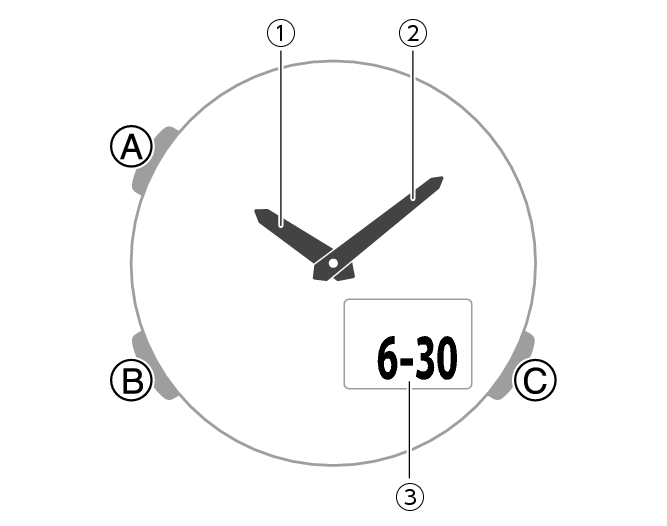
-
Hour hand
-
Minute hand
-
LCD
A button
Pressing this button in the Timekeeping Mode changes the contents of the digital display.
Holding down this button for at least two seconds in the Timekeeping Mode displays the setting screen.
Pressing this button while any setting screen is displayed exits the setting screen.
B button
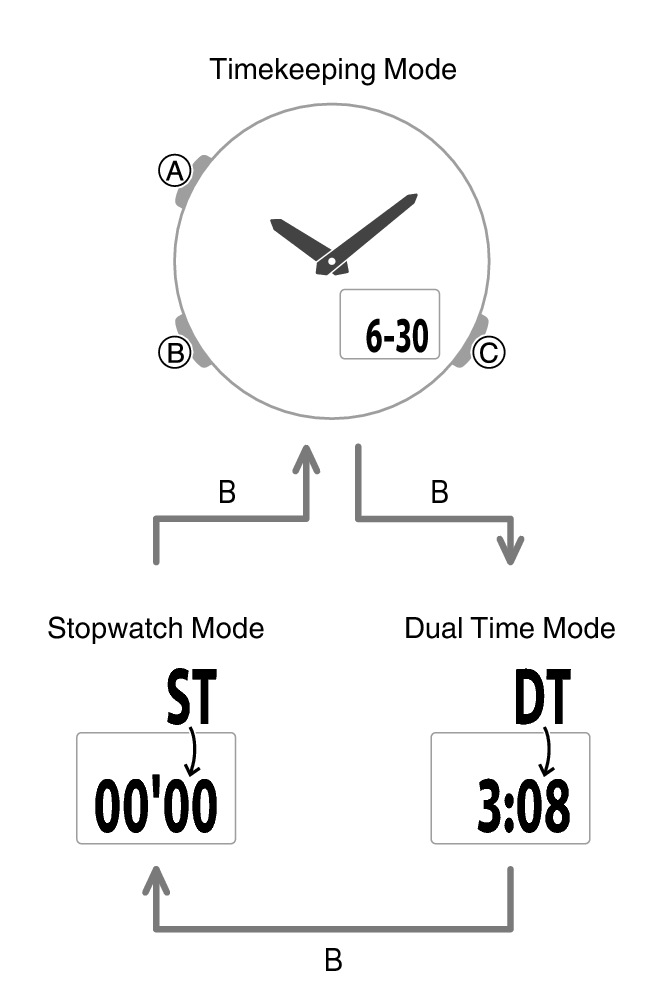
Each press cycles between watch modes.
In any mode, hold down this button for at least two seconds to return to the Timekeeping Mode.
C button
Press to turn on illumination.
Pressing this button while any setting screen is displayed changes the setting.
Indicators
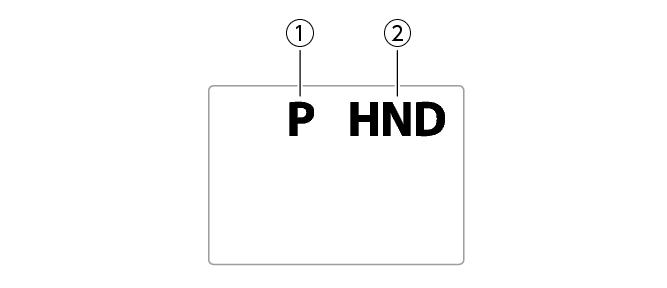
-
Displayed during p.m. times while 12-hour timekeeping is being used.
-
Flashes while the watch’s hands are shifted for easier reading.
Navigating Between Modes
Each press of (B) cycles between watch modes.
In any mode, hold down (B) for at least two seconds to return to the Timekeeping Mode.
Cycling Between Timekeeping Mode Digital Display Contents
Each press of (A) in the Timekeeping Mode cycles the display information as shown below.
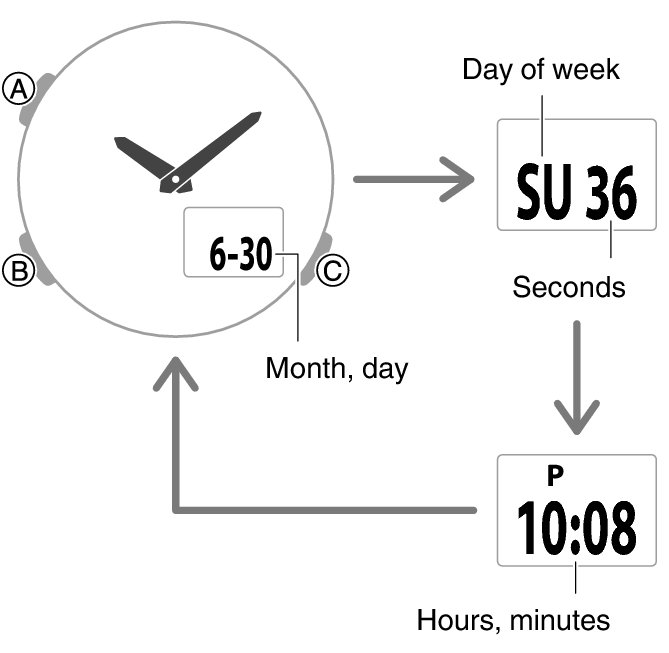
Shifting Hands to Read the Digital Display
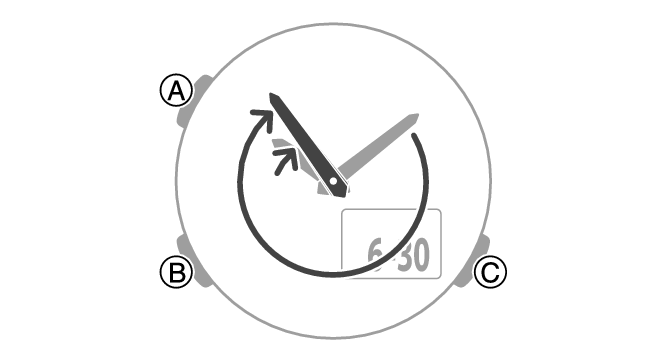
Hand shift moves the hands out of the way for easy viewing of display information.
-
While holding down (C), press (B).
-
To return the hands to their normal positions, hold down (C) and press (B) again.
This shifts the analog hands to allow easy viewing of display information.
Note
If you leave the watch with its hands shifted and do not perform any operation for about one hour, the hands resume normal timekeeping automatically.
Viewing the Face in the Dark
You can use the LED light to illuminate the display for easy reading in the dark.
Turning On Illumination
Press (C) to turn on illumination.

Illumination is disabled while the hands are moving at high speed.
The light may flicker when it turns on or off.
Specifying the Illumination Duration
You can select either 1.5 seconds or three seconds as the illumination duration.
-
Enter the Timekeeping Mode.
-
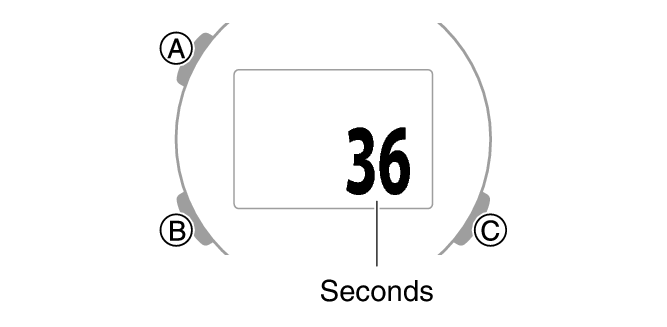
Hold down (A) for at least two seconds. Release the button when the seconds appear on the display.
-
Press (B) 8 times to display [LT].
-
Press (C) to select an illumination duration.
-
Press (A) to exit the setting screen.
This is the setting mode. The hands automatically shift out of the way for easy viewing of the display and other indicators.
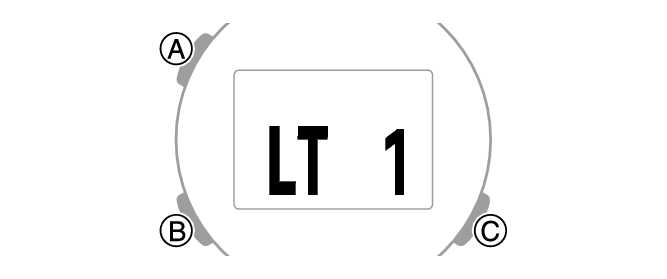
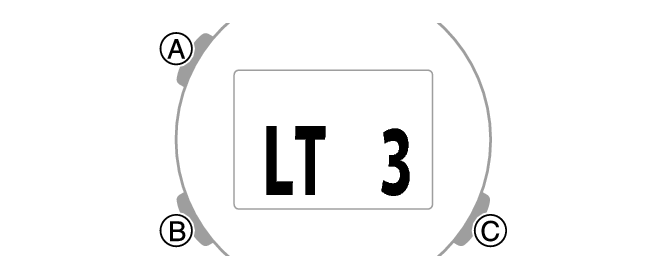
[LT1]: 1.5-second light
[LT3]: 3-second light