Module No. 5735
Specifying a Target Time
-
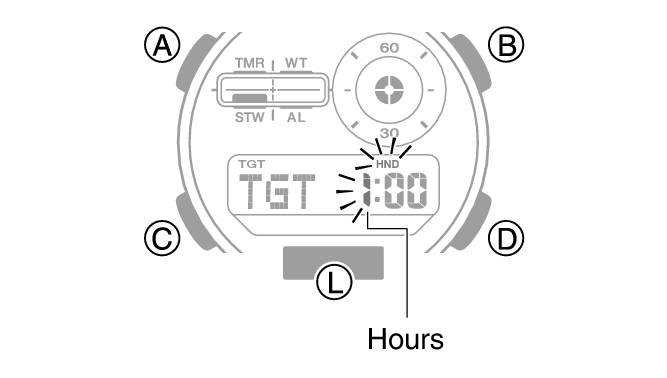
While the stopwatch elapsed time is reset to all zeros, hold (A) for at least two seconds. Release the button when the hours digits start to flash.
-
Use (B) and (D) to change the target time hour setting.
-
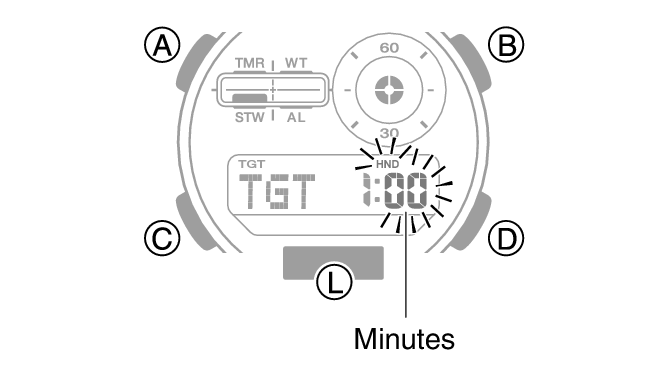
Press (C).
-
Use (B) and (D) to change the target time minute setting.
-
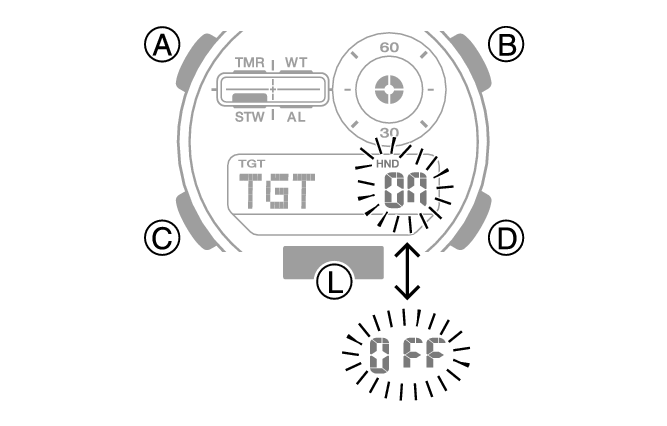
Press (C).
-
Press (D) to toggle the target time alert between enabled and disabled.
-
Press (A) to exit the setting screen.
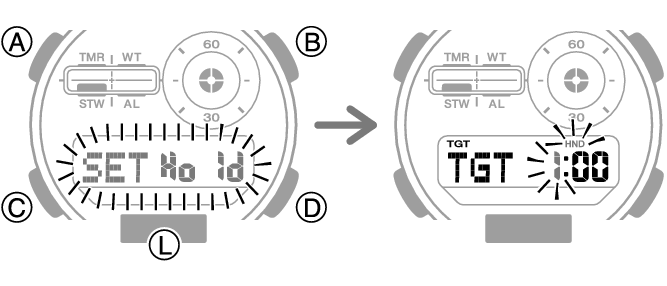
Holding down (B) or (D) scrolls through settings at high speed.
Setting a start time of [0:00] performs a countdown of 24 hours.