

Enabling/Disabling Auto Receive
Use the procedure below to enable or disable Auto Receive.
Getting ready
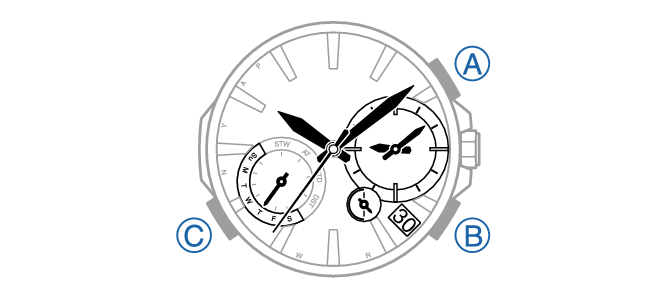
Enter the Timekeeping Mode.
-
1.Press (B).
-
This causes the last receive operation result to be indicated by the second hand.
-
2.Within 10 seconds after the last receive result is indicated, pull out the crown to the first click.
-
The second hand will move to the current auto receive setting.
“Y (YES)”: Auto receive on
“N (NO)”: Auto receive off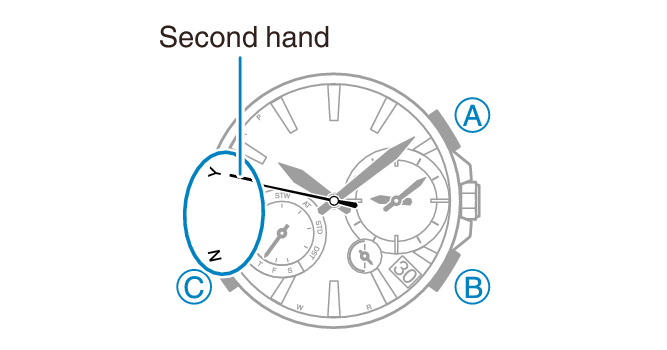
-
3.Rotate the crown to select either “Y (YES)” or “N (NO)”.
-
4.Push the crown back in to complete the setting operation.
