

Setting a Home Time City
Use the procedure in this section to select a city to use as your Home City. If you are in an area that observes summer time, you can also enable or disable summer time.
-
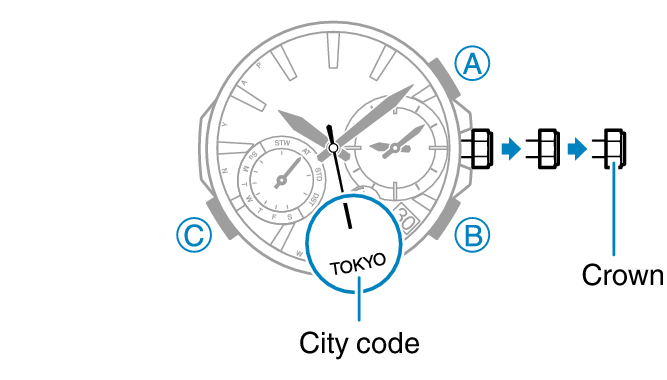
1.Pull out the crown to the second click.
-
The second hand will move to the currently selected city code.
-
2.Rotate the crown to move the second hand to the city you want to set.
-
3.To change the summer time setting, press (A).
-
- While the mode hand is pointed at “AT (AUTO)”, “STD”, or “DST”, you can hold down (A) for about one second to cycle the summer time setting in the sequence below.
“AT (AUTO)” “STD”“DST”
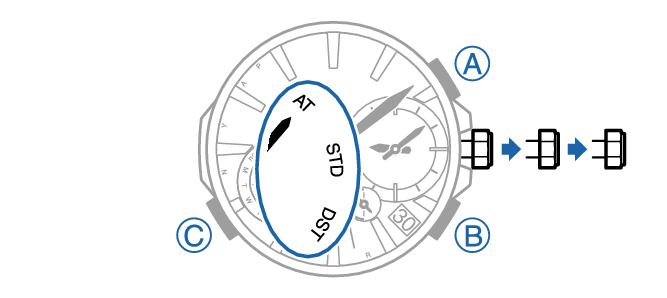
- “AT (AUTO)”
The watch switches between standard time and summer time automatically. Summer Time Table
- “STD”
The watch always indicates standard time.
- “DST”
The watch always indicates summer time.
- While the mode hand is pointed at “AT (AUTO)”, “STD”, or “DST”, you can hold down (A) for about one second to cycle the summer time setting in the sequence below.
-
4.Push the crown back in to its normal position.
