Performing Activity Measurement with the Watch
You can use the watch to view activity data measured while wearing the watch.
The flow of this operation is shown below.
Measurement Flow (Running Measurement)
-
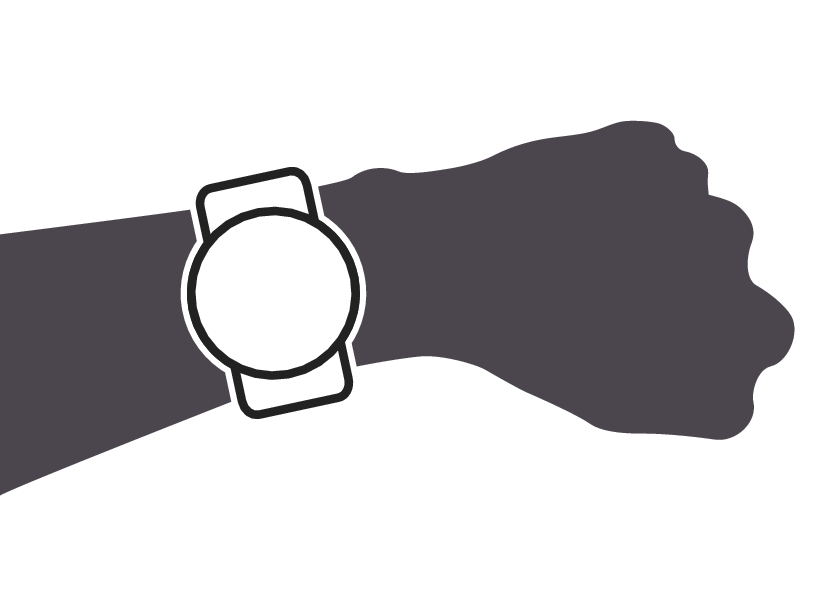
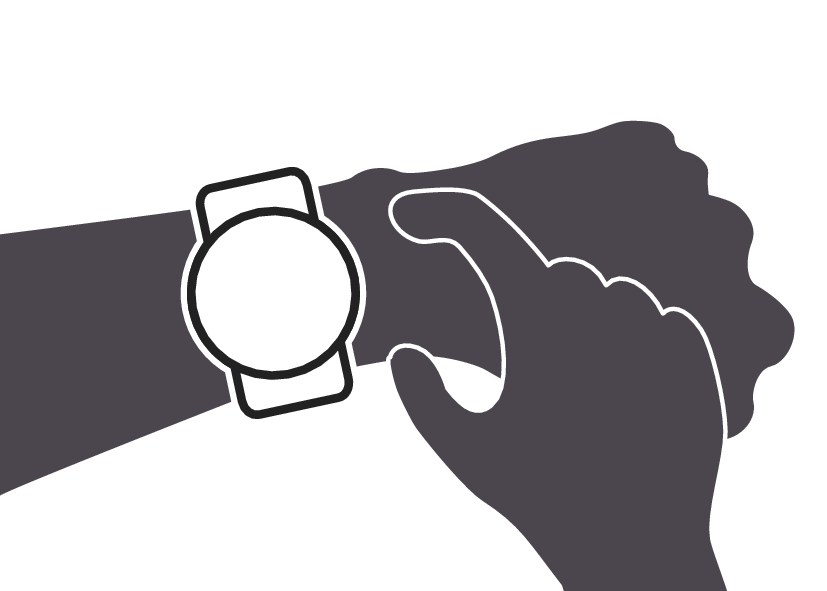
Fasten the watch to your wrist.
-
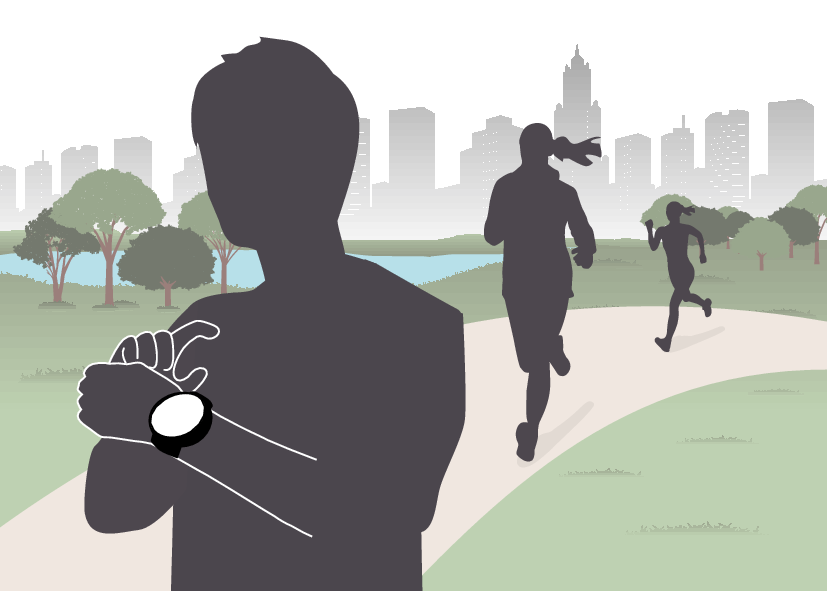
Select the activity you want to measure.
-
Start measuring the activity.
-
Save your measurement data and check the summary screen.
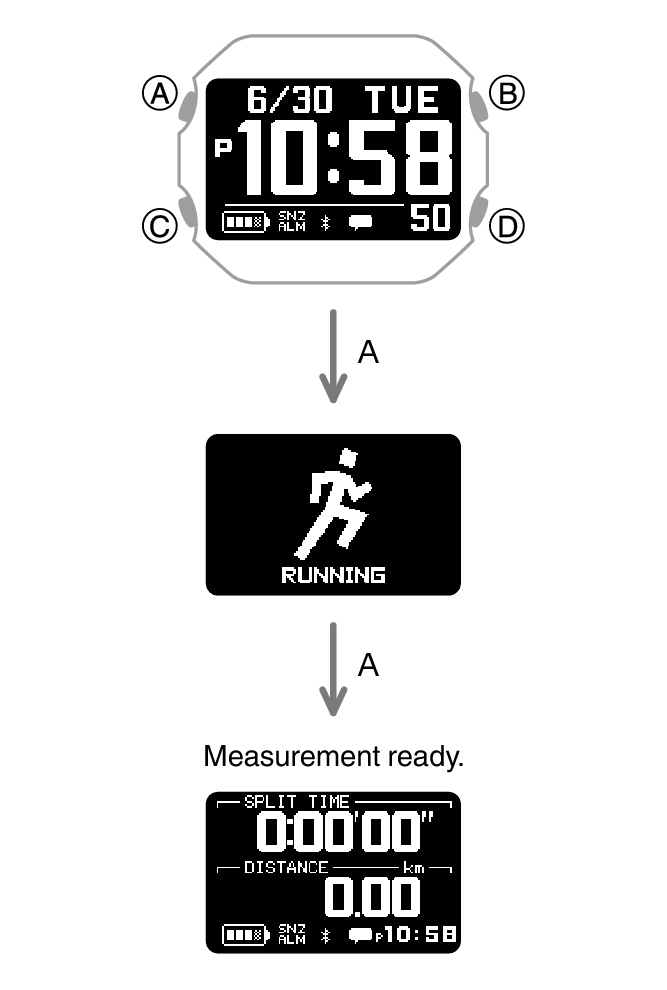
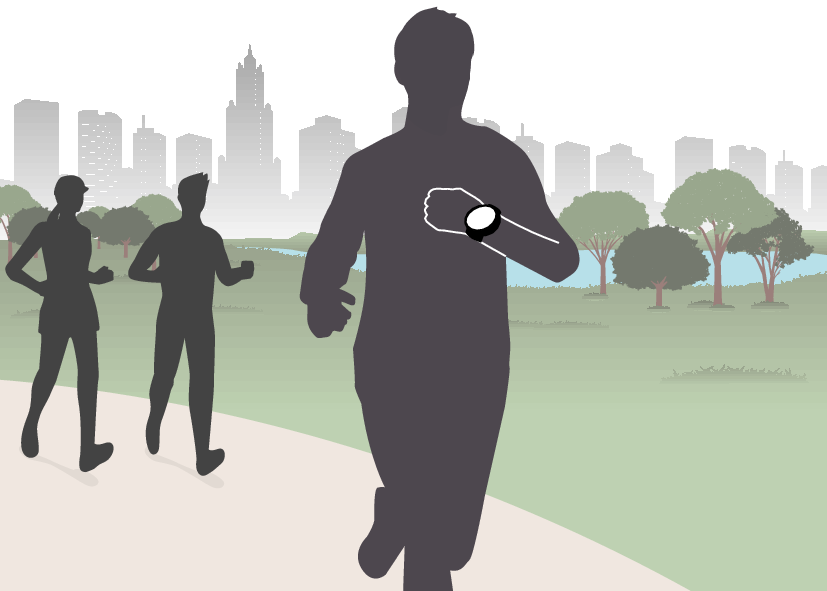
While measurement is in progress, you can use (C) to scroll through measurement screens.
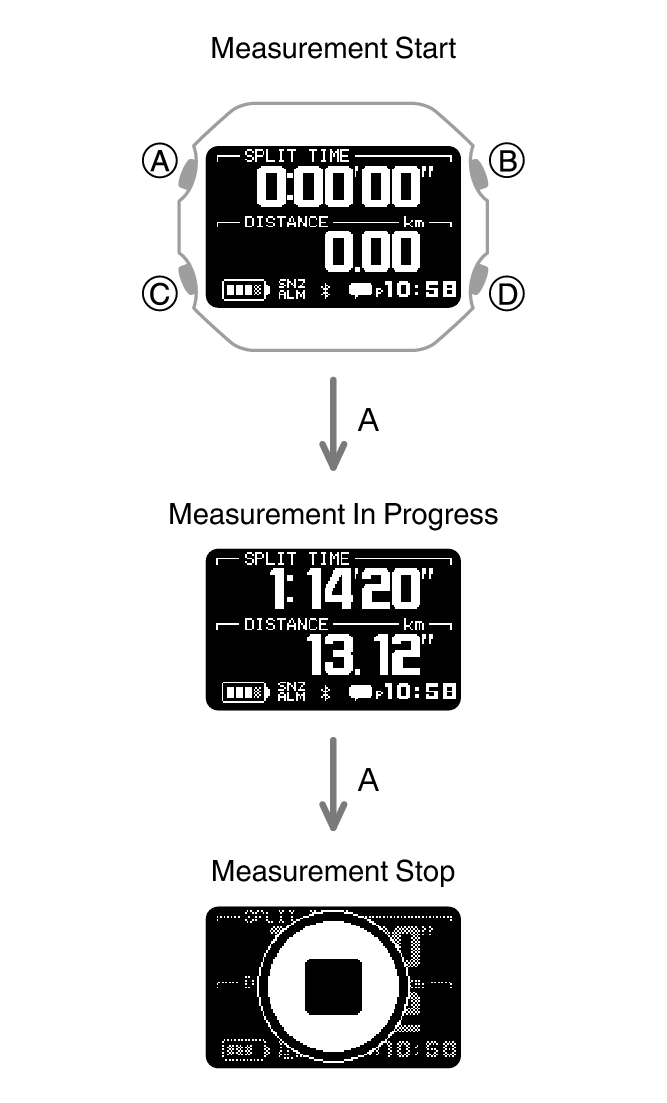
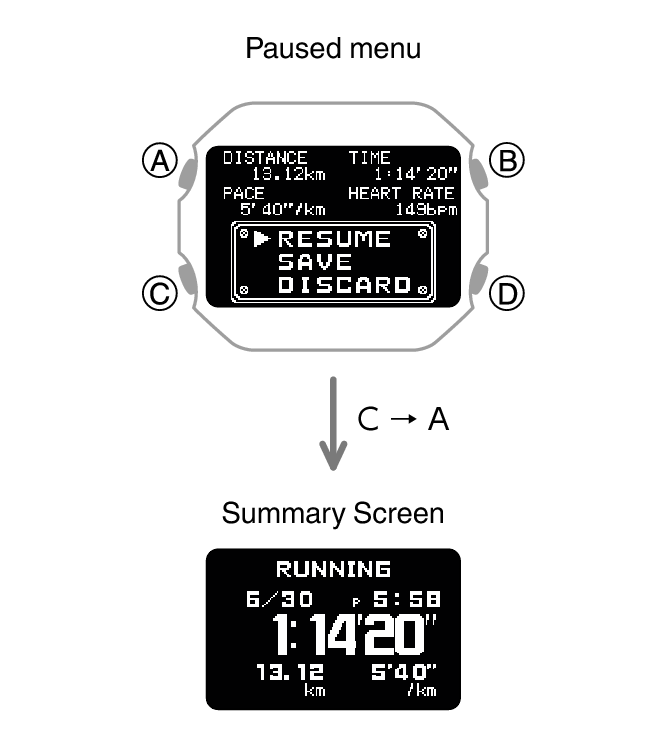
You can use (C) to scroll between summary screens. The display returns to the current time after a preset amount of time or when (D) is pressed.
Useful Functions
You can customize the activity measurement settings below to allow more effective measurement.
Auto lap measurement, Auto lap distance
Auto pause
Heart Rate Zone
Besides these, other settings can be customized. For details, see the information below.