Using the Phone App to View Activity Results
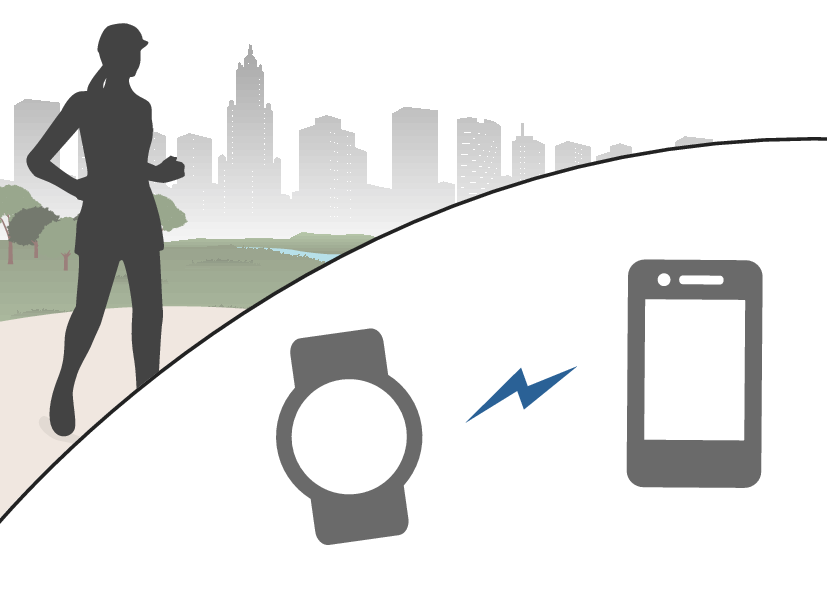
You can use the “CASIO WATCHES” phone app to view activity data you measured with the watch.
The flow of this operation is shown below.
Getting Ready
Install the “CASIO WATCHES” app on your phone and then pair the watch with your phone.
Using the CASIO WATCHES app to Check Measurement Results
-
Start measuring the activity.
-
Transfer the measurement data to your phone.
-
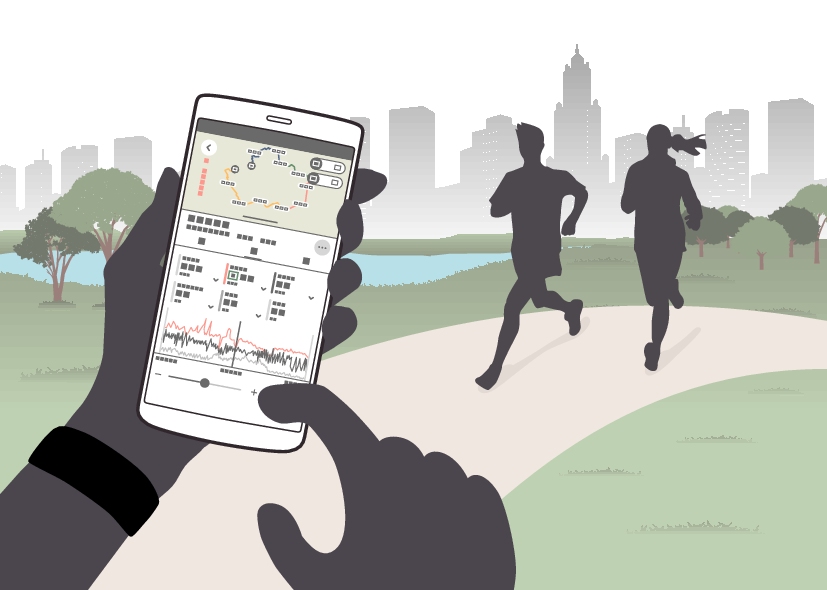
Use the CASIO WATCHES app to check the measurement results.
If the watch is connected to the your phone, the measurement data will be automatically transferred to the phone immediately after the measurement operation ends.
Note
If the watch is not connected to your phone or if the data cannot be transferred for some reason, restart the CASIO WATCHES app and then reconnect the watch to your phone.
Useful Functions
You can customize the activity measurement settings below to allow more effective measurement.
Activity Measurement Screen
Auto lap measurement, Auto lap distance
Auto pause
Training Alert
Heart Rate Zone
By linking with the CASIO WATCHES phone app, you can display the running distance and pace using the location information from your phone.
Besides these, other settings can be customized. For details, see the information below.