Module No. 3573
Turning Off Time Flash
You can use the procedure below to turn off Time Flash.
To turn Time Flash back on, perform the procedure below again to select the desired Time Flash setting.
-
Enter the Time Flash Mode.
-
Hold down (A) for at least two seconds.
-
Press (A) three times.
-
Press (B) to turn off Time Flash.
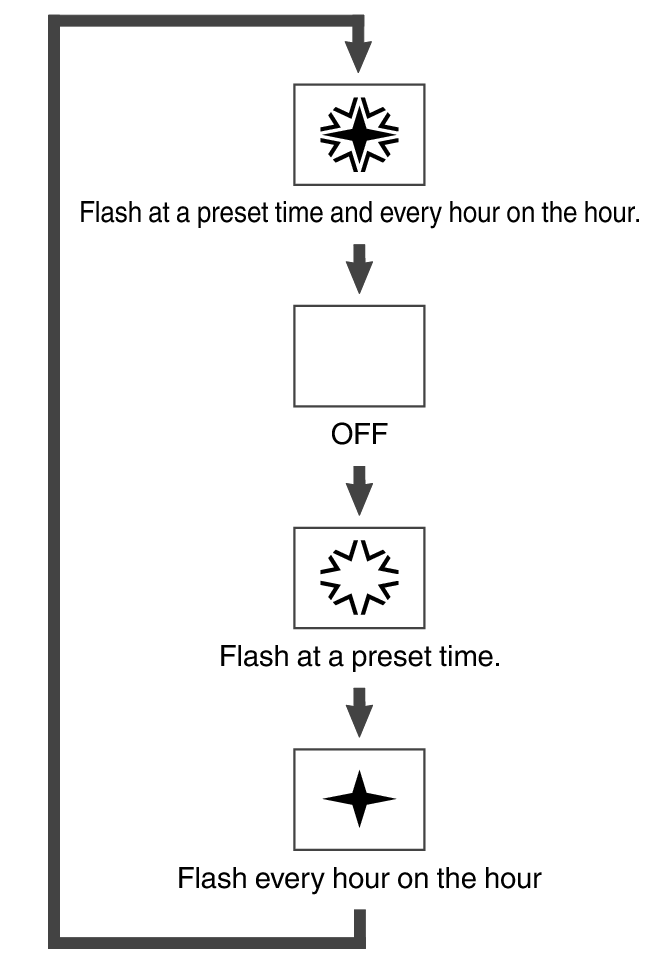
Press (B) to cycle the Time Flash setting in the sequence shown below.