Other Settings
This section explains other watch settings you can configure.
Resetting Watch Settings
This section explains how to return the watch settings below to their initial factory defaults.
Watch Settings
Stopwatch
-
Enter the Timekeeping Mode.
-
Pull out the crown.
-
Hold down (A) for at least five seconds.
-
Push the crown back in.
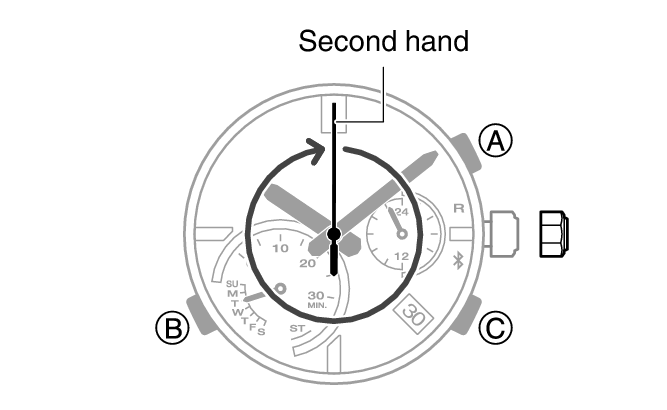
The second hand points to 12 o’clock.
After reset is complete, the second hand will make one full rotation. About three seconds after you release the button, the second hand will make one full rotation.