
Module No. 5735
Setting the Countdown Start Time
The start time can be set in 1-minute units up to 60 minutes.
If a timer countdown operation is in progress, reset the timer to its current start time before performing this operation.
-
Enter the Timer Mode.
-
Hold down (A) for at least two seconds. Release the button when the minutes setting starts to flash.
-
Use (B) and (D) to change the timer minutes setting.
-
Press (A) to complete the setting operation.
This is the setting mode. The hands automatically shift out of the way for easy viewing of the display and other indicators.
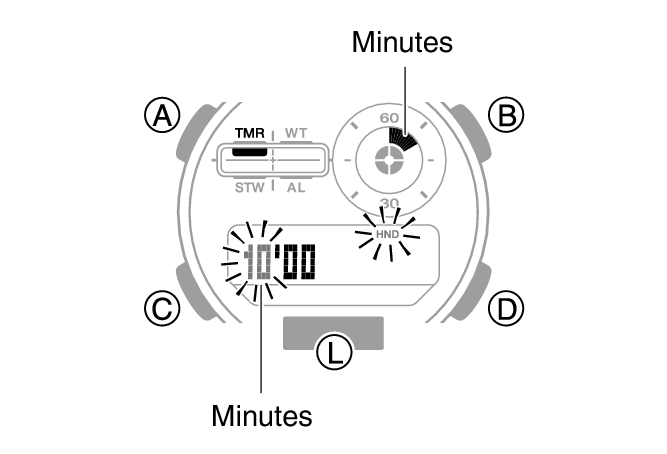
Holding down (B) or (D) scrolls through settings at high speed.
Note
While the setting is being configured, the watch will exit the setting operation automatically after about two or three minutes of non-operation.