Module No. 5728
Adjusting Hand and Day Indicator Alignment
If the hands and/or day indicator are out of alignment even though auto time correction is being performed, you can use the CASIO WATCHES phone app to adjust them.
-
 Tap the “CASIO WATCHES” icon.
 -
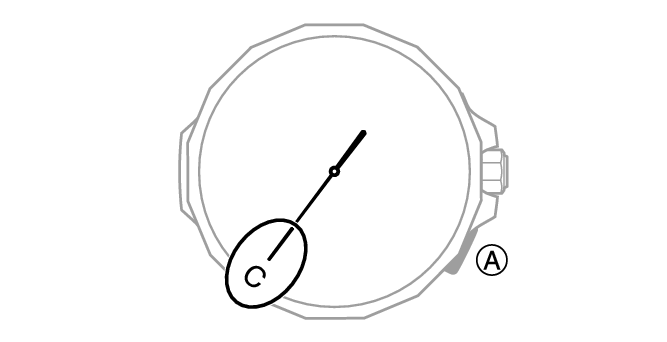
 Hold down (A) for at least 2.5 seconds.
 -
Perform the operation shown on the phone screen to correct hand and day indicator alignment.
This establishes a connection between the watch and phone.