Module No. 5672
Changing the Home City Summer Time Setting
-
 Tap the “CASIO WATCHES” icon.
 -
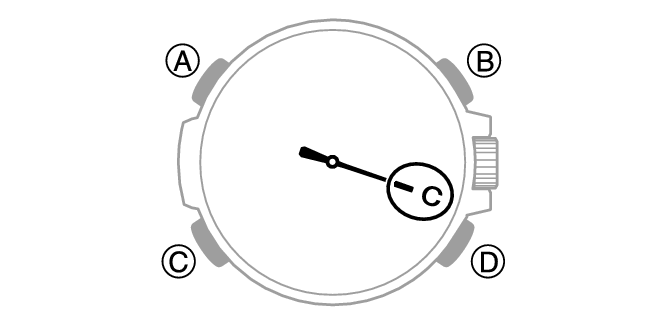
 Hold down (C) for at least 2.5 seconds until the second hand points to [C].
 -
Perform the operation shown on the phone screen to change your Home City summer time setting.
This establishes a connection between the watch and phone.