
Unpairing
Unpairing the watch from a phone requires both CASIO WATCHES and watch operations.
Deleting Pairing Information from CASIO WATCHES
-
1.
 If the watch is connected with a phone, press any button to terminate the connection.
 -
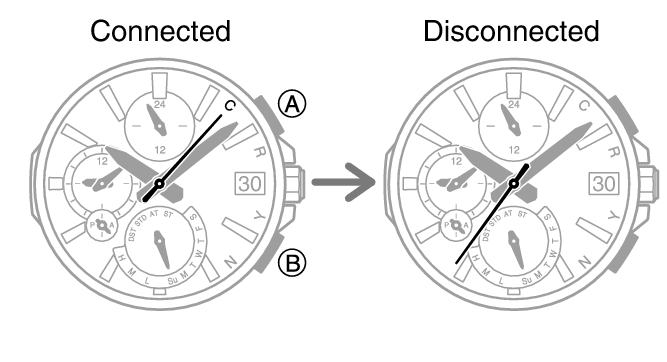
-
2.
 Tap the “CASIO WATCHES” icon.
 -
3.
Perform the operation shown on the phone screen to unpair.
Deleting Pairing Information from the Watch
-
1.
Pull out the crown to the first click. -
2.
Hold down (B) for at least 10 seconds. -
This deletes the pairing information. The second hand will point to [C].
-
3.
Push the crown back in.
 Top of page