
Module No. 3573
Configuring Dual Time Settings
Dual Time lets you set the current time in another time zone in addition to your current location time.
-
Enter the Dual Time Mode.
-
Hold down (A) for at least two seconds.
-
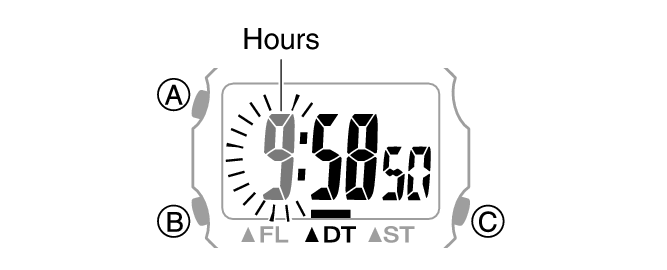
Use (B) to change the hour setting.
-
Press (A).
-
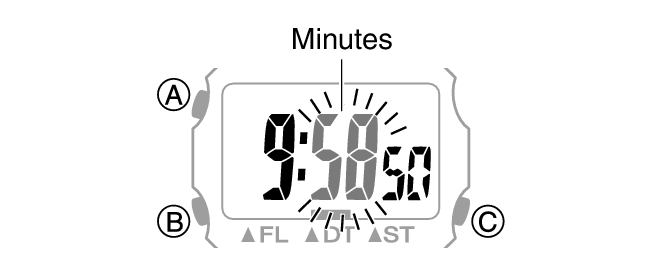
Use (B) to change the minute setting.
-
Press (A).
-
Press (B) to select 12-hour or 24-hour timekeeping.
-
Press (A) to complete the setting operation.
This causes the light to turn on momentarily and the hour to flash.
The light may not be visible when ambient lighting is bright.
This causes the minutes digits to flash.
Either [12H] or [24H] will flash on the display.

Each press of (B) toggles between 12-hour and 24-hour timekeeping.
[P] is displayed during p.m. times while 12-hour timekeeping is being used.