Module No. 3573
Viewing the Time in the Dark
A light illuminates the face for viewing in the dark.
Turning On Display Illumination
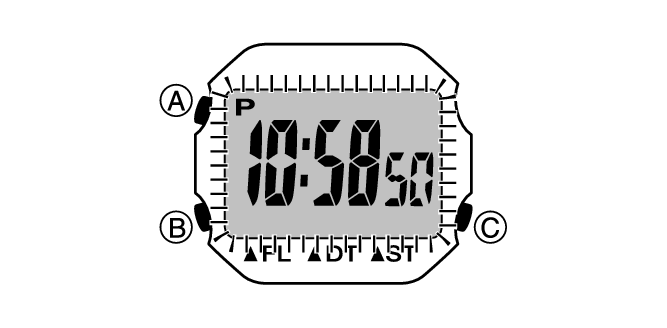
Press (C) to turn on illumination.
Important!
Frequent use of illumination will run down the battery.

A light illuminates the face for viewing in the dark.
Press (C) to turn on illumination.
Frequent use of illumination will run down the battery.