
Module No. 3569
Viewing the Face in the Dark
The watch has a light that illuminates the face for viewing in the dark.
Note
Frequent use of illumination runs down the battery.
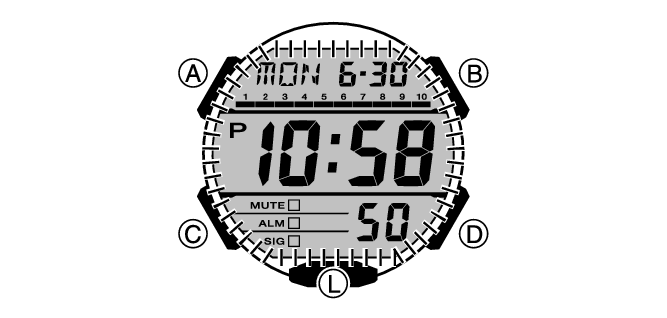
To illuminate the face manually
Press (L) to turn on illumination.
Illumination turns off automatically if an alarm starts to sound.
To illuminate the face when Auto Light is enabled
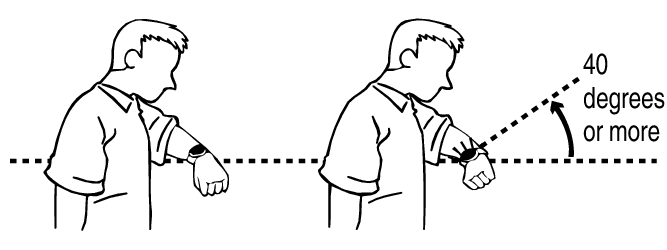
If Auto Light is enabled, face illumination will turn on automatically whenever the watch is positioned at an angle of 40 degrees or more.
Important!
Auto Light may not operate properly when the watch is at a horizontal angle of 15 degrees or greater from horizontal as shown in the illustration below.

Electro-static charge or magnetism can interfere with proper auto light operation. If this happens, try lowering your arm and then angle it towards your face again.
When moving the watch you may note a slight rattling sound. This is due to operation of the auto light switch, which determines the current orientation of the watch. It does not indicate malfunction.
Note
Auto Light is disabled when any one of the conditions below exists.
While an alarm, timer alert, or other beeper is sounding
Configuring the Auto Light Setting
-
Enter the Timekeeping Mode.
-
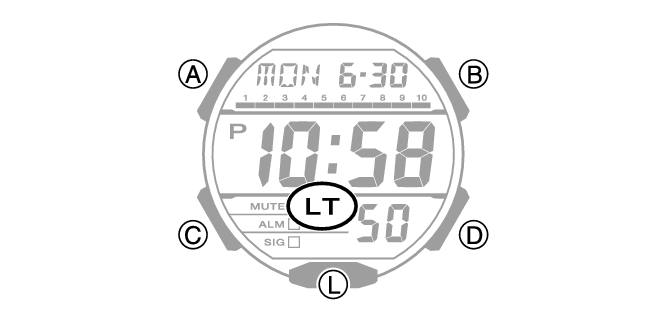
Hold down (L) for at least three seconds to toggle Auto Light between enabled and disabled.
[LT] is displayed while Auto Light is enabled.
Note
After you enable Auto Light, it remains enabled for approximately six hours (unless you turn it off manually). After six hours, Auto Light becomes disabled automatically to conserve battery power.
Specifying the Illumination Duration
You can select either 1.5 seconds or three seconds as the illumination duration.
-
Enter the Timekeeping Mode.
-
Hold down (A) for at least one second. Release the button when the seconds start to flash.
-
Press (C) nine times.
-
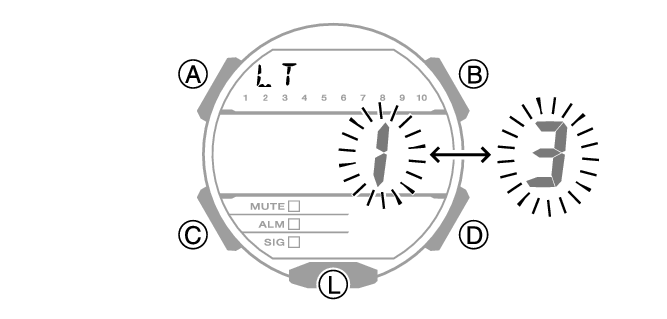
Press (D) to select an illumination duration.
-
Press (A) to complete the setting operation.
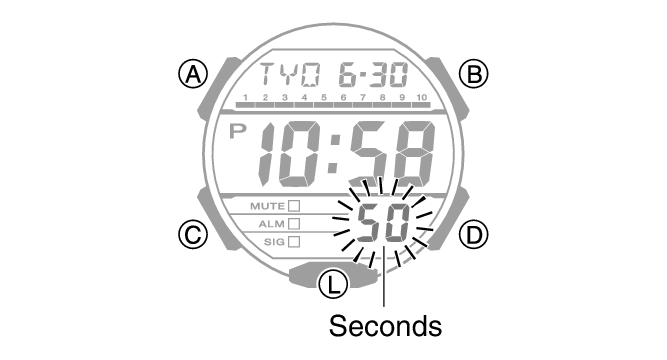
[LT] appears on the display with [1] or [3] flashing.
[LT1]: 1.5-second light
[LT3]: 3-second light
Note
While the setting is being configured, the watch will exit the setting operation automatically after about two or three minutes of non-operation.