
Module No. 3537
Stopping an Alarm or the Hourly Time Signal
To stop an alarm or the hourly time signal from sounding, perform the steps below to turn it off.
To have an alarm or hourly time signal sound again, turn it back on.
Note
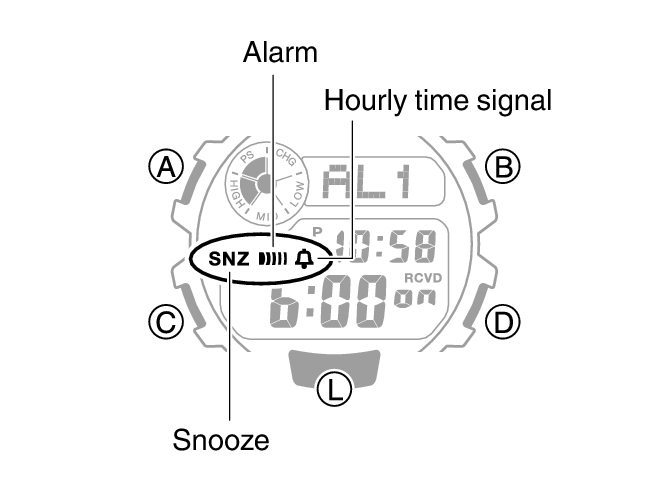
Indicators are displayed while any of the alarms or the hourly time signal is turned on.
The applicable indicators are not displayed while all of the alarms are turned off and/or the hourly time signal is turned off.
-
Enter the Alarm Mode.
-
Press (D) to scroll through alarm ([1] to [4], [SNZ]) and hourly time signal ([SIG]) screens until the one you want to configure is displayed.
-
Press (B) to turn off the displayed alarm or the hourly time signal.
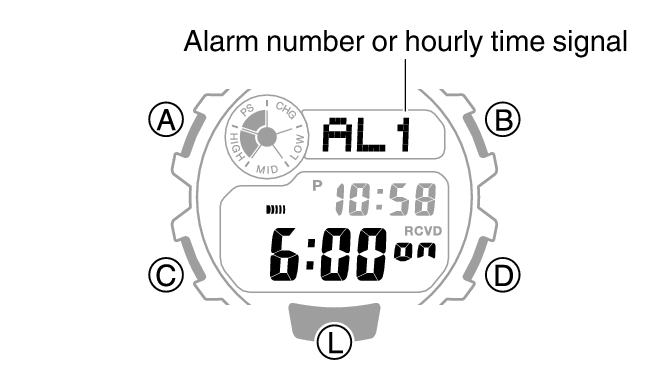
Each press of (B) toggles between on and off.
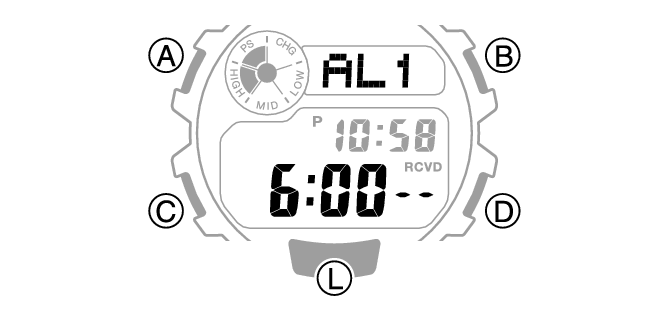
Turning off an alarm causes  (alarm) to disappear from the display. Turning off the hourly time signal causes
 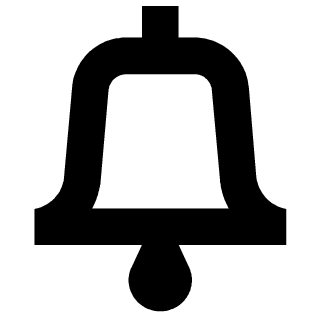 (hourly time signal) to disappear.
Note
If (alarm) is still displayed after you turn off an alarm, it means that at least one of the other alarms is still turned on. To turn off all of the alarms, repeat steps 2 and 3 until the (alarm) indicator is no longer displayed.