Functieanalyse
Dit hoofdstuk legt de commando’s en functies uit die u kunt invoeren na de bewerking:  – [Func Analysis].
Logarithm(logab), Logarithm(log)
Gebruik 
 (log) of – [Func Analysis] > [Logarithm(log)] om logab als log (a, b) in te voeren. Grondtal 10 is de originele standaardinstelling, als u voor a niets invoert.
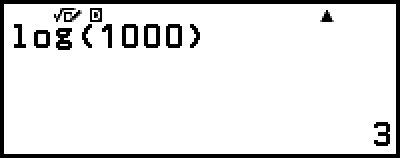
Voorbeeld 1: log101000 = log 1000 = 3
- (log)1000


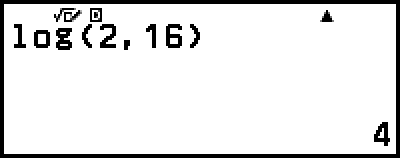
Voorbeeld 2: log216 = 4
- (log)2(,)16
De  -toets (of – [Func Analysis] > [Logarithm(logab)]) kan ook worden gebruikt om in te voeren, maar alleen terwijl MathI/MathO of MathI/DecimalO is geselecteerd voor Input/Output in het menu SETTINGS. In dit geval moet u voor het grondtal een waarde invullen.
Voorbeeld 3: log216 = 4
- 2
 16
16 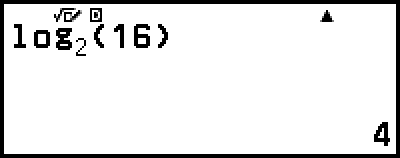
Natural Logarithm
Gebruik (ln) of – [Func Analysis] > [Natural Logarithm] om ‘ln’ in te voeren.
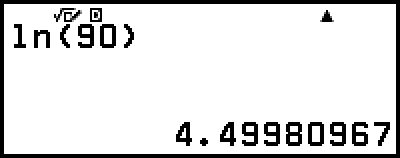
Voorbeeld: ln 90 (= loge90) = 4,49980967
- (ln)90