Calculation History and Replay
Calculation History
An  and/or
  at the top of the screen indicates more calculation history content above and/or below. You can scroll through calculation history contents using
  and
and  .
.
Apps that support calculation history:
Calculate, Complex, Base-N
Example
2 + 2 = 4
- 2
 2
2
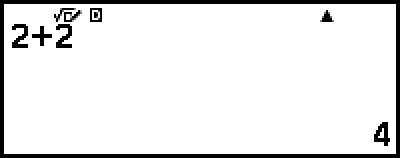
3 + 3 = 6
- 33
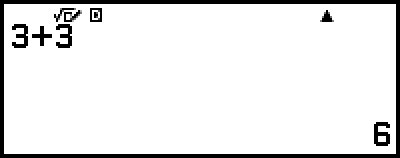
(Scrolls back.)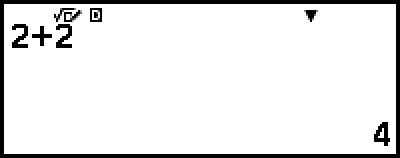
Note
Calculation history data is all cleared whenever you press  or
or  , when you change the Input/Output setting, or whenever you perform a Reset operation ("Settings & Data" or "Initialize All").
Replay
While a calculation result is on the display, you can press  ,
,  or
or  to edit the expression you used for the previous calculation.
Example
4 × 3 + 2 = 14
- 4
 32
32 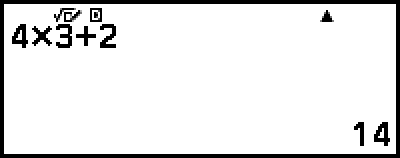
4 × 3 - 7 = 5
- (Continuing)

 7
7 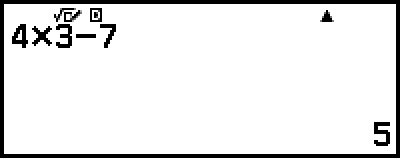
Note
If  (left) or
  (right) is displayed on either end or both ends of a calculation result line, you can use and to scroll the line left and right. If this happens, press or
  first, and then use and to edit the expression.