LABEL DESIGN MAKER (for Mac)
- Q36
- How do I find out the printer's MAC address?
- A36
(1) On the menu bar, click "Settings" and then select "Wireless LAN settings". (2) Select the printer you want to connect. (3) Click "Access point connect." 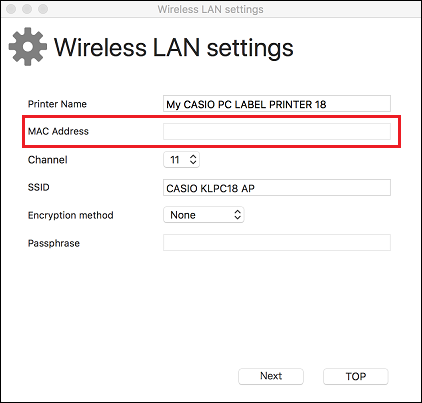

 WORLDWIDE
| (1) | On the menu bar, click "Settings" and then select "Wireless LAN settings". |
| (2) | Select the printer you want to connect. |
| (3) | Click "Access point connect." |